
Local Proxy Guide: Secure Browsing Tips for 2025
In 2025, cyber threats and data privacy issues are rising fast, making secure browsing a must for everyone. This guide shows how a local proxy can help you browse the internet safely, privately, and efficiently in a world full of surveillance. You will discover what a local proxy is, why it matters, and how to set up and maximize its benefits. Real risks are everywhere, but with the right tools, you can protect your digital life and take control of your online safety.
Understanding Local Proxies: What They Are and Why They Matter
With the internet landscape in 2025 shaped by advanced tracking and aggressive data collection, the local proxy has become a critical tool for privacy-conscious users and organizations. But what exactly is a local proxy, and why is it so vital for secure browsing today?
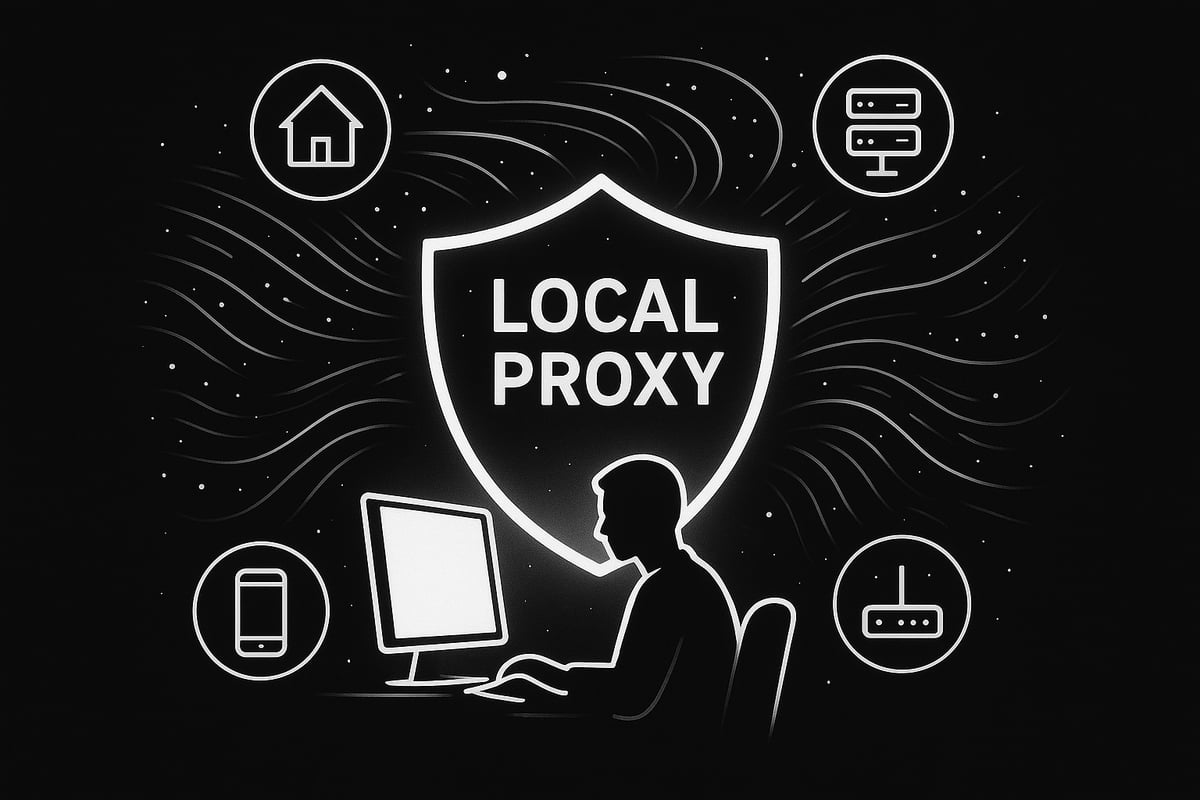
What Is a Local Proxy and How Is It Different?
A local proxy is an intermediary server that sits between your device and the wider internet, managing and redirecting your web traffic. Unlike remote or cloud-based proxies, a local proxy operates closer to the user's network or device, often running on a home server or local machine.
What sets the local proxy apart from other types? Let's break it down:
| Proxy Type | Source of IP | Typical Use Cases | Key Feature |
|---|---|---|---|
| Local Proxy | User's network | Privacy, access control | Proximity to device |
| Residential | Real user devices | Web scraping, geo-testing | Authenticity |
| Datacenter | Data centers | Speed, bulk requests | High performance |
| Mobile | Mobile carriers | App testing, ad verification | Mobile identity |
| ISP | ISPs' static pools | Long-term sessions | Stability |
The local proxy stands out for its ability to give users direct control over their browsing privacy and security, making it a popular choice in both personal and business settings.
Core Functions: Privacy, Security, and Control
The primary role of a local proxy is to mediate all web requests and responses. This process brings three major benefits:
- IP Masking: The local proxy hides your real IP address, making it much harder for websites and trackers to pinpoint your location or identity.
- Content Filtering: You can block unwanted ads, trackers, or even specific websites before they ever reach your device.
- Traffic Control: A local proxy lets you monitor, log, or restrict certain activities, adding another layer of security to your browsing sessions.
These core functions are essential for anyone looking to enhance privacy and bypass region-based restrictions.
Real-World Applications and Examples
Wondering how a local proxy works in practice? Here are a few scenarios:
- Accessing streaming platforms or news sites that are only available in certain countries.
- Preventing companies from tracking your browsing habits across multiple websites.
- Collecting data from public web pages for research or business intelligence, while remaining anonymous.
Businesses are increasingly adopting local proxy setups for activities like web scraping, price monitoring, and ad verification, leveraging the control and privacy these proxies provide.
Key Statistics: Why Local Proxies Matter in 2025
The demand for proxy solutions has skyrocketed. In 2025, there are more than 150 million proxy IPs available globally, according to Bright Data. This explosive growth highlights how users and organizations are prioritizing privacy and security.
Local proxies have become foundational for secure browsing, especially as digital surveillance expands. Whether for personal use or business, the local proxy is now a must-have tool for anyone serious about online safety.
Common Misconceptions: Proxies vs. VPNs and More
Many people confuse a local proxy with a VPN, but they serve different purposes. While both can hide your IP, a VPN encrypts all your internet traffic, whereas a local proxy typically works on a per-application or per-protocol basis. Another myth is that proxies are always slow or unreliable, when in reality, a well-configured local proxy can be both fast and robust.
To dive deeper into the myths and facts around proxies, check out Myths vs Reality: Proxies.
The Growing Need for Local Proxies
With online surveillance and data mining at an all-time high, the local proxy is more relevant than ever. As privacy threats evolve, so do the tools that help you stay one step ahead. Whether you're looking to protect personal information or keep your business data secure, a local proxy is a smart, future-proof solution.
Types of Local Proxies and Choosing the Right One
Choosing the right local proxy can feel overwhelming with so many options available in 2025. Understanding the differences between proxy types is essential for building a secure, private browsing experience. Let us break down the main categories, help you compare their strengths, and guide you to the best choice for your needs.
Residential, Datacenter, Mobile, and ISP Proxies Explained
Local proxy solutions come in four main types, each with unique benefits. Residential proxies use IP addresses assigned to real households. This makes them hard to block and ideal for accessing region-locked content or avoiding bans. Datacenter proxies operate from powerful servers in data centers, delivering high speeds and reliability for tasks like web scraping or gaming. Mobile proxies route traffic through mobile carrier networks, offering dynamic IPs that are perfect for social media automation or ad verification. ISP proxies combine features of residential and datacenter proxies, offering static residential IPs with the speed of a data center.
Here is a quick comparison:
| Proxy Type | Source | Best Use Cases | Typical Speed | Privacy Level |
|---|---|---|---|---|
| Residential | Real Devices | Streaming, scraping, bypass | Moderate | High |
| Datacenter | Data Centers | Gaming, scraping, testing | Very High | Moderate |
| Mobile | Carrier IPs | Social media, ads, research | Moderate | High |
| ISP | Static Res/IP | Automation, compliance | High | High |
As of 2025, residential proxies are available in over 195 countries, while datacenter proxies can offer up to 10Gbps bandwidth. Security and privacy vary: residential and mobile proxies are tough to detect, while datacenter proxies can be easier to flag. For a deeper dive, see Types of Proxy Servers Explained.
Key Criteria for Selecting a Local Proxy Provider
When selecting a local proxy provider, several factors should be top of mind. Speed is crucial for streaming, gaming, and scraping. Reliability ensures your connection stays stable, especially for business operations. The size and diversity of the IP pool affect your ability to avoid bans and access different regions. Rotation frequency - how often your proxy IP changes - can impact privacy and success rates for automation.
Look for providers that support both IPv4 and IPv6 to future-proof your setup. A strict zero-log policy is vital for privacy, as is clear information about how your data is handled. Check for responsive customer support and transparent user reviews. Leading providers now boast 99.95% or higher connection success rates, showing the maturity of the local proxy market.
Review compliance with privacy regulations and make sure the provider’s practices align with your legal obligations. Compare these key features side by side to find the right fit for your local proxy needs.
PinguProxy: High-Speed, Secure Local Proxy Solutions
PinguProxy is a standout in the local proxy space, offering high-speed datacenter and mobile proxies with full IPv4/IPv6 support. Their zero-log policy ensures your browsing stays private, while rapid 1ms proxy rotation helps avoid detection and blocks. You get unlimited access, up to 10Gbps bandwidth, and round-the-clock customer support.
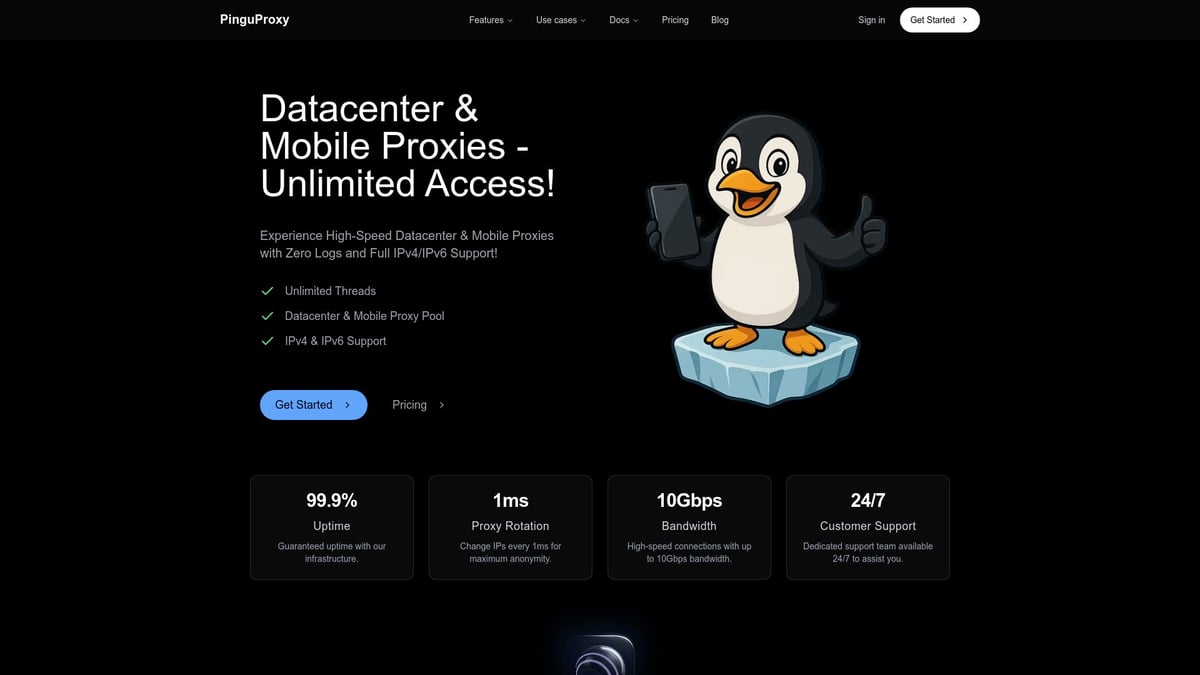
PinguProxy is ideal for web scraping, gaming, unlocking restricted content, and privacy-focused browsing. Unique benefits include free mobile and TOR proxies bundled with all plans, a simple management dashboard, and affordable pricing. Whether you are a solo user or a business, PinguProxy makes managing your local proxy setup efficient and secure.
Step-by-Step Guide: Setting Up a Local Proxy for Secure Browsing
Setting up a local proxy is a smart move for anyone serious about safer and more private internet use. Whether you need extra privacy, want to access restricted content, or just want better control over your web traffic, the right setup makes all the difference.
Below, you’ll find clear steps for setting up a local proxy on any device, from initial preparation to advanced automation.
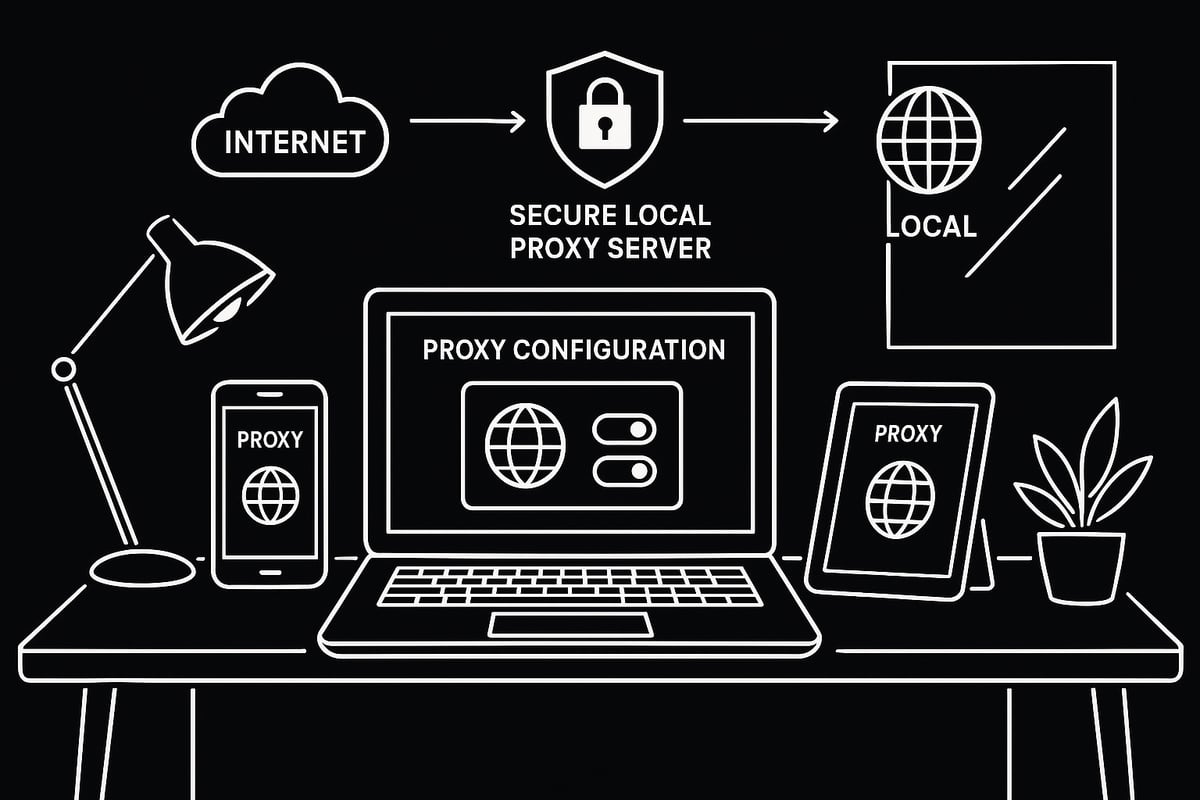
Preparing for Proxy Setup: What You Need
Before you start configuring a local proxy, gather all the details you’ll need. This includes the proxy server IP address, port number, and any authentication credentials provided by your proxy provider.
Next, check the compatibility of your device and operating system. Most platforms, including Windows, macOS, Linux, iOS, and Android, support local proxy configurations, but it’s always best to verify beforehand.
Backup your current network settings so you can easily revert if needed. Using a trusted proxy provider with a clear privacy policy is essential, as your online safety depends on it.
For example, setting up an Azure local proxy requires admin credentials and precise proxy server details. Taking a few minutes to prepare now ensures a smooth process later.
Configuring Proxy Settings on Major Platforms
Configuring a local proxy is straightforward once you have the right information. Below, you’ll find platform-specific instructions for all major systems.
Windows
- Open Settings and navigate to Network & Internet > Proxy.
- Under Manual proxy setup, toggle Use a proxy server to On.
- Enter your local proxy IP address and port.
- Save changes.
Alternatively, for command-line users:
netsh winhttp set proxy proxy-server="http=127.0.0.1:8080"
macOS
- Go to System Settings > Network.
- Select your active network, click Details, then Proxies.
- Enable the required proxy protocol (HTTP, HTTPS, SOCKS).
- Enter your local proxy details and click OK.
Linux
For environment variables:
export http_proxy="http://127.0.0.1:8080"
export https_proxy="http://127.0.0.1:8080"
Or use Network Manager for a GUI approach.
iOS
- Open Settings > Wi-Fi, tap your connected network.
- Scroll to HTTP Proxy, select Manual.
- Enter your local proxy IP and port.
Android
- Open Settings > Network & Internet > Wi-Fi.
- Long-press your connected network, tap Modify network.
- Set Proxy to Manual, input your local proxy details.
Browsers
For Chrome, Firefox, and Edge, proxies typically follow system settings, but you can set a local proxy in browser-specific settings or via extensions.
If you encounter connection errors or authentication failures, double-check your credentials and proxy server address. For a more detailed walkthrough, the Proxy Server Setup Guide offers step-by-step visuals for each platform.
Testing and Verifying Proxy Functionality
Once your local proxy is configured, it’s crucial to verify that everything works as expected. Start by visiting an IP check site to confirm your public IP address reflects the proxy, not your real one.
Next, run DNS leak tests to ensure your DNS queries are routed through the local proxy. Use security validation tools to check for data leaks or misconfigurations.
If you see error messages, review your proxy settings and credentials. Regularly testing your local proxy helps maintain privacy and keeps your connection secure.
Automating Proxy Management and Rotation
To take your local proxy setup to the next level, consider automation tools and scripts. These solutions can rotate proxies automatically, giving you fresh IP addresses every few seconds or minutes.
Benefits of rotating your local proxy include avoiding IP bans and keeping your browsing sessions stable. Many proxy providers offer dashboards for real-time management and scheduling proxy changes for tasks like web scraping or social automation.
You can integrate local proxy management with third-party apps and browsers for seamless operation. Automation streamlines your workflow and maximizes the security benefits of your local proxy.
Advanced Security: Maximizing Privacy with Local Proxies in 2025
Protecting your digital identity in 2025 demands more than just basic security habits. A local proxy is your first line of defense, but advanced techniques can take your privacy to the next level. Let’s explore how to maximize protection, outsmart trackers, and avoid common mistakes.
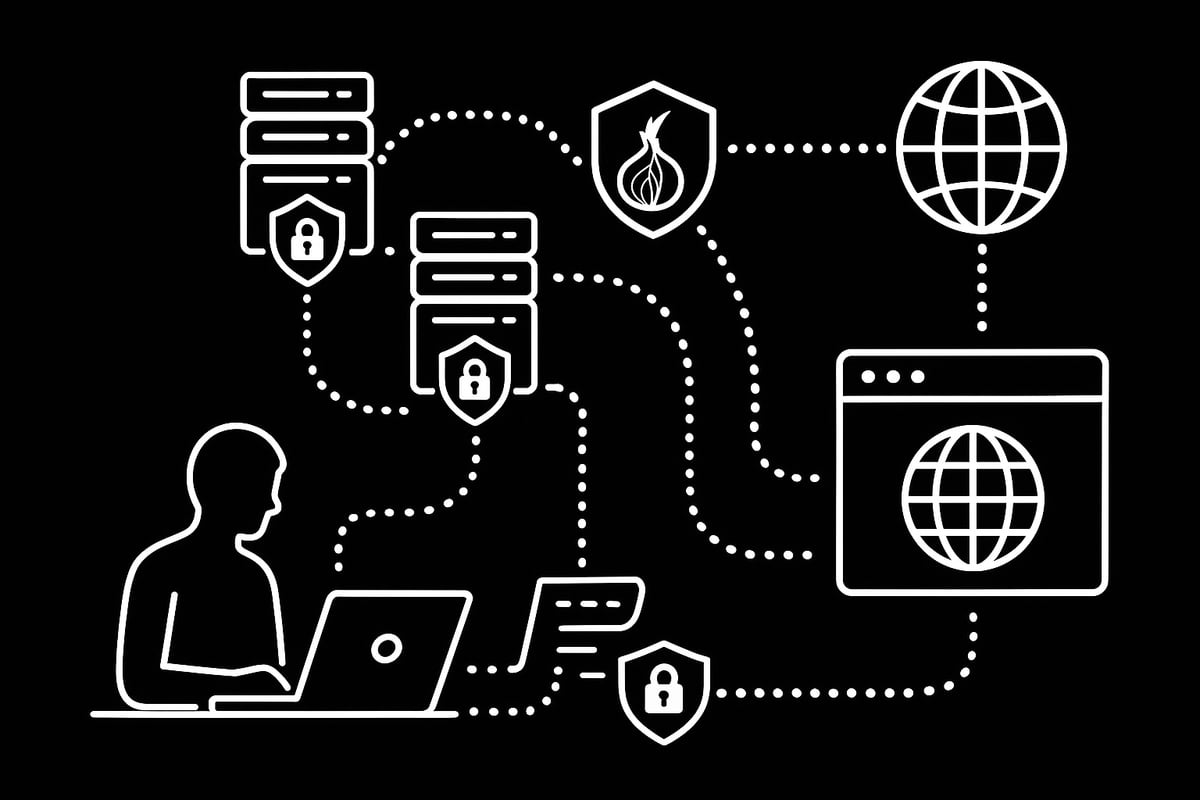
Enhancing Anonymity: Proxy Chains and TOR Integration
For those who need serious privacy, chaining multiple proxies together is a powerful approach. A local proxy can serve as the first hop, forwarding your connection through several other proxies, making it difficult for anyone to trace your activity back to you.
Integrating a local proxy with the TOR network further boosts anonymity. TOR routes your traffic through a global network of volunteer nodes, making your online actions extremely hard to monitor. Some providers, like PinguProxy, include TOR proxies as part of their plans.
Here’s a simple example of chaining proxies using proxychains in a Linux environment:
# Example proxychains configuration
socks5 127.0.0.1 9050  # Local proxy (TOR)
http   192.168.1.100 8080  # Datacenter proxy
While proxy chains and TOR offer strong privacy, they can slow your browsing and may cause compatibility issues with certain websites. According to Proxy Market Research 2025, the demand for advanced proxy configurations, including local proxy chains, is rising as users seek more robust anonymity solutions.
Zero-Log and Encryption Policies: What to Look For
When choosing a local proxy, zero-log policies are essential. This means your provider does not store records of your traffic, requests, or IP addresses. Without logs, even if a provider is compelled to share data, there’s nothing to hand over.
Encryption is another must-have. Look for local proxy services that support HTTPS or SOCKS5, which encrypt your data while in transit. This prevents snoopers from intercepting sensitive information.
Before committing to a provider, check for:
- Transparent privacy policies
- Independent audits or certifications
- Clear explanations of encryption protocols
A strong local proxy with zero-log and encryption policies keeps your browsing private and secure.
Bypassing Geo-Restrictions and Censorship
Many regions restrict access to information or streaming platforms. A local proxy is your ticket to bypassing these blocks. By routing your connection through a server in another country, you can view content as if you were physically located there.
This is invaluable for:
- Streaming region-locked media
- Conducting academic or business research
- Accessing news in censored regions
However, always consider the legal and ethical implications. Some countries have strict laws against circumventing online restrictions. The use of local proxy solutions for bypassing censorship is on the rise, reflecting a global push for open internet access.
Preventing Tracking, Fingerprinting, and Data Leaks
Websites use sophisticated methods like IP tracking, cookies, and browser fingerprinting to follow your online moves. A local proxy can mask your real IP, making it harder for trackers to build a profile on you.
For even more protection, combine your local proxy with anti-fingerprinting browser extensions and privacy-focused browsers. Remember to check for DNS and WebRTC leaks, which can reveal your true location even when using a proxy.
Steps for leak prevention:
- Use browsers that support proxy settings natively
- Run DNS leak tests regularly
- Disable WebRTC or use extensions to prevent leaks
A layered approach with a local proxy at its core is the best defense against digital surveillance.
Common Pitfalls and Security Mistakes to Avoid
Not all local proxy services are created equal. Free or poorly managed proxies can expose you to malware, data theft, or unreliable connections. Always choose trusted providers with strong authentication and up-to-date security protocols.
Common mistakes include:
- Using proxies without verifying their privacy policies
- Failing to update proxy software and device firmware
- Falling for phishing or scam proxy sites
Stay informed and review Ethical Proxy Usage Best Practices to ensure you’re using your local proxy responsibly and within legal boundaries.
By staying vigilant and following these advanced security strategies, you can make your local proxy a fortress against modern online threats.
Local Proxy Best Practices: Secure Browsing Tips for 2025
Staying safe online in 2025 means evolving your habits and tools. Using a local proxy is a great step, but how you maintain and manage it makes all the difference. Below are actionable best practices to help you stay secure, private, and efficient with your local proxy setup.
Keeping Your Proxy Configuration Up-to-Date
Regular updates are crucial for your local proxy’s security and performance. Proxy providers frequently release patches to address new threats and vulnerabilities. Make it a habit to check for updates not just for your proxy software, but also for your operating system and browser.
Create a monthly schedule to review your proxy settings. This includes verifying authentication credentials, server IPs, and port numbers. If your provider offers notifications or patch notes, subscribe to them for real-time alerts.
Back up your existing configuration before making changes. This precaution saves you time in case you need to roll back after an update. Consistency is also key: ensure all devices use the same up-to-date local proxy settings to avoid weak links in your network.
Combining Proxies with Other Security Tools
A local proxy alone is powerful, but combining it with other security tools builds a stronger defense. Pairing your local proxy with a VPN creates layered privacy, masking your IP at multiple points. Firewalls add another barrier to unauthorized traffic, while anti-malware solutions protect against malicious payloads.
Password managers and secure browsers work well alongside proxies. They help prevent credential leaks and block tracking scripts. For sensitive activities, consider using an encrypted DNS service in addition to your local proxy.
Here’s a quick checklist:
- Use a VPN and local proxy together for sensitive browsing
- Enable firewall rules for proxy traffic
- Update anti-malware tools regularly
- Store proxy credentials in a password manager
Combining these solutions ensures your digital footprint is smaller and harder to trace.
Monitoring Proxy Performance and Security
Ongoing monitoring helps you catch issues before they become threats. Track your local proxy’s connection speeds, latency, and uptime. Many providers promise high uptime - such as 99.99 percent - but it’s wise to verify this with your own analytics tools.
Set up alerts for authentication failures or unusual activity. Use dashboards to visualize data transfer volumes and connection histories. Regularly benchmark your speeds to ensure you’re getting the performance you expect.
For more insights into how proxy networks are evolving and which tools are most effective, check out recent Proxy Network Software Statistics 2025 for valuable trends and best practices. Staying proactive with monitoring helps you maintain a secure, high-performing local proxy setup.
Managing Multiple Proxies for Different Use Cases
Assigning the right local proxy to each task improves privacy and efficiency. For example, use datacenter proxies for web scraping, residential proxies for streaming, and mobile proxies for social automation. This division minimizes the risk of bans and data leaks.
Rotate proxies frequently to avoid detection, especially for business-critical operations. Organize your proxies into lists by region or use case. Automation tools can help you switch between proxies seamlessly, reducing manual errors.
A simple table can help you track assignments:
| Use Case | Proxy Type | Rotation Frequency |
|---|---|---|
| Web Scraping | Datacenter | Every request |
| Streaming | Residential | Daily |
| Gaming | ISP/Mobile | Weekly |
By aligning proxies with tasks, you maximize both privacy and productivity.
Staying Compliant and Ethical with Proxy Usage
Legal and ethical use of a local proxy protects you from serious consequences. Always read your provider’s terms of service and understand what activities are permitted. Avoid using proxies for spamming, illegal data scraping, or bypassing copyright restrictions.
Respect robots.txt directives on websites, and comply with data privacy laws like GDPR. Track your usage to ensure you’re not violating any regulations. Companies have faced penalties for unethical proxy use, so staying informed and transparent is vital.
If in doubt, consult legal counsel or your provider’s compliance team. Ethical local proxy usage builds trust and supports a healthier internet ecosystem. As regulations evolve, regular audits of your proxy practices will keep you safe.
Future Trends: What to Expect from Local Proxies in 2025 and Beyond
The local proxy landscape is evolving rapidly. Expect broader adoption of IPv6 proxies, smarter rotation algorithms, and integration with AI-powered security tools. Providers are expanding their networks to cover more regions and platforms, making privacy more accessible for everyone.
Automated threat detection and compliance checks will become standard features. Privacy regulations are also tightening, prompting providers to enhance transparency and user controls. For a deeper look at emerging market dynamics and regional growth, the Local Proxy Server Market Research Report 2033 offers valuable insights.
As demand for privacy-first browsing grows, staying informed about these trends will help you future-proof your local proxy strategy and remain ahead of new risks.Now that you know how local proxies can level up your online privacy in 2025, why not take action and secure your browsing experience today? Whether you’re looking to access restricted content, keep your data safe, or just browse with true peace of mind, having a reliable proxy provider by your side makes all the difference. With features like high speed access, zero log policies, and instant proxy rotation, it’s never been easier to stay ahead of digital threats. Ready to put these tips into practice? Get Started Now and take control of your online privacy.