
Proxy Add: Essential Guide to Adding Proxies in 2026
The ability to properly proxy add configurations to your applications and systems has become fundamental for businesses operating in today's digital landscape. Whether you're managing web scraping operations, protecting your online privacy, or accessing geo-restricted content, understanding how to add proxies correctly ensures optimal performance and security. This comprehensive guide walks you through everything you need to know about adding proxy servers to various platforms, from basic browser configurations to advanced automation setups that power enterprise-level operations in 2026.
Understanding What It Means to Proxy Add
When we discuss the concept of proxy add operations, we're referring to the process of configuring a proxy server as an intermediary between your device and the internet. This involves entering specific credentials, addresses, and port numbers into software applications so they route traffic through designated proxy servers rather than your direct IP address.
The term itself combines two fundamental concepts. Understanding the definition of proxy helps clarify that you're setting up an authorized intermediary, while the meaning of add emphasizes that you're joining or uniting this proxy configuration to your existing system architecture.
Core Components Required
Every successful proxy add operation requires several essential elements:
- Proxy IP address (IPv4 or IPv6 format)
- Port number (typically ranging from 1000 to 65535)
- Authentication credentials (username and password)
- Protocol type (HTTP, HTTPS, SOCKS4, or SOCKS5)
- Rotation settings (for rotating proxy configurations)
These components work together to establish a secure, functional connection between your application and the proxy server network.
Methods to Successfully Proxy Add Across Platforms
Different platforms and applications require specific approaches when you need to proxy add configurations. Understanding these variations ensures you can set up proxies wherever needed without compatibility issues or performance degradation.
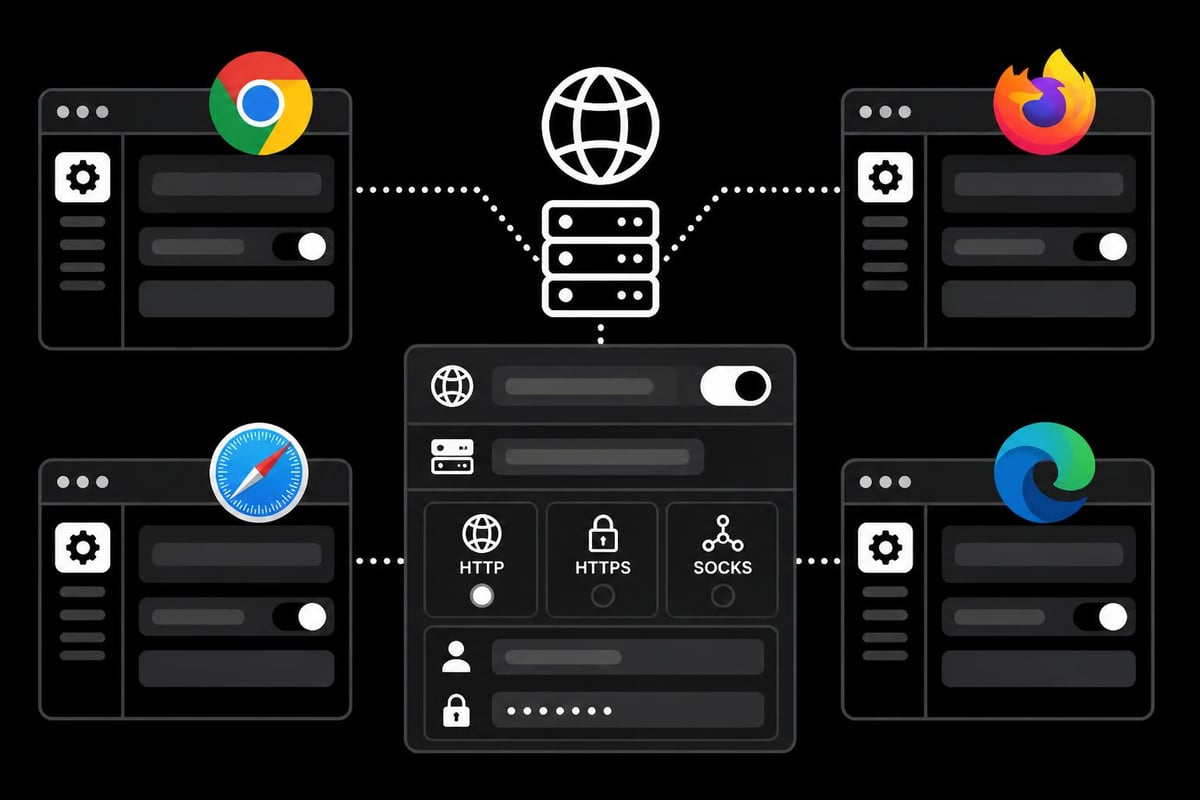
Browser-Based Proxy Add Procedures
Modern web browsers offer built-in functionality to proxy add configurations directly through their settings menus. Chrome and Edge users navigate through system proxy settings, while Firefox provides dedicated proxy management within the browser itself.
Chrome/Edge proxy add steps:
- Access system settings through the browser menu
- Navigate to network or connection settings
- Select manual proxy configuration option
- Enter proxy IP address and port number
- Configure authentication if required
- Apply and test the connection
Firefox proxy add process:
- Open browser settings menu
- Scroll to Network Settings section
- Choose Manual proxy configuration
- Enter separate HTTP, HTTPS, and SOCKS proxy details
- Configure no proxy exceptions if needed
- Save and verify functionality
Application-Specific Configuration
Many specialized applications, particularly those used for web scraping and automation, require direct proxy add configuration within their interface. Scraping tools, SEO software, and social media automation platforms typically include dedicated proxy management sections.
| Application Type | Configuration Location | Authentication Support | Rotation Options |
|---|---|---|---|
| Web Scrapers | Settings > Network | Username/Password | Yes |
| SEO Tools | Proxy Manager | API Key/Credentials | Advanced |
| Social Media Bots | Account Settings | IP Whitelist/Auth | Built-in |
| Gaming Clients | Network Settings | Limited | Manual |
The proxy add process in these applications often includes additional features like proxy testing, rotation intervals, and failure handling that aren't available in standard browser configurations.
Advanced Proxy Add Techniques for Enterprise Operations
Organizations handling large-scale operations need sophisticated methods to proxy add configurations across multiple systems simultaneously. Enterprise environments benefit from centralized proxy management solutions that distribute configurations automatically.
Programmatic Proxy Addition
Developers frequently need to proxy add settings through code when building automation scripts or web applications. Python, JavaScript, and other programming languages offer libraries specifically designed for proxy configuration.
Python example considerations:
- requests library supports proxy dictionaries
- Selenium WebDriver accepts proxy capabilities
- Scrapy framework includes built-in proxy middleware
- AsyncIO applications require proper proxy handling
JavaScript/Node.js approaches:
- axios library configuration objects
- puppeteer browser launch arguments
- fetch API proxy agent setup
- Environment variable management
These programmatic approaches enable rotating proxies for web scraping at scale, automatically switching between proxy servers to avoid detection and rate limiting.
Proxy Management Platforms
Dedicated proxy management platforms streamline the proxy add process across entire organizations. These systems centralize credential storage, automate distribution, and monitor proxy performance across all connected applications.
Key platform capabilities:
- Bulk proxy add operations for hundreds of addresses
- Automated health checking and failover
- Usage analytics and traffic monitoring
- Team-based access controls and permissions
- Integration with existing infrastructure
Organizations using residential proxies particularly benefit from management platforms that handle the complexity of rotating large proxy pools efficiently.
Common Challenges When You Proxy Add Configurations
Even experienced users encounter obstacles during the proxy add process. Understanding these common challenges and their solutions prevents frustration and downtime.
Authentication Failures
Authentication represents one of the most frequent issues when users proxy add credentials. Mistyped usernames, expired passwords, or incorrect formatting cause immediate connection failures.
Resolution strategies:
- Verify credentials directly with your proxy provider
- Check for special characters requiring URL encoding
- Confirm IP whitelist includes your current address
- Test authentication using curl or proxy testing tools
- Review proxy provider documentation for format requirements
Protocol Compatibility Issues
Not all applications support every proxy protocol. When you proxy add a SOCKS5 configuration to software expecting HTTP proxies, the connection fails without clear error messages.
| Protocol | Speed | Anonymity | Application Support | Best Use Case |
|---|---|---|---|---|
| HTTP | Fast | Basic | Universal | General browsing |
| HTTPS | Fast | Enhanced | Wide | Secure browsing |
| SOCKS4 | Medium | Good | Moderate | Legacy systems |
| SOCKS5 | Fast | Excellent | Growing | Modern applications |
Understanding these differences helps you proxy add the correct protocol for each specific use case, particularly when working with mobile proxies for specialized tasks.
Connection Timeout Problems
Timeout errors occur when proxy add configurations point to servers that are offline, overloaded, or geographically distant. These issues manifest as failed requests or extremely slow response times.
Troubleshooting approach:
- Test proxy connectivity using ping or telnet
- Verify proxy server status with your provider
- Check firewall rules blocking proxy ports
- Adjust timeout values in application settings
- Switch to alternative proxy addresses from your pool
Optimizing Performance After Proxy Add Implementation
Successfully adding proxies represents just the first step. Optimization ensures you extract maximum value from your proxy infrastructure while maintaining security and reliability.
Load Balancing Strategies
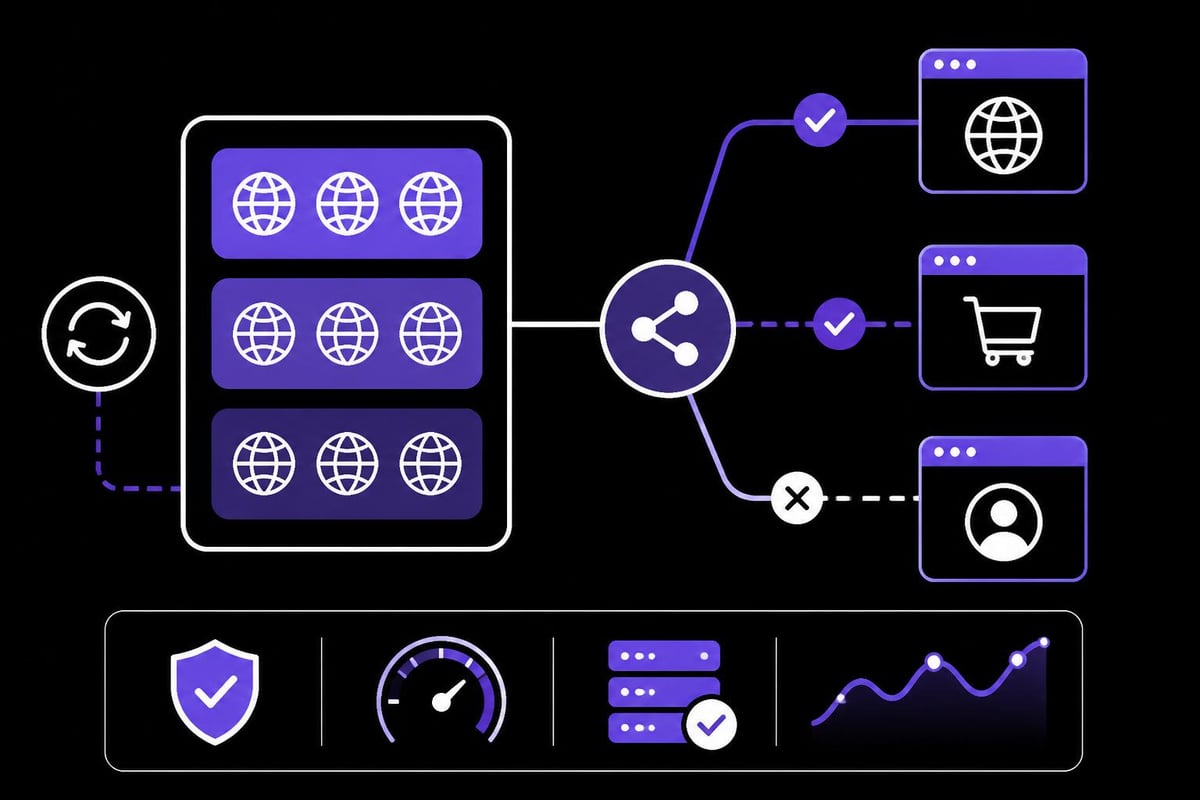
When you proxy add multiple addresses to your system, implementing effective load balancing distributes traffic evenly and prevents individual proxy overload. This becomes particularly crucial for high-volume operations like continuous web scraping or social media management.
Round-robin distribution: Cycles through available proxies sequentially, ensuring equal usage across your pool. This simple approach works well for similar proxy types with comparable performance characteristics.
Weighted distribution: Assigns traffic based on proxy performance metrics, routing more requests through faster, more reliable proxies while maintaining backup options for redundancy.
Geographic distribution: Routes requests through proxies closest to target servers, reducing latency and improving response times for location-sensitive operations.
Monitoring and Maintenance
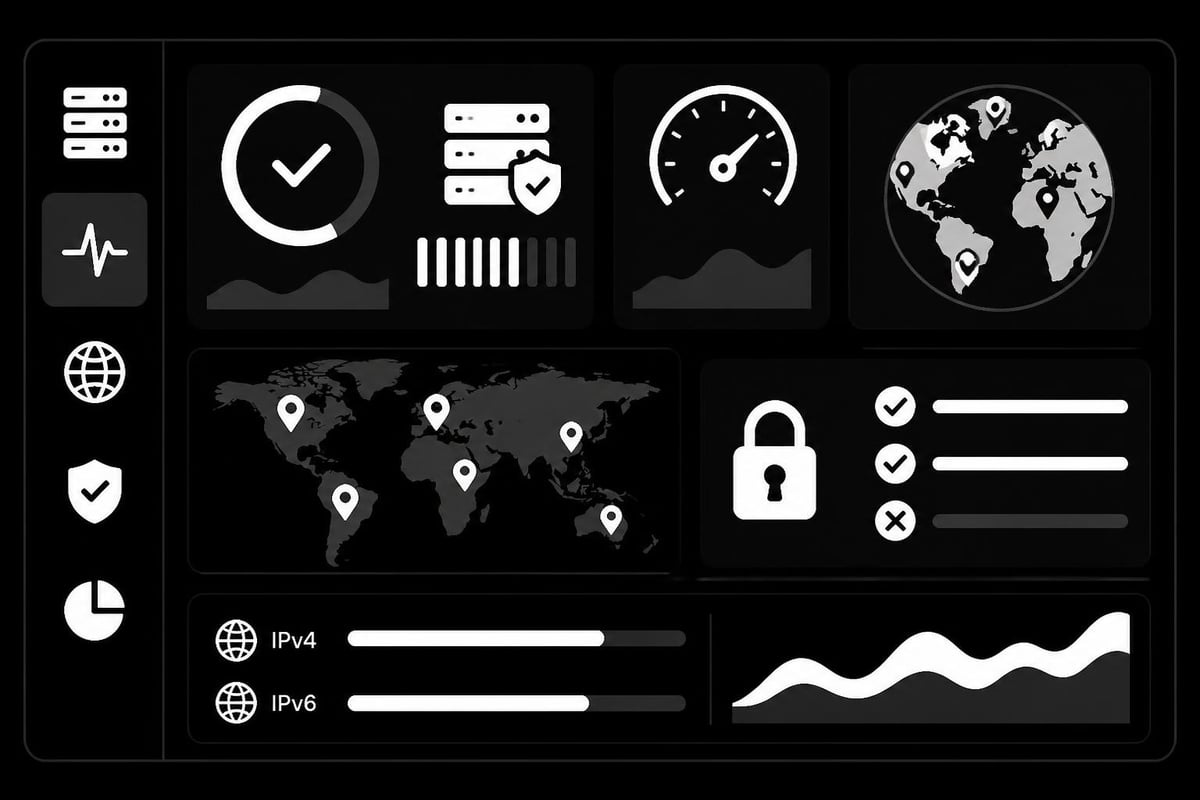
After you proxy add configurations to your systems, continuous monitoring identifies performance degradation before it impacts operations. Effective monitoring tracks success rates, response times, and error patterns across your proxy pool.
Modern proxy services like those offered by providers supporting proxy rotation for enhanced anonymity include built-in monitoring dashboards that visualize these metrics in real-time.
Critical metrics to track:
- Request success rate (target 95%+ for quality proxies)
- Average response time (should remain consistent)
- Geographic distribution of traffic
- Authentication failure rate
- Bandwidth consumption per proxy
Security Considerations for Proxy Add Operations
Security must remain paramount whenever you proxy add configurations to production systems. Improperly secured proxy setups expose organizations to data breaches, credential theft, and compliance violations.
Credential Management Best Practices
Proxy credentials provide access to your entire proxy infrastructure, making their protection essential. When you proxy add authentication details to applications, implement proper security measures to prevent unauthorized access.
Recommended practices:
- Store credentials in encrypted configuration files
- Use environment variables instead of hardcoded values
- Implement credential rotation policies (quarterly minimum)
- Restrict access through role-based permissions
- Monitor authentication logs for suspicious activity
Organizations handling sensitive data should consider dedicated credential management systems that integrate with their proxy add workflows, automatically distributing updated credentials across connected applications.
Traffic Encryption Standards
The data passing through proxy servers requires protection through encryption, especially when handling confidential information. When you proxy add configurations, verify that your chosen protocol supports adequate encryption levels for your security requirements.
| Security Level | Protocol Support | Encryption Type | Suitable For |
|---|---|---|---|
| Basic | HTTP | None | Non-sensitive browsing |
| Standard | HTTPS | SSL/TLS | General business use |
| Enhanced | SOCKS5 + SSH | Tunnel encryption | Financial data |
| Maximum | VPN + Proxy | End-to-end | Highly regulated industries |
Understanding the broader context of proxy meaning and applications helps inform appropriate security level selection for different use cases.
Compliance and Privacy Regulations
Organizations must ensure their proxy add practices comply with relevant data protection regulations. GDPR, CCPA, and industry-specific requirements often dictate how proxy traffic should be handled, logged, and retained.
Compliance considerations:
- Verify proxy provider maintains zero-log policies
- Confirm data residency aligns with regulatory requirements
- Document proxy usage in privacy policies
- Implement data retention limits on proxy logs
- Conduct regular compliance audits of proxy infrastructure
Services offering comprehensive privacy and security features typically provide compliance documentation and certifications that simplify regulatory adherence.
Proxy Add Automation for Scalable Operations
Manual proxy add processes become unsustainable as organizations scale their operations. Automation transforms proxy management from a time-consuming task into an efficient, error-free workflow.
API-Based Proxy Management
Modern proxy providers offer APIs that enable programmatic proxy add operations. These interfaces allow developers to retrieve proxy credentials, add them to applications, and manage configurations without manual intervention.
API workflow benefits:
- Instant proxy provisioning for new applications
- Automated credential rotation and updates
- Dynamic proxy pool scaling based on demand
- Integration with existing deployment pipelines
- Centralized management across distributed systems
When you proxy add configurations through APIs, you can implement intelligent logic that selects optimal proxies based on target location, required anonymity level, or current performance metrics.
Container and Orchestration Integration
Organizations using containerized applications need streamlined methods to proxy add configurations during container deployment. Docker, Kubernetes, and similar platforms support proxy injection through environment variables and configuration management.
Container proxy add methods:
- Define proxy variables in Dockerfile or docker-compose
- Inject credentials through Kubernetes secrets
- Use configuration management tools (Ansible, Terraform)
- Implement service mesh proxy policies
- Leverage sidecar proxy containers
This approach ensures every container instance automatically receives correct proxy configurations without manual intervention, critical for rotating residential proxies in microservices architectures.
Scheduled Rotation and Refresh
Automated proxy add systems should include scheduled rotation to maintain optimal anonymity and avoid IP blocks. Regular rotation refreshes proxy pools, removes underperforming addresses, and adds new high-quality options.
Rotation schedule recommendations:
- High-volume scraping: 1-5 minute intervals
- Social media automation: 15-30 minute intervals
- SEO rank tracking: Hourly rotation
- General browsing: Daily rotation
- Security-focused operations: Per-request rotation
Advanced proxy services provide millisecond-level rotation capabilities, allowing you to proxy add configurations that switch between addresses faster than detection systems can track patterns.
Industry-Specific Proxy Add Applications
Different industries require specialized approaches when they proxy add configurations to their systems. Understanding sector-specific requirements ensures optimal performance for your particular use case.
E-commerce and Sneaker Botting
E-commerce automation, particularly sneaker botting, demands precise proxy add configurations to successfully navigate sophisticated anti-bot systems. Retailers deploy advanced detection mechanisms that identify and block proxy traffic.
Effective proxy add strategies:
- Use residential or mobile proxies that appear as real users
- Implement geographic targeting matching product release locations
- Configure unique proxies for each account or checkout session
- Enable aggressive rotation to avoid pattern detection
- Combine with anti-detect browsers for enhanced anonymity
Success rates improve dramatically when you proxy add configurations specifically optimized for e-commerce platforms rather than using general-purpose proxies.
Digital Marketing and SEO
SEO professionals and digital marketers proxy add configurations to track rankings, analyze competitors, and verify ad placements across different geographic locations. Search engines actively prevent automated querying, making proxy quality critical.
Marketing proxy add requirements:
- Clean residential IPs without previous spam history
- Geographic diversity matching target market locations
- Sufficient pool size to avoid repeated queries from same IPs
- Support for JavaScript rendering and cookies
- Low latency for efficient bulk operations
Specialized SEO proxies designed for rank tracking and competitive analysis outperform general proxies in these applications.
Social Media Management
When managing multiple social media accounts, you must proxy add unique configurations for each profile to prevent platform detection and account linking. Social platforms employ sophisticated algorithms that identify accounts operated from the same IP address.
Social media best practices:
- Assign dedicated proxy per account
- Match proxy location to account's supposed location
- Use mobile proxies for mobile-first platforms
- Maintain consistent proxy assignment (avoid switching)
- Implement human-like activity patterns
The proxy add process for social media requires particular attention to consistency and authenticity, as platforms continuously refine their detection capabilities.
Successfully implementing proxy add operations requires understanding technical configurations, security considerations, and industry-specific requirements. Whether you're managing browser settings, automating enterprise deployments, or optimizing specialized applications, proper proxy addition forms the foundation for secure, efficient online operations. PinguProxy delivers high-speed datacenter and mobile proxies with complete IPv4 and IPv6 support, featuring 1ms rotation, zero-log privacy, and 10Gbps bandwidth backed by 24/7 support to power your proxy infrastructure needs.