
SSH SOCKS: Secure Tunneling for Privacy in 2026
Securing your internet traffic has never been more critical as cyber threats evolve and data privacy regulations tighten across the globe. SSH SOCKS proxies offer a powerful solution by creating encrypted tunnels that route your network traffic through remote servers, effectively masking your IP address while protecting sensitive data from interception. This technology combines the robust security of SSH (Secure Shell) protocol with the versatility of SOCKS (Socket Secure) proxies, making it an essential tool for professionals handling web scraping operations, accessing geo-restricted content, or simply maintaining privacy while browsing.
Understanding SSH SOCKS Fundamentals
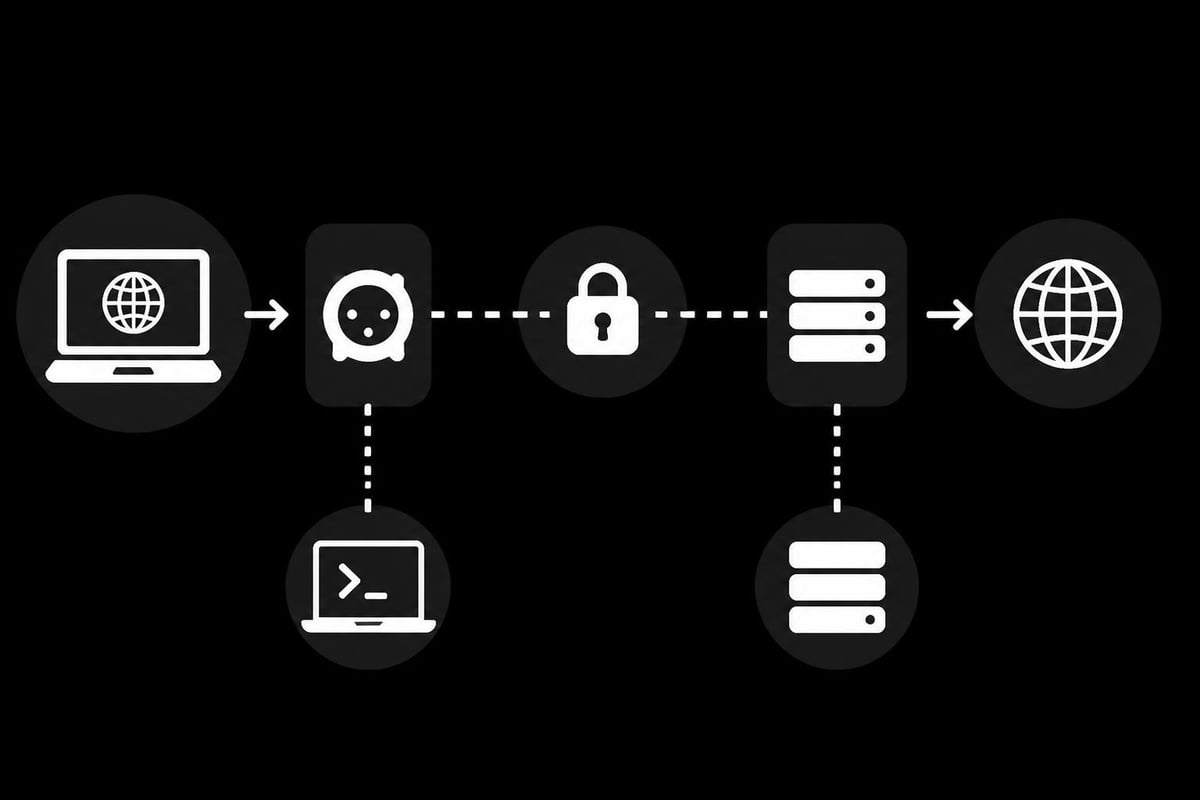
SSH SOCKS operates by establishing a secure tunnel between your local machine and a remote SSH server. Unlike traditional proxies that only handle specific protocols, SOCKS proxies work at a lower network level, routing virtually any type of traffic through the encrypted connection.
The magic happens when you initiate an ssh socks connection using a simple command. Your SSH client creates a local port that accepts connections from applications on your computer. When an application sends data to this local port, the SSH client encrypts it and forwards it through the secure tunnel to the remote server. The remote server then decrypts the data and sends it to its final destination.
Technical Architecture and Protocol Support
Key components of an SSH SOCKS setup include:
- Local SOCKS proxy port (typically 1080 or any unused port above 1024)
- SSH client software with dynamic port forwarding capabilities
- Remote SSH server with appropriate access credentials
- Applications configured to use the SOCKS proxy
The SOCKS protocol itself comes in two main versions. SOCKS4 handles TCP connections, while SOCKS5 adds support for UDP, IPv6, and various authentication methods. When you create an ssh socks tunnel, you're typically working with SOCKS5, which provides superior functionality for modern applications.
| Feature | SOCKS4 | SOCKS5 |
|---|---|---|
| Protocol Support | TCP only | TCP and UDP |
| Authentication | None | Username/password, GSS-API |
| IPv6 Support | No | Yes |
| DNS Resolution | Client-side | Server-side option |
Setting Up Your SSH SOCKS Tunnel
Creating an ssh socks proxy requires access to an SSH server and proper configuration on your local machine. The process varies slightly between operating systems, but the core principles remain consistent.
Linux and macOS Configuration
On Unix-based systems, the OpenSSH client comes pre-installed and ready to use. The basic command structure follows this pattern:
ssh -D [local_port] [username]@[server_address]
For a practical implementation, you might execute:
ssh -D 1080 user@remote-server.com
This command creates a SOCKS5 proxy on localhost port 1080. Adding the -N flag prevents command execution on the remote server, while -f runs the process in the background. The full command for persistent tunneling becomes:
ssh -D 1080 -f -C -q -N user@remote-server.com
Command flag breakdown:
- -D: Specifies dynamic port forwarding (SOCKS proxy)
- -f: Runs SSH in background after authentication
- -C: Enables compression for better performance
- -q: Quiet mode to suppress warnings
- -N: No remote command execution
Windows Implementation
Windows users can leverage OpenSSH client setup on Windows through PowerShell or use third-party applications like PuTTY. The PowerShell approach mirrors Linux syntax since Windows 10 and later versions include OpenSSH by default.
For PuTTY users, configuration requires navigating to Connection > SSH > Tunnels, selecting "Dynamic," entering your desired port number, and clicking "Add" before establishing the SSH connection.
Configuring Applications to Use SSH SOCKS
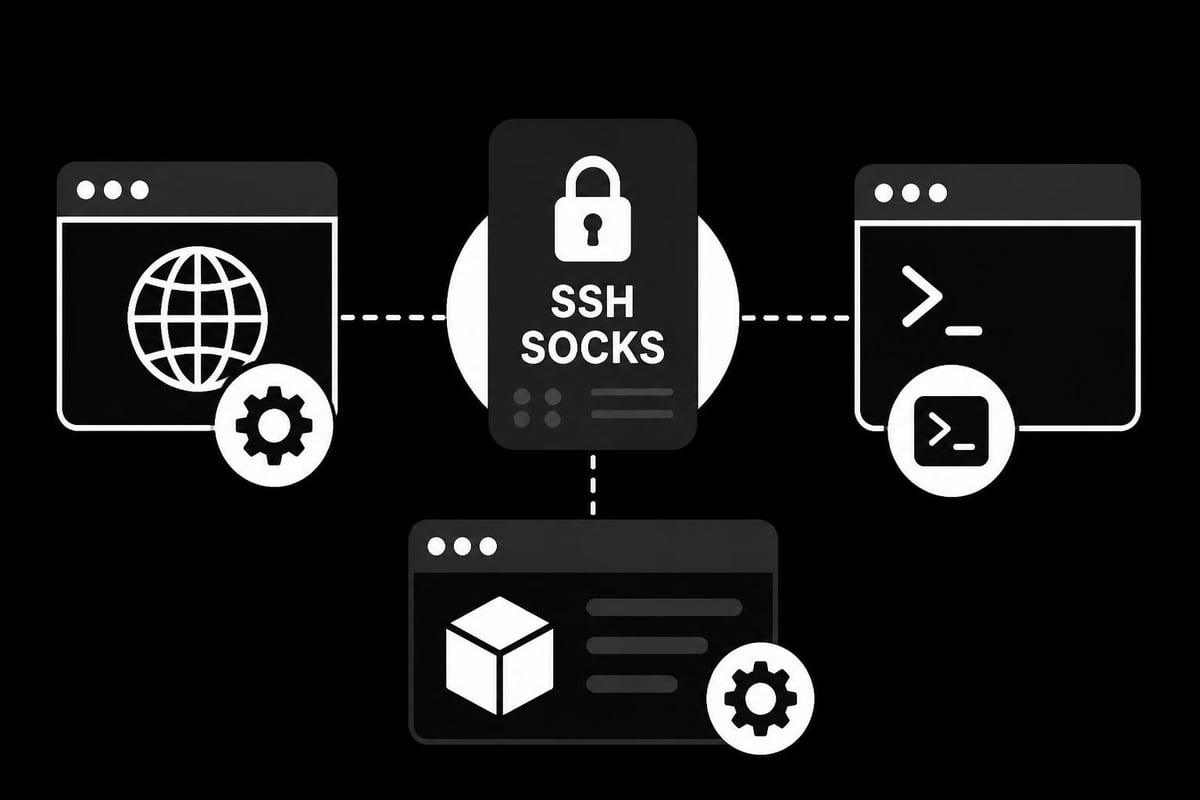
Once your ssh socks tunnel is active, applications need explicit configuration to route traffic through the proxy. Different software handles this differently, requiring tailored approaches for optimal functionality.
Browser Configuration
Modern web browsers support SOCKS proxy configuration through their network settings. Firefox provides granular control through its connection settings menu, allowing you to specify the SOCKS host (127.0.0.1) and port (1080 by default). Chrome and Edge use system-wide proxy settings on most platforms.
For comprehensive privacy, ensure DNS requests also route through the SOCKS proxy. Firefox users should navigate to about:config and set network.proxy.socks_remote_dns to true, preventing DNS leaks that could expose browsing activity.
Command-Line Tools and Scripts
Terminal applications often support proxy configuration through environment variables. Setting these variables ensures tools like curl, wget, and git automatically use your ssh socks tunnel:
export ALL_PROXY=socks5://127.0.0.1:1080
export HTTP_PROXY=socks5://127.0.0.1:1080
export HTTPS_PROXY=socks5://127.0.0.1:1080
Some applications require specific command-line flags. The curl tool, for instance, accepts the --socks5 parameter:
curl --socks5 127.0.0.1:1080 https://example.com
Security Considerations and Best Practices
While ssh socks tunnels provide robust encryption, proper implementation requires attention to security fundamentals. Following SSH security best practices ensures your tunnels remain secure against evolving threats.
Authentication and Key Management
Password authentication represents the weakest link in SSH security. Implementing key-based authentication eliminates password vulnerabilities while providing superior convenience. Generate strong SSH keys using modern algorithms:
ssh-keygen -t ed25519 -C "your-identifier"
The Ed25519 algorithm offers excellent security with minimal computational overhead. For compatibility with older systems, RSA keys with 4096-bit length provide adequate protection:
ssh-keygen -t rsa -b 4096 -C "your-identifier"
Key management essentials:
- Store private keys securely with appropriate file permissions (600 on Unix systems)
- Use unique keys for different servers and purposes
- Protect keys with strong passphrases
- Implement key rotation policies for long-term security
- Remove compromised or outdated keys immediately
Server-Side Hardening
The SSH server configuration significantly impacts tunnel security. Administrators should implement SSH best practices to protect networks including disabling password authentication, changing default ports, and restricting user permissions.
Essential server configuration changes in /etc/ssh/sshd_config:
PermitRootLogin no
PasswordAuthentication no
PubkeyAuthentication yes
AllowTcpForwarding yes
GatewayPorts no
The AllowTcpForwarding directive must be enabled for ssh socks functionality, but restricting gateway ports prevents external access to your tunnels.
Practical Use Cases and Applications
SSH SOCKS tunnels serve diverse purposes beyond basic privacy protection. Understanding specific applications helps you maximize the technology's potential for your particular needs.
Web Scraping and Data Collection
Professional web scrapers face constant challenges with IP blocking and rate limiting. An ssh socks tunnel routes scraping traffic through remote servers, distributing requests across different IP addresses. This approach works particularly well when combined with dedicated proxy services that offer high-speed connections and broad geographic coverage.
Scraping frameworks like Scrapy and Selenium integrate seamlessly with SOCKS proxies. For Scrapy, add these lines to your settings:
DOWNLOADER_MIDDLEWARES = {
    'scrapy.downloadermiddlewares.httpproxy.HttpProxyMiddleware': 110,
}
PROXY = 'socks5://127.0.0.1:1080'
Bypassing Geographic Restrictions
Content providers increasingly implement geo-blocking to restrict access based on user location. An ssh socks connection to a server in the target region makes it appear as though you're browsing from that location. This proves invaluable for market research, competitor analysis, or accessing region-specific services.
For optimal performance, select servers geographically close to your target content. Setting up SSH SOCKS for private browsing ensures both privacy and speed when accessing geo-restricted resources.
Development and Testing Environments
Developers working with APIs or web services often need to test functionality from different network perspectives. SSH SOCKS provides a clean way to simulate various network conditions without complex infrastructure.
Testing scenarios include:
- Verifying geo-specific API responses
- Debugging region-locked features
- Simulating customer access patterns
- Validating CDN behavior across locations
Performance Optimization Techniques
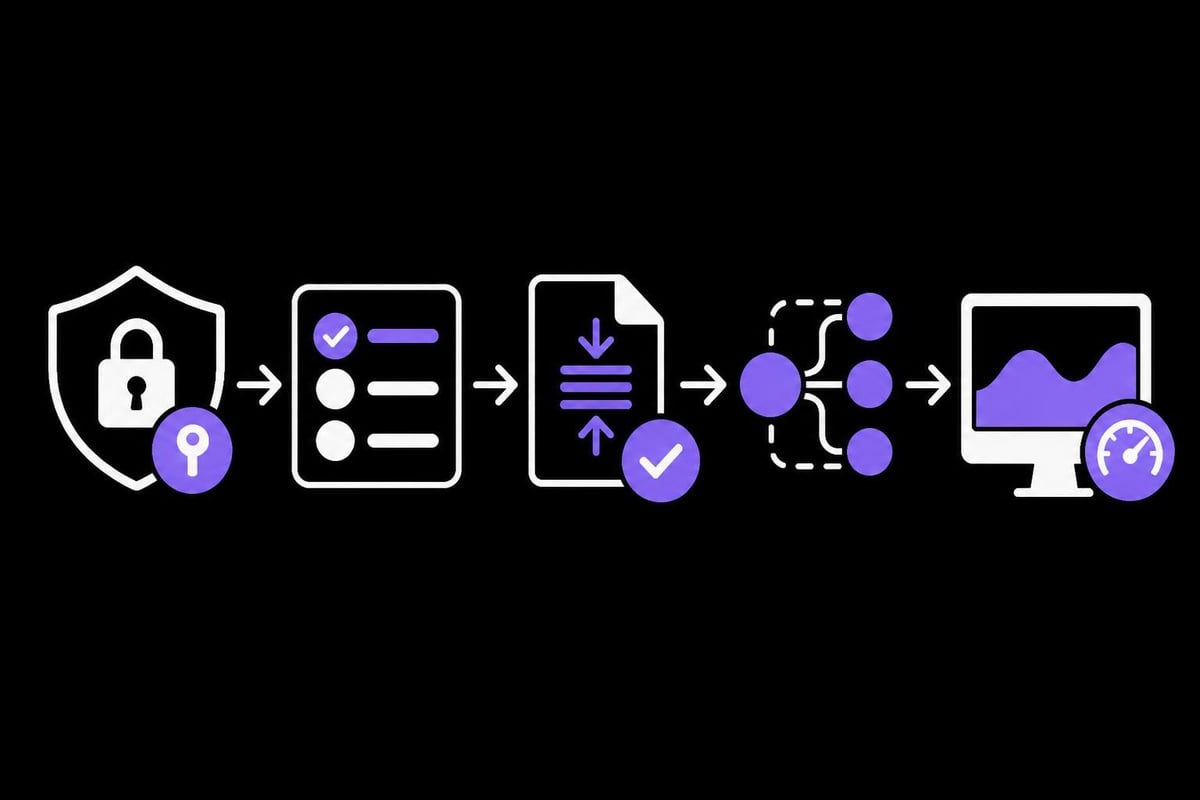
Raw ssh socks connections can introduce latency, but proper optimization maintains acceptable performance for most applications. Understanding performance factors helps you strike the right balance between security and speed.
Compression and Encryption Trade-offs
SSH compression (-C flag) reduces bandwidth usage but increases CPU load. For text-heavy traffic like web scraping or API calls, compression typically improves overall performance. Binary data transfers, including video streaming or large file downloads, may suffer from compression overhead.
The encryption algorithm also impacts performance. Modern ciphers like ChaCha20-Poly1305 offer excellent speed on systems without hardware AES acceleration:
ssh -D 1080 -c chacha20-poly1305@openssh.com user@server.com
For servers with AES-NI support, AES-GCM provides optimal throughput:
ssh -D 1080 -c aes128-gcm@openssh.com user@server.com
Connection Multiplexing
SSH connection multiplexing reuses existing connections for new sessions, eliminating authentication overhead and reducing latency. Configure multiplexing in ~/.ssh/config:
Host remote-server.com
    ControlMaster auto
    ControlPath ~/.ssh/sockets/%r@%h-%p
    ControlPersist 600
This configuration maintains a master connection for 600 seconds after the last session closes, allowing rapid tunnel re-establishment without full authentication.
| Optimization | Performance Impact | Security Impact | Best For |
|---|---|---|---|
| Compression | +20-50% for text | Neutral | Web scraping, API calls |
| ChaCha20 | +15% on ARM/mobile | High | Mobile devices, VPS |
| AES-GCM | +25% with AES-NI | High | Modern x86 servers |
| Multiplexing | -80% connection time | Neutral | Frequent reconnections |
Troubleshooting Common Issues
Even properly configured ssh socks setups occasionally encounter problems. Systematic troubleshooting resolves most issues quickly, restoring secure connectivity.
Connection Failures and Timeouts
When your ssh socks tunnel refuses to establish, verify basic connectivity first. Test the SSH connection without port forwarding:
ssh user@remote-server.com
If this succeeds but tunnel creation fails, check server-side permissions. The SSH server configuration must allow TCP forwarding, and your user account needs appropriate privileges.
Firewall rules on either end can block tunnels even when basic SSH works. Ensure your local firewall permits outbound connections on the SOCKS port, and verify the remote server accepts dynamic forwarding.
Application Configuration Problems
Applications failing to use the tunnel despite correct configuration often suffer from DNS leaks or alternative connection paths. Use network monitoring tools to verify traffic routes through the expected proxy port.
For browsers, extensions like FoxyProxy provide detailed logging and per-site proxy rules. Command-line applications may ignore proxy settings if they resolve hostnames before checking proxy configuration.
Diagnostic commands:
# Verify SOCKS port is listening
netstat -an | grep 1080

# Test proxy connectivity
curl -x socks5://127.0.0.1:1080 https://api.ipify.org

# Check for DNS leaks
curl -x socks5h://127.0.0.1:1080 https://api.ipify.org
The socks5h:// prefix forces DNS resolution through the proxy, preventing leaks that could expose your real location.
Advanced SSH SOCKS Configurations
Beyond basic tunneling, ssh socks supports sophisticated configurations for complex networking scenarios. These advanced techniques solve specialized problems while maintaining security standards.
Multiple Simultaneous Tunnels
Running several ssh socks tunnels simultaneously enables traffic segmentation across different servers or accounts. Each tunnel requires a unique local port:
ssh -D 1080 user@server1.com -f -N
ssh -D 1081 user@server2.com -f -N
ssh -D 1082 user@server3.com -f -N
Configure applications to use specific tunnels based on requirements. Web scraping operations might distribute requests across all three, while sensitive financial transactions use a dedicated tunnel.
Chaining Through Jump Hosts
Complex network architectures sometimes require routing through intermediate servers. SSH jump hosts create multi-hop connections, useful when the final destination blocks direct access or requires internal network traversal.
The ProxyJump directive simplifies configuration:
ssh -D 1080 -J jumpuser@jumphost.com finaluser@finalserver.com
This creates an ssh socks tunnel to finalserver.com through jumphost.com, encrypting traffic across both hops.
Automatic Tunnel Management
Manual tunnel creation becomes tedious for frequent users. Shell scripts or systemd services automate tunnel establishment, ensuring availability without repeated commands.
A basic systemd service file for automatic tunnel creation:
[Unit]
Description=SSH SOCKS Tunnel
After=network.target

[Service]
Type=simple
User=yourusername
ExecStart=/usr/bin/ssh -D 1080 -N -o ServerAliveInterval=60 user@server.com
Restart=on-failure
RestartSec=5

[Install]
WantedBy=multi-user.target
Integration with Professional Proxy Services
While self-hosted ssh socks tunnels work well for personal use, professional applications often require the reliability and geographic diversity of dedicated proxy services. Understanding how SSH tunneling complements commercial proxy solutions helps optimize your network architecture.
Hybrid Approaches
Combining ssh socks with commercial proxies creates layered security and flexibility. Route general traffic through dedicated proxies for speed and IP diversity, while using SSH tunnels for particularly sensitive operations requiring end-to-end encryption.
This hybrid model proves especially valuable for web scraping operations that need both speed and security. High-bandwidth datacenter proxies handle bulk requests efficiently, while SSH tunnels protect authentication credentials and sensitive API interactions.
When to Choose Each Solution
| Scenario | SSH SOCKS | Commercial Proxy | Both |
|---|---|---|---|
| Personal browsing | Excellent | Good | Overkill |
| Web scraping (small scale) | Good | Excellent | Optional |
| Web scraping (enterprise) | Limited | Excellent | Recommended |
| Security research | Excellent | Good | Ideal |
| Geographic testing | Limited | Excellent | Complementary |
| Budget constraints | Best | Variable | Depends |
The decision often comes down to scale and requirements. SSH SOCKS excels for security-focused applications with moderate bandwidth needs, while commercial solutions like those offered through proxy services provide the infrastructure necessary for high-volume operations.
Monitoring and Maintaining SSH SOCKS Connections
Long-running ssh socks tunnels require active monitoring to ensure continuous availability and performance. Proactive maintenance prevents service disruptions and identifies potential security issues before they escalate.
Connection Health Checks
SSH connections can silently drop due to network issues, server timeouts, or firewall interference. The ServerAliveInterval and ServerAliveCountMax options detect dead connections:
ssh -D 1080 -o ServerAliveInterval=60 -o ServerAliveCountMax=3 user@server.com
These options send keepalive packets every 60 seconds, disconnecting after three failed attempts. Your automation scripts should detect disconnections and re-establish tunnels automatically.
Logging and Auditing
Comprehensive logging helps troubleshoot issues and maintain security compliance. Enable verbose SSH logging during initial setup:
ssh -D 1080 -v user@server.com
For production environments, configure syslog integration on the SSH server to track tunnel usage, authentication attempts, and potential security events. Regular log review identifies unusual patterns that might indicate compromised credentials or unauthorized access.
Essential monitoring metrics:
- Connection uptime and stability
- Bandwidth utilization patterns
- Authentication failure rates
- Unusual access times or locations
- DNS query volumes and targets
SSH SOCKS tunnels provide powerful encryption and privacy protection for diverse networking needs, from secure browsing to professional web scraping operations. While self-hosted solutions work well for many scenarios, combining them with professional infrastructure delivers optimal results for demanding applications. PinguProxy complements SSH tunneling with high-speed datacenter and mobile proxies, offering the performance and geographic diversity necessary for enterprise-scale operations while maintaining the zero-log privacy standards that security-conscious users demand.