
Traefik Fail2Ban: Secure Your Reverse Proxy in 2026
Securing web infrastructure has become increasingly complex in 2026, with automated attacks growing more sophisticated every day. For organizations running Traefik as their reverse proxy, integrating fail2ban functionality provides essential protection against brute-force attacks, credential stuffing, and malicious traffic patterns. The traefik fail2ban combination creates a powerful security layer that automatically detects suspicious behavior and blocks offending IP addresses before they can compromise your services.
Understanding Traefik Fail2Ban Integration
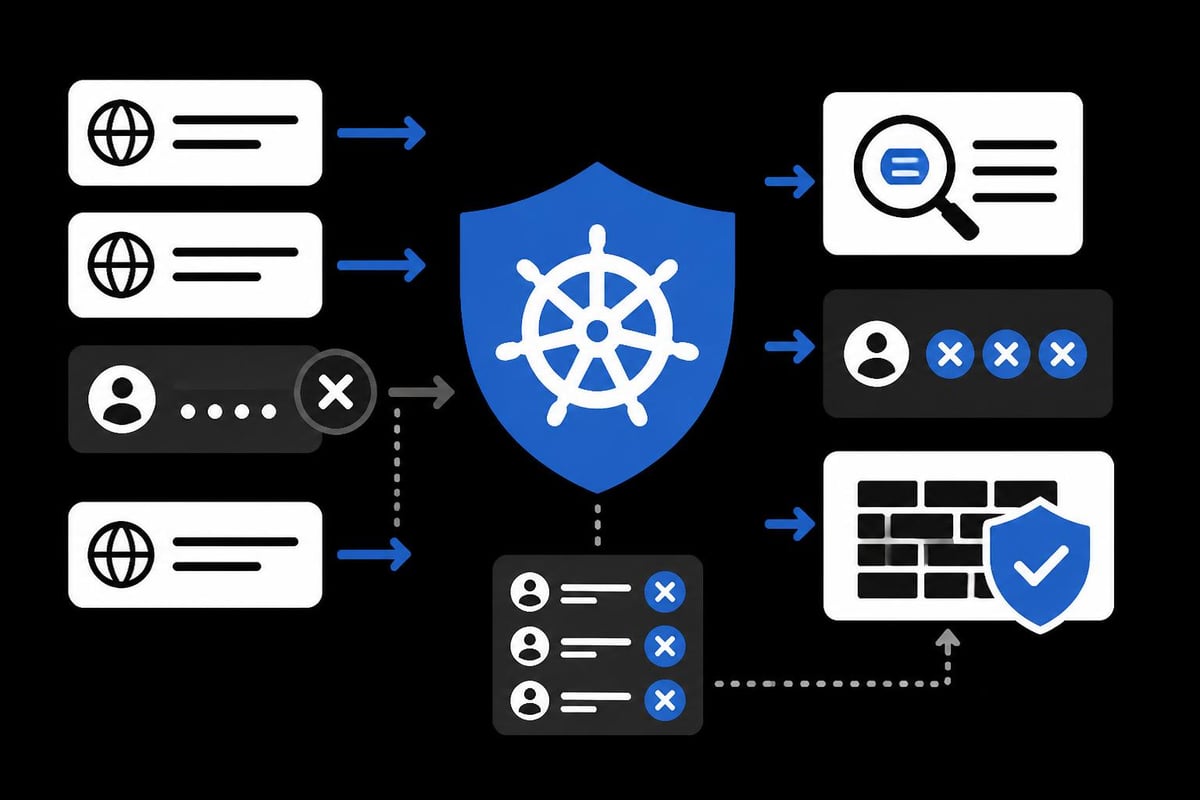
Traefik operates as a modern edge router designed for microservices and containerized environments. While it excels at routing traffic, it doesn't include native intrusion prevention capabilities. This is where traefik fail2ban integration becomes critical for production deployments.
The integration works by monitoring access logs for suspicious patterns and automatically adding firewall rules to block malicious actors. When properly configured, this system can detect and mitigate threats in real-time without manual intervention.
Why Traditional Fail2Ban Needs Adaptation
Traditional fail2ban was designed for conventional web servers like Apache and Nginx. Traefik's cloud-native architecture requires a different approach. The challenge lies in how Traefik handles logging and how middleware processes requests before they reach backend services.
Key differences include:
- Dynamic service discovery versus static configuration
- Container-based deployments with ephemeral IP addresses
- Multiple backend services behind a single entry point
- Complex middleware chains that modify request headers
These architectural differences mean you cannot simply point fail2ban at Traefik logs and expect optimal results. You need specialized plugins and configurations designed for Traefik's ecosystem.
Available Traefik Fail2Ban Plugin Options
The Traefik community has developed several plugins to implement fail2ban functionality. Each approaches the problem differently, with varying levels of complexity and features. Understanding which plugin fits your needs requires examining your specific use case and infrastructure requirements.
Plugin Comparison Matrix
| Plugin Name | Header Support | Configuration Complexity | Active Maintenance | Best For |
|---|---|---|---|---|
| Fail2Ban Connector | Standard | Medium | Active | Existing fail2ban setups |
| Fail2Ban Middleware | Standard | Low | Active | Simple deployments |
| Fail2Ban X-Real-IP | X-Real-IP, X-Forwarded-For | Medium | Active | Behind load balancers |
| Fail 2 Ban HTTP | Custom headers | High | Active | Advanced filtering |
| JUIT GmbH Fail2Ban | Flexible | Medium | Active | Enterprise environments |
The Fail2Ban Connector plugin bridges Traefik with traditional fail2ban installations, allowing you to leverage existing configurations. This approach works well when you already have fail2ban protecting other services and want consistent security policies across your infrastructure.
For simpler deployments, the standard Fail2Ban middleware provides everything most users need. It tracks request patterns, maintains internal ban lists, and blocks offending IPs without requiring external dependencies.
Specialized Plugins for Complex Scenarios
Organizations running Traefik behind load balancers or CDNs face a unique challenge: the client IP address appears as the load balancer's IP rather than the actual user. The Fail2Ban X-Real-IP plugin solves this by properly parsing X-Real-IP and X-Forwarded-For headers.
This becomes particularly relevant when using proxy services like PinguProxy in your infrastructure, where maintaining accurate IP information is crucial for both security and analytics.
Implementing Traefik Fail2Ban Step by Step
Setting up traefik fail2ban protection requires careful planning and testing. Rushing the implementation can result in legitimate users being blocked or, worse, leaving security gaps that allow attacks to continue.
Installation and Initial Configuration
Step 1: Choose your plugin
Select the plugin that matches your infrastructure. For most deployments starting in 2026, the standard Fail2Ban middleware offers the best balance of features and simplicity.
Step 2: Add the plugin to Traefik
Install the plugin through Traefik's plugin system. This typically involves adding plugin configuration to your static configuration file:
experimental:
  plugins:
    fail2ban:
      moduleName: "github.com/tomMoulard/fail2ban"
      version: "v0.7.0"
Step 3: Configure middleware rules
Define what constitutes suspicious behavior. Common patterns include excessive 401/403 responses, rapid-fire requests, or specific URL patterns.
Step 4: Apply middleware to services
Attach the fail2ban middleware to your Traefik routes. You can apply it globally or selectively to sensitive endpoints.
Step 5: Test thoroughly
Before deploying to production, verify that legitimate traffic flows normally while malicious patterns trigger bans correctly.
Fine-Tuning Detection Rules
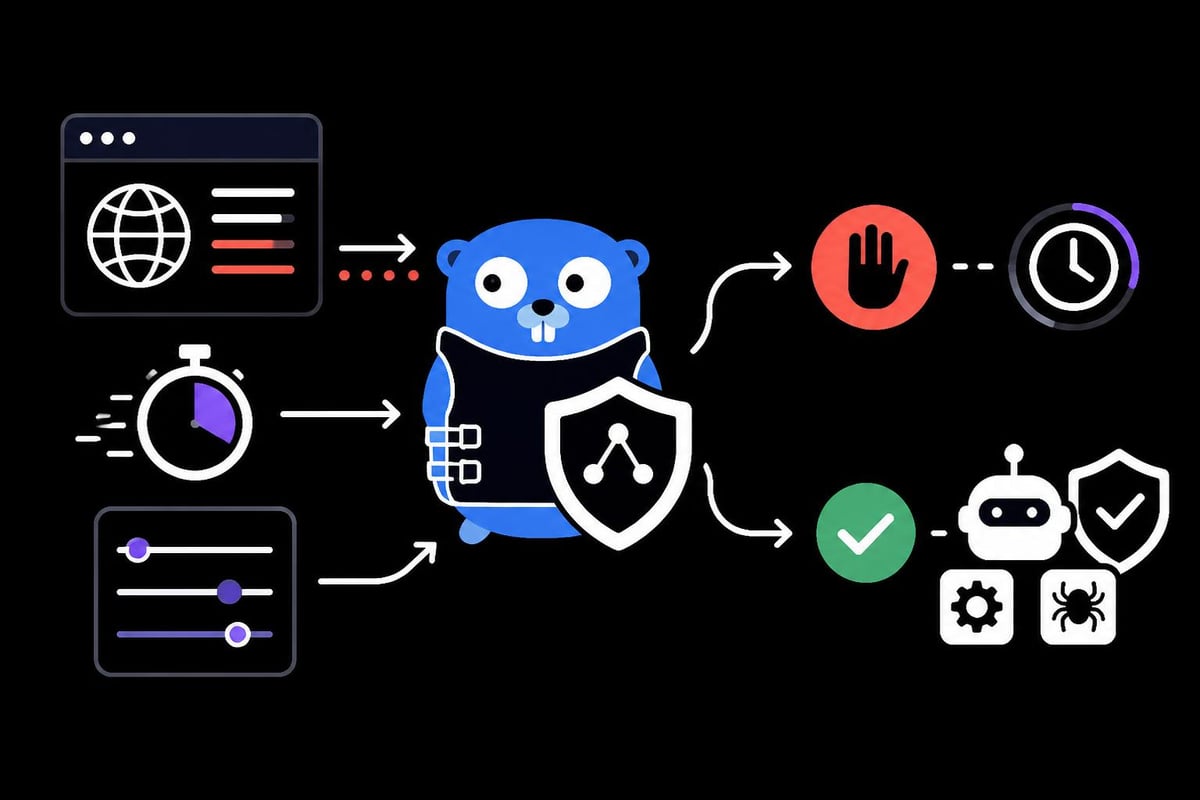
The effectiveness of traefik fail2ban depends heavily on well-calibrated rules. Too sensitive, and you block legitimate users. Too lenient, and attacks slip through.
- Response code tracking: Monitor for repeated 401, 403, and 404 errors
- Request rate limiting: Set thresholds based on normal traffic patterns
- URL pattern matching: Protect admin panels and API endpoints more aggressively
- Geographic filtering: Consider blocking regions with no legitimate user base
- Time-based rules: Adjust sensitivity during expected low-traffic periods
Testing these rules against historical logs helps establish appropriate baselines. Many organizations discover that legitimate automated tools trigger fail2ban rules, requiring exceptions for web scraping applications and monitoring systems.
Common Challenges and Solutions
Implementing traefik fail2ban rarely goes perfectly on the first try. Understanding common pitfalls helps you avoid hours of troubleshooting.
IP Address Confusion Behind Proxies
When Traefik sits behind another proxy layer, determining the actual client IP becomes tricky. The community discussion on fail2ban plugin implementation highlights how many administrators struggle with this initially.
Solution approaches:
- Configure your upstream proxy to preserve original IPs in headers
- Use a fail2ban plugin that correctly parses forwarded headers
- Whitelist your proxy infrastructure IPs to prevent self-blocking
- Implement rotating proxies with proper header forwarding
Container Restart and State Loss
Unlike traditional fail2ban running on bare metal, containerized deployments lose ban lists when containers restart. This creates security gaps during redeployments.
Mitigation strategies:
- Persist ban data to external storage volumes
- Use distributed caching systems like Redis for ban lists
- Implement failover mechanisms that share ban state
- Consider dedicated security containers that survive app container restarts
False Positive Management
Legitimate users sometimes trigger fail2ban rules, especially in scenarios involving shared IP addresses, aggressive monitoring tools, or mobile networks with rotating IPs.
| Scenario | Risk Level | Recommended Action |
|---|---|---|
| Corporate NAT | High | Whitelist known corporate IPs |
| Mobile carrier IPs | Medium | Increase threshold, shorter bans |
| VPN exit nodes | Medium | Monitor patterns, adjust selectively |
| Cloud service IPs | Low | Whitelist verified cloud provider ranges |
| Legitimate bots | Medium | Create specific rules with higher limits |
For organizations utilizing residential proxies for web scraping, ensuring these IPs don't trigger false positives requires careful whitelist management.
Advanced Security Patterns
Beyond basic IP blocking, traefik fail2ban can implement sophisticated security strategies that adapt to evolving threats.
Layered Defense Architecture
Combining multiple security mechanisms creates defense in depth. Rather than relying solely on fail2ban, integrate it with other security controls.
Recommended layers:
- Rate limiting middleware before fail2ban for basic flood protection
- Traefik fail2ban for pattern-based detection and blocking
- WAF rules for application-layer attack prevention
- Network policies restricting container-to-container communication
- Monitoring and alerting for security event visibility
This approach ensures that if one layer fails or is misconfigured, others provide backup protection. The security best practices analysis emphasizes how layered security significantly improves overall resilience.
Integration with Threat Intelligence
Modern traefik fail2ban implementations can consume external threat feeds to proactively block known malicious IPs before they even attempt attacks.
Consider integrating with services that provide real-time threat intelligence. The CrowdSec integration approach demonstrates how collaborative security enhances traditional fail2ban functionality by sharing attack patterns across installations.
Performance Considerations
Security always involves tradeoffs with performance. Traefik fail2ban adds processing overhead to every request, which can impact response times at scale.
Optimizing Middleware Performance
The fail2ban middleware examines each request to determine if it matches suspicious patterns. At high traffic volumes, this becomes computationally expensive.
Performance optimization techniques:
- Selective application: Only apply fail2ban to sensitive routes, not static assets
- Caching ban lists: Use in-memory caches to avoid repeated database lookups
- Asynchronous logging: Process logs outside the request path when possible
- Distributed processing: Spread security analysis across multiple instances
- Regular cleanup: Prune old ban entries to keep ban lists manageable
Organizations running high-traffic services often discover that applying fail2ban globally creates unacceptable latency. Strategic application to authentication endpoints and API routes provides security without degrading user experience.
Scaling Considerations
As your infrastructure grows, traefik fail2ban must scale accordingly. A single-instance approach that worked with modest traffic becomes a bottleneck at scale.
| Traffic Volume | Recommended Architecture | Estimated Overhead |
|---|---|---|
| < 100 req/sec | Single instance, in-memory storage | < 5ms per request |
| 100-1000 req/sec | Multiple instances, shared Redis | 5-10ms per request |
| 1000-10000 req/sec | Distributed cache, async processing | 10-20ms per request |
| > 10000 req/sec | Dedicated security layer, external processing | 20-50ms per request |
For proxy service providers managing high-bandwidth connections, ensuring security doesn't throttle the core service requires architectural planning.
Monitoring and Maintenance
Implementing traefik fail2ban is just the beginning. Ongoing monitoring and tuning ensure it continues protecting effectively as attack patterns evolve.
Essential Metrics to Track
Understanding what's happening in your fail2ban implementation requires comprehensive monitoring.
- Ban rate: How many IPs are being banned per hour
- False positive indicators: Legitimate users reporting access issues
- Attack patterns: Which rules trigger most frequently
- Ban duration effectiveness: Are timed bans sufficient or do repeats occur
- Resource consumption: CPU and memory usage of security middleware
Set up alerting for unusual patterns. A sudden spike in bans might indicate an active attack, while a drop to zero could signal configuration problems.
Regular Rule Review
Attack methodologies change constantly. Rules that worked perfectly six months ago may miss new attack vectors or catch behavior that's now legitimate.
Quarterly review checklist:
- Analyze banned IPs for patterns
- Review false positive reports and adjust thresholds
- Update threat intelligence feeds
- Test rules against recent attack logs
- Benchmark performance impact
- Document changes and reasoning
This systematic approach ensures your traefik fail2ban configuration evolves with your infrastructure and threat landscape. The microservice security challenges research highlights how static security configurations quickly become obsolete in dynamic environments.
Alternative and Complementary Approaches
While traefik fail2ban provides excellent protection, it's worth understanding alternative solutions and when to use them alongside or instead of fail2ban.
CrowdSec as an Alternative
CrowdSec represents a modern take on the fail2ban concept, featuring collaborative threat intelligence and more sophisticated detection algorithms. It integrates smoothly with Traefik and offers some advantages over traditional fail2ban approaches.
CrowdSec advantages:
- Shared threat intelligence across all installations
- More sophisticated behavioral analysis
- Better handling of distributed attacks
- Active development and community support
- Native Traefik integration
Organizations seeking cutting-edge protection might consider CrowdSec, especially when facing sophisticated adversaries who adapt quickly to basic fail2ban patterns.
Authentication and Authorization Layers
Sometimes the best defense is preventing unauthorized access entirely. Strong authentication prevents many attacks that fail2ban would otherwise need to detect and block.
Implementing OAuth2, mutual TLS, or API key authentication at the Traefik level reduces attack surface significantly. When combined with fail2ban protecting the authentication endpoints themselves, this creates robust security.
For services requiring anonymous access through proxies, balancing security with accessibility becomes more nuanced, requiring carefully tuned fail2ban rules that distinguish legitimate proxy traffic from malicious activity.
Integration with Existing Infrastructure
Most organizations already have security tools and processes in place. Traefik fail2ban must integrate smoothly with existing systems rather than creating isolated security silos.
SIEM and Log Aggregation
Security Information and Event Management (SIEM) systems need visibility into fail2ban actions. Exporting ban events, attack patterns, and security metrics to your SIEM provides centralized security monitoring.
Integration points:
- Forward fail2ban logs to centralized logging (ELK, Splunk, etc.)
- Export metrics to monitoring systems (Prometheus, Datadog, etc.)
- Generate security alerts through existing notification channels
- Correlate fail2ban events with other security signals
- Feed ban data into threat intelligence platforms
This visibility helps security teams understand the overall threat landscape rather than viewing Traefik security in isolation.
Compliance and Audit Requirements
Many industries require demonstrating security controls for compliance. Traefik fail2ban implementations must support audit requirements.
Document your fail2ban configuration, maintain logs of security events, and regularly review effectiveness. Compliance frameworks like SOC 2, ISO 27001, and PCI-DSS often require evidence of intrusion prevention mechanisms.
Securing your Traefik reverse proxy with fail2ban protection creates essential defense against automated attacks and malicious traffic in 2026. By carefully selecting plugins, tuning detection rules, and maintaining ongoing monitoring, you build resilient infrastructure that adapts to evolving threats. When you need reliable, high-performance proxy infrastructure to support your security architecture, PinguProxy delivers enterprise-grade datacenter and mobile proxies with 10Gbps bandwidth, complete IPv4/IPv6 support, and zero-log privacy protection. Whether you're implementing security monitoring, running web scraping operations, or managing distributed services, PinguProxy's 1ms rotation and 24/7 support ensure your infrastructure stays secure and performant.