Imagine needing to message someone on WhatsApp, only to find yourself suddenly locked out. Whether you are traveling, dealing with local restrictions, or facing a surprise outage, losing access can be frustrating and disruptive.
This guide explains how a proxy for WhatsApp restores secure, private, and reliable messaging. It also covers how to choose and configure a proxy server for WhatsApp on every major device, so you can stay connected wherever you are in 2026.
We will break down how proxies work, why they matter for privacy, walk you through setup for every device, and share up-to-date security tips. Ready to take back control of your chats? Let's begin.
Why Use a Proxy for WhatsApp in 2026?
Imagine losing access to WhatsApp right when you need to message family, friends, or clients. Restrictions, outages, and surveillance continue to affect millions of users worldwide. A proxy for WhatsApp is a practical tool for keeping your conversations private and uninterrupted, no matter where you are.
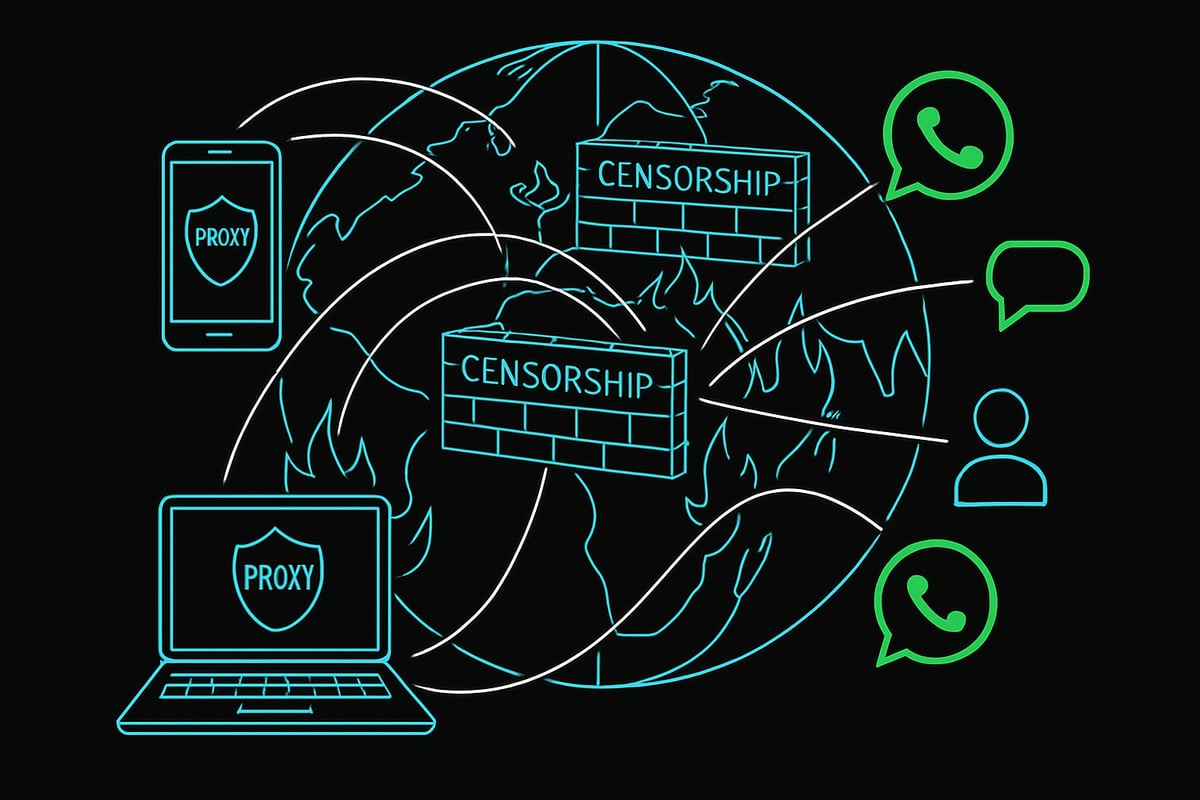
Evolving Restrictions and Internet Censorship
Across the world, more countries are imposing WhatsApp blocks and throttling. Political events, protests, and even exams can trigger sudden bans. According to the UN, internet shutdowns have dramatic impacts on daily life, disrupting communication, business, and social ties.
A proxy for WhatsApp helps you sidestep these blocks by routing your messages through a server in a country where WhatsApp is accessible. This means you can restore connectivity in minutes, even during strict outages. To better understand how proxies enable this, check out WhatsApp Proxy Usage Explained.
Privacy, Security, and Anonymity Concerns
WhatsApp's end-to-end encryption keeps your chats private, but your metadata, such as your real IP address and location, can still be exposed. Direct connections allow ISPs or governments to track your activity, block your access, or even monitor your usage patterns.
By using a proxy for WhatsApp, you add a privacy layer. The proxy masks your IP, making it much harder for anyone to trace your location or block your access. This extra layer keeps your communication more secure, especially in places where surveillance is a concern.
Business Continuity and Communication Reliability
For businesses, WhatsApp is a lifeline for customer support, internal coordination, and remote work. Outages or restrictions can bring operations to a halt, causing lost sales and frustrated clients.
A proxy for WhatsApp keeps your team and customers connected without interruption. Whether you are supporting international clients or managing remote teams, proxies help you maintain reliable messaging even when local networks are unreliable or censored.
Use Cases: Travelers, Expats, and Remote Teams
Frequent travelers often land in countries where WhatsApp is suddenly restricted. Expats need to stay in touch with loved ones back home, and remote teams must collaborate across borders with different internet policies.
A proxy for WhatsApp lets these users bypass local restrictions. Whether you are on a business trip in China or working remotely from a region with unpredictable access, proxies keep your communication lines open and reliable.
Data Points and Trends
WhatsApp is one of the world's most widely used messaging platforms. Meta has reported more than 3 billion monthly active users, a figure that has grown every year; confirm the latest number on Meta's official announcements before citing it in your own work, since user counts change often.
Proxy quality varies widely, and provider-reported metrics should be read as vendor claims. For example, one provider, FloppyData, has reported a 99.8% web request success rate and a 95% clean IP rate. These are a single provider's own figures from an unspecified date, not industry benchmarks.
Demand for a proxy for WhatsApp is strongest in markets where access is more likely to be restricted, which is why high-quality, well-maintained proxies matter.
Limitations and Considerations
Not all proxies are created equal. Free or unreliable proxies might have flagged IPs or poor uptime, putting your privacy and access at risk. It is important to choose a reputable provider for stable, secure service.
WhatsApp's built-in proxy support works only on Android and iOS. WhatsApp Web and the desktop apps do not offer a native proxy field, so desktop users need a system-level or browser-level proxy. Always verify your provider's reputation and ensure they offer clean, high-uptime IPs for best results.
How WhatsApp Proxy Works: The Technical Breakdown
Ever wondered how a proxy for WhatsApp actually keeps your messages flowing when restrictions hit? This section unpacks the technical side, making sense of how proxies shield your identity, bypass blocks, and keep your chats secure.
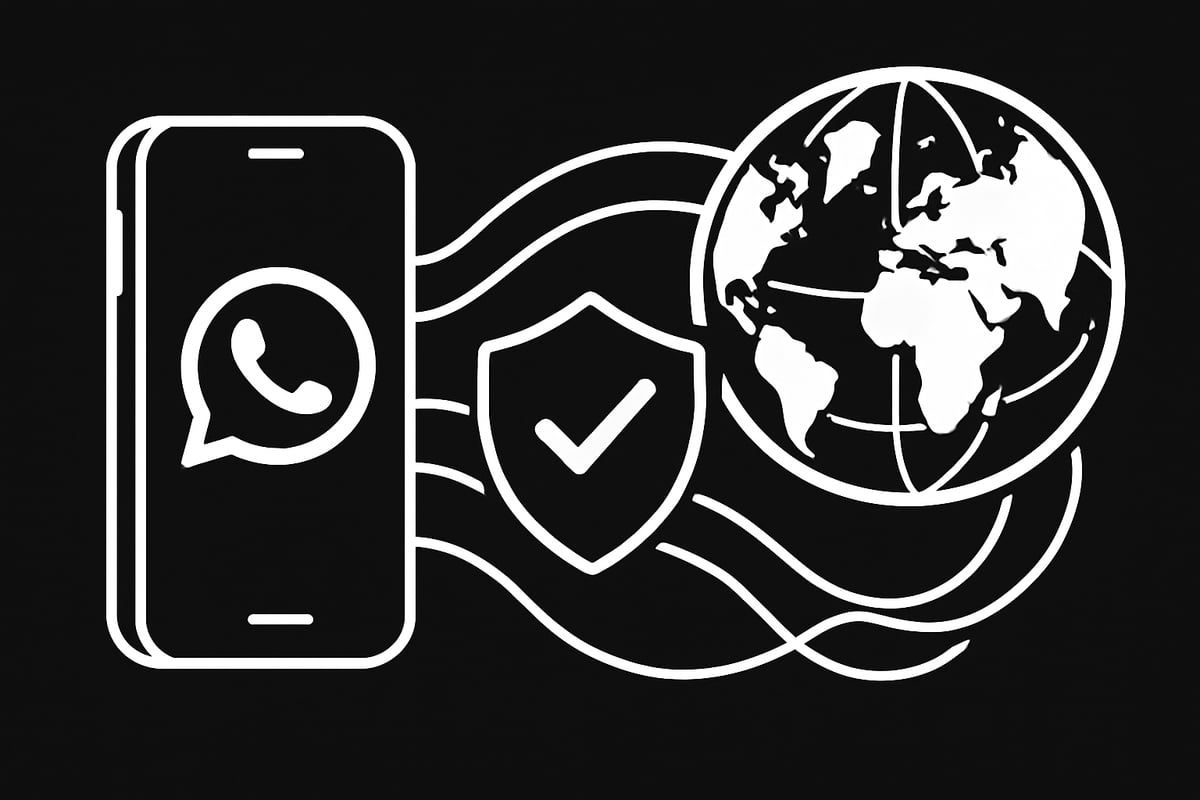
What Is a Proxy and How Does It Integrate with WhatsApp?
A proxy for WhatsApp works as a bridge between your device and WhatsApp's servers. Instead of your messages traveling directly, they are routed through an intermediary server. This setup hides your real IP address, making it look like your traffic comes from the proxy's location.
WhatsApp introduced proxy support for Android and iOS in 2023, making it possible to specify a proxy server directly in the app. The feature remains available in current app versions, and the settings path has stayed close to the original: open Settings, then Storage and Data, then Proxy. Menu labels can shift between releases, so check the path against your installed version. Because requests go through the proxy instead of straight to WhatsApp, you can still connect even if your network or country blocks the app.
For example, if you are in a country with restrictions, a proxy for WhatsApp delivers your messages by masking your network identity. This restores access and adds a layer of privacy.
Types of Proxies for WhatsApp
The main protocols used for a proxy for WhatsApp include HTTP, HTTPS, and SOCKS5, with each offering different levels of compatibility and security. Proxies can also be residential, mobile, or datacenter. Each has its pros and cons for WhatsApp usage.
Here is a quick comparison:
| Proxy Type | Security | Speed | Best Use Case |
|---|---|---|---|
| HTTP/HTTPS | Moderate | Fast | General browsing |
| SOCKS5 | High | Fast | Messaging & privacy |
| Residential | High | Moderate | Avoiding detection |
| Mobile | High | Varies | Bypassing tough blocks |
| Datacenter | Varies | Fastest | Bulk messaging |
To learn more about these differences, check out this guide comparing proxy types.
Choosing the right proxy for WhatsApp depends on your needs, whether that is privacy, speed, or avoiding bans.
WhatsApp's Built-In Proxy Feature
WhatsApp's native proxy support is a major convenience for mobile users. On Android and iOS, you can enter a proxy address directly in the app's settings. This allows your WhatsApp traffic to be rerouted, helping you connect even under heavy censorship.
This feature is limited to mobile devices. WhatsApp Web and the desktop clients do not offer a built-in proxy field, so users rely on system-level or browser-level proxies for those platforms. Confirm this against the current desktop app and WhatsApp Web, as WhatsApp updates them frequently.
Example proxy setup in WhatsApp (Android):
Settings > Storage and Data > Proxy > Use Proxy > Enter Address and Port
Whichever proxy you choose must be reliable and fast for smooth messaging.
Security and Encryption Considerations
Using a proxy for WhatsApp does not compromise the app's end-to-end encryption. Your messages stay private between you and your contacts. The proxy simply masks your IP address and location, adding a privacy layer.
Still, not all proxies are safe. Some may log your data or inject ads. Always pick trusted providers that support encrypted protocols like HTTPS or SOCKS5. This minimizes the risk of exposure or interception.
Common Proxy Scenarios
A proxy for WhatsApp is useful in many real-world situations:
- Bypassing country-level bans or restrictions
- Accessing WhatsApp on school or office networks
- Staying connected during internet outages
- Protecting your identity while traveling
In all these cases, a proxy helps you communicate securely and without interruption.
Real-World Example
Hypothetical example: a business operating in a restricted country uses a mobile proxy for WhatsApp to maintain customer support for international clients. Even when local internet access is disrupted, communication stays active because traffic exits through a location where WhatsApp is reachable.
The same approach applies to travelers, expats, and remote teams.
Key Arguments and Insights
Here are the essentials of using a proxy for WhatsApp:
- Legality: Proxies are legal in most countries, but always check local laws.
- Reliability: Choose providers with high uptime and clean IPs.
- Security: End-to-end encryption is maintained, but use secure proxies.
- Flexibility: System-level proxies are needed for desktop, while mobile users can use in-app settings.
- Infrastructure: Reliable proxy infrastructure keeps messaging private and consistent.
What Is a WhatsApp URL and Does It Matter for Proxies?
A WhatsApp URL is the web address a client or browser contacts to reach the service. In everyday use it can mean the public links people share, such as wa.me chat links and web.whatsapp.com for WhatsApp Web. In a proxy context, it also covers the connection endpoints the app itself calls: WhatsApp's domains and the ports its servers listen on.
This matters because a proxy only helps if it can reach those endpoints. When a network blocks WhatsApp's domains or IP ranges, the app fails to connect. A working proxy relays the connection from a location where those endpoints are not blocked.
Failures usually come from a few causes:
- The proxy provider's IPs are themselves flagged or blocked by WhatsApp.
- The proxy exit location sits behind the same restrictions as your own network.
- The proxy does not forward the ports the app needs, or blocks non-HTTP traffic.
- DNS resolution for WhatsApp domains is filtered before the proxy sees the request.
For developers, the practical test is simple. From the proxy, confirm that web.whatsapp.com resolves and responds over HTTPS. If it does, the proxy can reach the main web endpoint. If connections time out or are reset, switch to another exit location or provider rather than retrying the same IP.
Which Proxy Server Is Best for WhatsApp?
The best proxy server for WhatsApp is one that reaches WhatsApp's endpoints reliably from an unrestricted location, keeps your traffic private, and stays online. Judge candidates against these criteria:
| Criterion | What to look for |
|---|---|
| Clean IP reputation | IPs not flagged or blacklisted by WhatsApp, with a diverse pool to rotate through |
| Uptime | A stated uptime target with continuous monitoring |
| Location | Exit locations in countries where WhatsApp is not restricted, close to you for lower latency |
| Protocol support | HTTPS and SOCKS5 for encrypted, app-compatible traffic |
| No-logs policy | A clearly published zero-log policy |
Proxy type affects the result as well:
- Residential proxies suit users who need to avoid detection, since their IPs resemble ordinary home connections.
- Mobile proxies fit the toughest blocks, because mobile IPs are shared widely and rarely banned outright.
- Datacenter proxies fit speed-sensitive and high-volume use, with a higher chance of being flagged on strict networks.
Avoid free and public proxies. They tend to have flagged IPs, unstable uptime, and unclear logging practices.
Proxy vs VPN for WhatsApp
Both tools can restore WhatsApp access, but they work differently. A proxy routes the traffic of a specific app or browser and does not encrypt the full device connection. A VPN routes all device traffic through an encrypted tunnel.
| Factor | Proxy | VPN |
|---|---|---|
| Scope | App or browser traffic only | Entire device |
| Encryption | Depends on protocol; no full-device tunnel | Encrypts all traffic |
| Speed | Usually faster, less overhead | Often slower due to encryption |
| Setup | In-app on mobile, system or browser on desktop | One app, device-wide |
| Best for | Targeted unblocking, per-app control, scale | Broad privacy on untrusted networks |
How to choose:
- Pick a proxy if WhatsApp is the only service blocked, you want speed, or you need per-app control and many exit IPs. This is also the natural choice for developers who manage proxies programmatically.
- Pick a VPN if you need privacy for all traffic, such as on public WiFi, or if your network blocks both WhatsApp and many other services.
- Pay attention to blocks. Some networks detect and block VPN protocols, while a proxy built into WhatsApp can pass where a VPN fails.
WhatsApp's end-to-end encryption protects message content in both cases. The difference is what else on your device is covered.
How to Get a Proxy Server for WhatsApp
Getting a working proxy takes a few steps:
- Choose a paid provider. Look for a published zero-log policy, HTTPS and SOCKS5 support, a stated uptime target, and clean IPs.
- Select a location. Choose a country where WhatsApp is accessible and, where possible, near you for lower latency.
- Get the connection details. Your dashboard will give you an address (host), a port, and credentials (username and password).
- Choose a proxy type. Mobile or residential for strict blocks, datacenter for speed.
- Test before relying on it. Confirm the proxy responds, then check that WhatsApp connects through it.
A quick test from the command line:
curl -x socks5://youruser:yourpass@123.45.67.89:1080 https://web.whatsapp.com -I
A successful response means the proxy can reach WhatsApp's web endpoint. Then enter the same details in WhatsApp on mobile, or in your system settings on desktop, and send a test message.
Keep a backup location ready in case the first IP is flagged. For another walkthrough of the process, see this guide on how to use proxies with WhatsApp.
Step-by-Step: Setting Up a Proxy for WhatsApp on Mobile (Android & iOS)
Setting up a proxy for WhatsApp on your mobile device is the key to reliable, secure messaging when restrictions hit. This section walks through every step, highlights best practices, and helps you avoid common pitfalls.
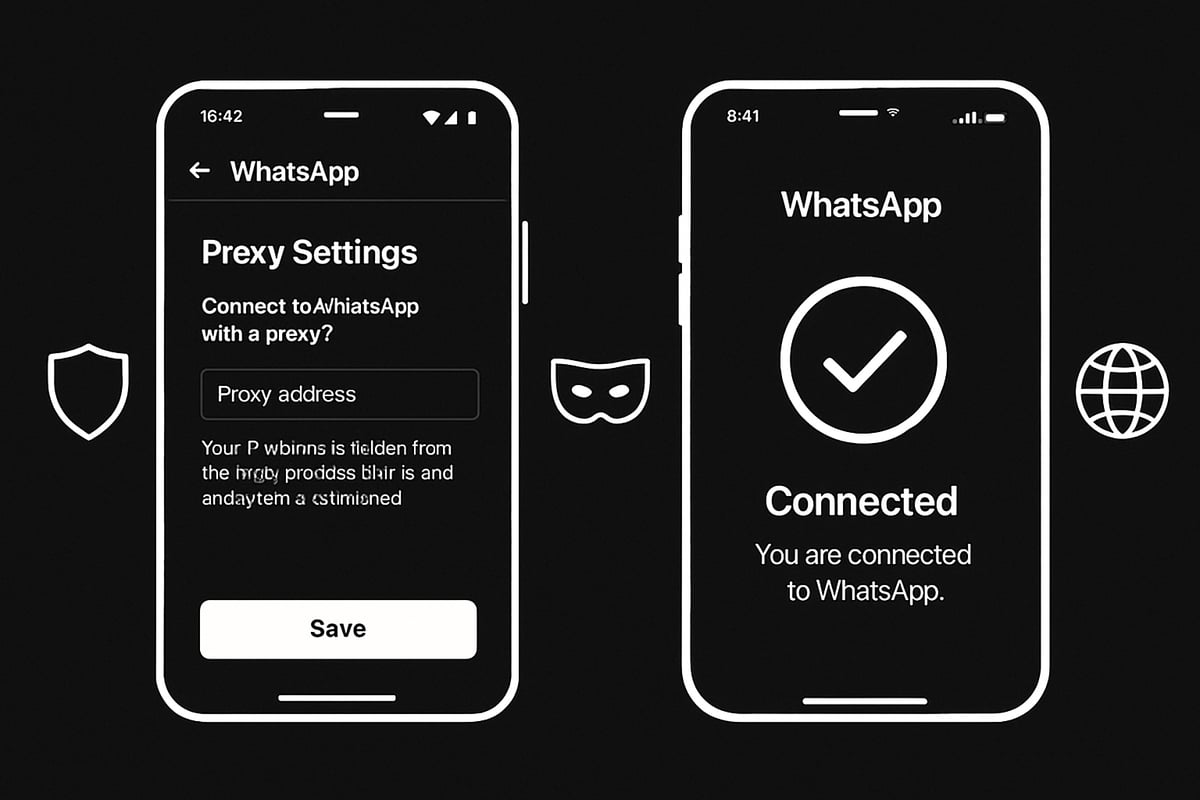
Preparation: Choosing the Right Proxy Provider
Before you set up a proxy, selecting the right provider is important. Look for a provider known for:
- A stated high uptime target, monitored continuously (PinguProxy, for example, states a 99.9% uptime target monitored 24/7)
- Clean, unflagged IP addresses
- Geographic diversity (choose locations where WhatsApp is unrestricted)
- Strong privacy policies with no logging
Avoid free or public proxies, as these can slow your connection, compromise privacy, or get banned quickly. Consider reading a WhatsApp Proxy Setup Guide for a detailed overview and provider recommendations.
Android: Proxy Configuration Guide
Configuring a proxy on Android is straightforward. Follow these steps:
- Open Settings and tap Network & Internet, then choose WiFi.
- Tap your connected WiFi network, then tap Advanced options.
- Set Proxy to Manual.
- Enter your proxy server address and port (provided by your proxy provider).
- Save changes and reconnect to your WiFi.
- Open WhatsApp, go to Settings > Storage and Data > Proxy, and enter the proxy details if prompted.
Menu names can differ by Android version and manufacturer, so confirm the WhatsApp proxy path in your installed app version. If you encounter issues, double-check the credentials and ensure your provider's server is online. Some Android devices may require a restart for settings to apply.
iOS: Proxy Configuration Guide
To use a proxy on iOS, follow these steps:
- Go to Settings > WiFi and tap the "i" next to your active network.
- Scroll to HTTP Proxy, tap Configure Proxy.
- Select Manual, then enter the proxy address and port.
- Add authentication if your provider requires it.
- Save settings and test WhatsApp connectivity.
You can also enter the proxy inside WhatsApp itself under Settings, then Storage and Data, then Proxy, which routes only WhatsApp traffic. If WhatsApp does not connect, verify your proxy details, check for typos, and try toggling WiFi off and on. Using proxies from regions without WhatsApp restrictions helps ensure a stable connection.
Best Practices for Mobile Proxy Use
Using a proxy safely and effectively means following best practices:
- Always verify the proxy IP is clean and not blacklisted.
- Rotate your proxy periodically for better anonymity.
- Monitor connection speed and switch servers if you notice slowdowns.
- Select proxies from countries where WhatsApp is freely accessible.
Security Tips
Security is critical when using a proxy. Remember to:
- Never share your proxy credentials with others.
- Avoid public WiFi networks when configuring your proxy.
- Enable two-factor authentication on your WhatsApp account.
- Keep both your phone and WhatsApp app updated for the latest security patches.
Example Use Case
Hypothetical example: a business traveler in China is suddenly unable to use WhatsApp for urgent work messages. By configuring a US-based proxy on their iPhone, they restore access and maintain communication with colleagues and clients.
Setting Up a Proxy for WhatsApp Web and Desktop (Windows & Mac)
Accessing WhatsApp Web or the desktop app is not always straightforward when you face regional restrictions or network blocks. Unlike the mobile app, which offers built-in proxy features, using a proxy on your computer requires a different approach.
Limitations of WhatsApp's Built-In Proxy
WhatsApp's built-in proxy support is useful for mobile users, but it has a clear limit. The feature is available on Android and iOS devices. If you rely on WhatsApp Web or the desktop client, you will not find a native proxy option, based on the current versions at the time of writing. That is why a system-level proxy is the usual route for unblocking access on a computer.
Most users discover this limitation only after trying to connect from a laptop in a restricted country. The workaround is to route your internet traffic, including WhatsApp Web, through a reliable system proxy.
Windows: System Proxy Setup for WhatsApp Web
To set up a proxy on Windows, configure your system's proxy settings:
- Open Settings and go to Network & Internet.
- Click on Proxy.
- Under Manual proxy setup, toggle the switch to On.
- Enter your proxy server address and port provided by your service.
- Save the changes.
Once your proxy is active, open your browser and visit WhatsApp Web. All browser traffic, including WhatsApp, will now route through the proxy.
If you run into connection issues, double-check that your proxy server is online and your credentials are correct. Some browsers also have their own proxy settings, so ensure those match your system configuration.
Mac: Configuring System Proxy
If you use a Mac, configuring a proxy is straightforward:
- Open System Settings (or System Preferences on older macOS) and select Network.
- Choose your active network connection and open its proxy settings (Advanced, then the Proxies tab).
- Check the box for HTTP, HTTPS, or SOCKS and enter your proxy details.
- Click OK and then Apply.
After setting up your proxy, restart your browser and try accessing WhatsApp Web. If you encounter issues, verify that your details are correct and that your provider's IP is not blocked.
Here is a sample configuration for a SOCKS5 proxy:
Server: 123.45.67.89
Port: 1080
Username: youruser
Password: yourpass
Choosing the Right Proxy for Desktop Use
Selecting the right proxy is crucial for fast and reliable messaging. Desktop users should prioritize residential or datacenter proxies with high uptime and clean IP reputations. Residential proxies are less likely to be blocked and often provide better stability.
Here is a quick comparison:
| Proxy Type | Speed | Anonymity | Block Risk | Best For |
|---|---|---|---|---|
| Residential | Medium | High | Low | WhatsApp, web |
| Datacenter | Fast | Medium | Medium | Business use |
| Mobile | Medium | High | Very Low | Unblocking apps |
For a deep dive into setup and benefits, check out this Residential SOCKS5 proxies guide.
Security and Privacy Considerations
When using a proxy on desktop, security should be your top priority. Choose providers with a strict zero-log policy and support for encrypted protocols like HTTPS or SOCKS5. Update your proxy credentials regularly to prevent unauthorized access.
If possible, avoid free proxies, as they can compromise your privacy or inject malware. Use strong passwords for your proxy accounts, and enable two-factor authentication on WhatsApp itself to add an extra layer of security.
Example Scenario
Hypothetical example: a remote worker in a country with WhatsApp restrictions sets up a system-level proxy on their Windows laptop and keeps communication with clients open. With the right configuration, messages stay secure and the workflow remains smooth, even where direct access is blocked.
Advanced Proxy Security: Best Practices for Safe Messaging in 2026
Staying safe while using a proxy for WhatsApp means more than picking any server. As threats evolve, understanding the risks and adopting sound security habits is essential for protecting your chats, data, and identity.
Understanding Proxy Security Risks
Not all proxies are created equal. Using a free or unknown proxy might expose you to serious risks. Malicious proxies can inject malware, log your data, or leak sensitive metadata about your WhatsApp sessions.
Common dangers include:
- Malware infections targeting your device or WhatsApp account
- Data interception or logging of your communication
- Exposure of your IP address or location to third parties
These risks make it important to choose a reliable provider and avoid suspicious ones.
How to Vet and Choose a Secure Proxy Provider
Selecting the right proxy starts with due diligence. Look for transparent privacy policies and a strict zero-log guarantee. A reputable provider should publish an uptime target and monitor it continuously. PinguProxy, for instance, states a 99.9% uptime target, monitored 24/7, which is a target rather than a guarantee.
Key vetting criteria:
- Clearly stated zero-log policy
- A clean IP reputation and a large, diverse IP pool
- A published uptime target with continuous monitoring
- Responsive support channels for urgent issues
Take time to read user reviews and provider documentation. For more details on security features, review advanced proxy security features offered by leading services.
Encryption & Authentication
Encryption matters when using a proxy for WhatsApp. Ensure your chosen proxy supports secure protocols like HTTPS or SOCKS5. These protocols secure traffic between your device and the proxy server, blocking eavesdroppers.
Always enable authentication if your provider offers it. This prevents unauthorized users from hijacking your connection. WhatsApp's end-to-end encryption protects your messages, but metadata can still be exposed if the proxy is insecure.
Proxy Rotation and IP Hygiene
Maintaining good IP hygiene is important for effective and anonymous proxy use. Regularly rotating proxies helps evade detection and prevents IP bans. Some providers offer very fast rotation; PinguProxy's Pro and Enterprise plans, for example, support a 1 ms rotating IP interval.
Best practices include:
- Rotating IPs frequently, especially in sensitive environments
- Avoiding prolonged use of a single proxy
- Monitoring for IP bans or blacklisting and switching as needed
Using a provider with a clean, diverse IP pool reduces the risk of interruptions.
Device and App Security
Even the most secure proxy cannot protect you if your device or app is compromised. Always keep your WhatsApp app and operating system up to date to patch security vulnerabilities.
Further tips:
- Use strong, unique passwords and enable two-factor authentication on WhatsApp
- Regularly review connected devices and active sessions
- Avoid entering proxy credentials on public or shared devices
Data Points and Real-World Example
Published uptime and clean-IP percentages differ by provider and are rarely independently audited, so treat any figure as a vendor claim and test a service yourself before depending on it.
Hypothetical example: a company that moves from a free proxy to a reputable zero-log provider after a data scare gains more predictable access and a clearer privacy posture for customer communications.
PinguProxy: Secure Proxy Solutions for WhatsApp Access
Staying connected on WhatsApp matters, especially with access risks rising worldwide. PinguProxy is a proxy provider built for both individual users and teams collecting data at scale.
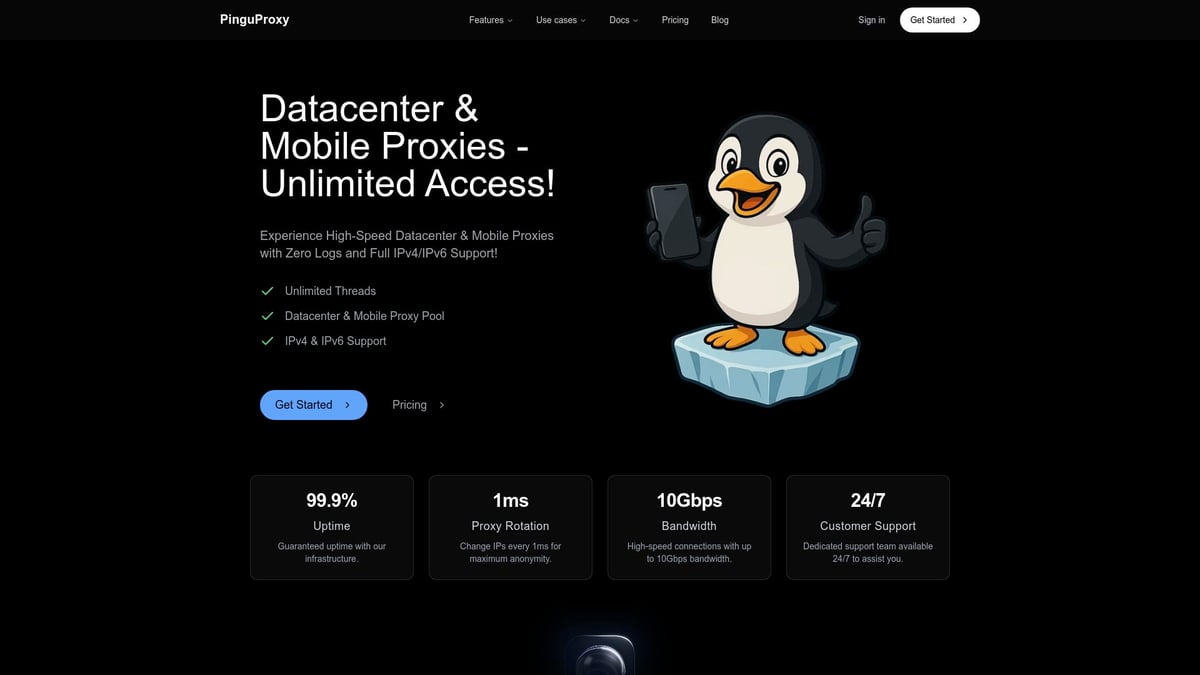
PinguProxy offers unlimited bandwidth and a zero-log policy, with datacenter, mobile, residential, and TOR proxies on one account. Its network covers 190+ countries and regions, with residential targeting reaching 221 countries and more than 500 million IP addresses across the network, which makes it easier to find a clean exit in an unrestricted location.
The 1 ms rotating IP interval is available on the Pro and Enterprise plans. The Enterprise plan also includes 24/7 support priority. A mobile proxy is a strong option when you face tough blocks; to see how, read about mobile proxies for WhatsApp access.
PinguProxy has no free trial. Monthly plans start with a 1-day trial for €1, then continue at the regular plan price, so you can test a connection against WhatsApp before committing. For developers, agencies, and individuals who depend on uninterrupted access, that short trial is enough to run the connection test described earlier in this guide.
Troubleshooting Common WhatsApp Proxy Issues
Running into issues with your proxy for WhatsApp can be frustrating, especially when you need reliable messaging. Most problems have straightforward fixes.
Connection and Authentication Errors
If you see messages like
Unable to connect
or
Proxy authentication failed
start by double-checking your proxy details. Make sure the address, port, username, and password are all correct.
Common causes include:
- Typos in the proxy address or port
- Expired or changed credentials
- The proxy server is offline or overloaded
A quick tip is to test the proxy in another app or device to rule out device-specific issues. For step-by-step instructions on setup and troubleshooting, refer to the WhatsApp Proxy Configuration Steps.
Proxy IP Blacklisting or Bans
Sometimes, WhatsApp blocks access from certain proxy IPs if they are flagged for suspicious activity. When your proxy stops working suddenly, this could be the cause.
How to tell if your IP is blacklisted:
- WhatsApp connects on other networks but not through the proxy
- Multiple users report issues with the same provider
What you can do:
- Switch to a reputable provider with clean IPs and a large pool
- Rotate your proxy IP regularly
- Avoid free or public proxies, as they are more likely to be banned
Slow Speeds or Dropped Connections
A sluggish connection can make messaging nearly impossible. Common causes include overloaded proxies, long distances to the server, or shared IPs.
Here is how to troubleshoot:
- Choose a proxy server closer to your location
- Use dedicated or premium proxies for better performance
- Monitor speed and latency with online tools
If slow speeds persist, contact your provider or try another server location.
Device-Specific Issues
Each device handles proxy connections a bit differently. On Android or iOS, outdated apps or operating systems can cause problems. Make sure both WhatsApp and your OS are up to date.
On desktop, if WhatsApp Web will not connect, check your system proxy settings and verify your browser is routing traffic through the proxy. Some browser extensions can override system settings, so disable them temporarily if needed.
Security Warnings and Privacy Concerns
If you see alerts about unsecured proxies, switch to HTTPS or SOCKS5 protocols for encryption. Never enter proxy credentials on public or shared devices.
For enhanced privacy, avoid using the same proxy long-term. Rotate proxies, and always enable two-factor authentication on WhatsApp.
Real-World Example and Support Resources
Hypothetical example: a business facing repeated bans on a low-quality proxy upgrades to a premium provider with clean IPs and a published uptime target, and sees fewer access failures. If you need more help, check your provider's documentation or reach out to their support team.
If you have made it this far, you know how important secure, uninterrupted WhatsApp access is, whether you are traveling, running a business, or protecting your privacy in 2026. With PinguProxy's zero-log policy, unlimited bandwidth, and worldwide coverage, you can stay connected wherever you are. Ready to put these tools into action? Get Started Now
Frequently asked questions
Which proxy server is best for WhatsApp?
The best proxy server for WhatsApp has a clean IP reputation, a stated uptime target, exit locations where WhatsApp is not restricted, HTTPS or SOCKS5 support, and a no-logs policy. Residential and mobile proxies suit strict blocks, while datacenter proxies suit speed.
Is proxy better than VPN?
It depends on the goal. A proxy routes only app or browser traffic and is usually faster, which suits targeted WhatsApp unblocking. A VPN encrypts all device traffic, which suits broad privacy on untrusted networks.
What is a URL in WhatsApp?
A WhatsApp URL is a web address tied to the service, such as wa.me chat links or web.whatsapp.com for WhatsApp Web. In a proxy context, it also refers to the endpoints and domains the app must reach, which is why blocked domains cause connection failures.
How to get a proxy server?
Choose a paid provider, pick an exit location where WhatsApp is accessible, and copy the address, port, and credentials from your dashboard. Test the connection with a tool like curl before entering the details in WhatsApp or your system settings.