
Proxy S5 Guide: Master Secure Browsing in 2025
Online privacy is under threat in 2025, with surveillance and cyber risks growing more advanced every day. Staying safe online has never been more important, and proxy s5 is quickly becoming the tool of choice for anyone serious about protecting their data.
This guide will show you how to use proxy s5 for secure browsing, giving you the power to access restricted content and keep your identity private. You’ll discover how proxy s5 works, its top benefits, easy setup steps, advanced tips, and expert advice to browse safely and efficiently.
Understanding Proxy S5: The Backbone of Secure Browsing
The digital landscape in 2025 demands robust tools for privacy, flexibility, and unrestricted access. At the core of this evolution is proxy s5, a technology that has become essential for users who value secure, versatile online experiences. Let’s break down what makes proxy s5 the backbone of modern secure browsing.
What is Proxy S5?
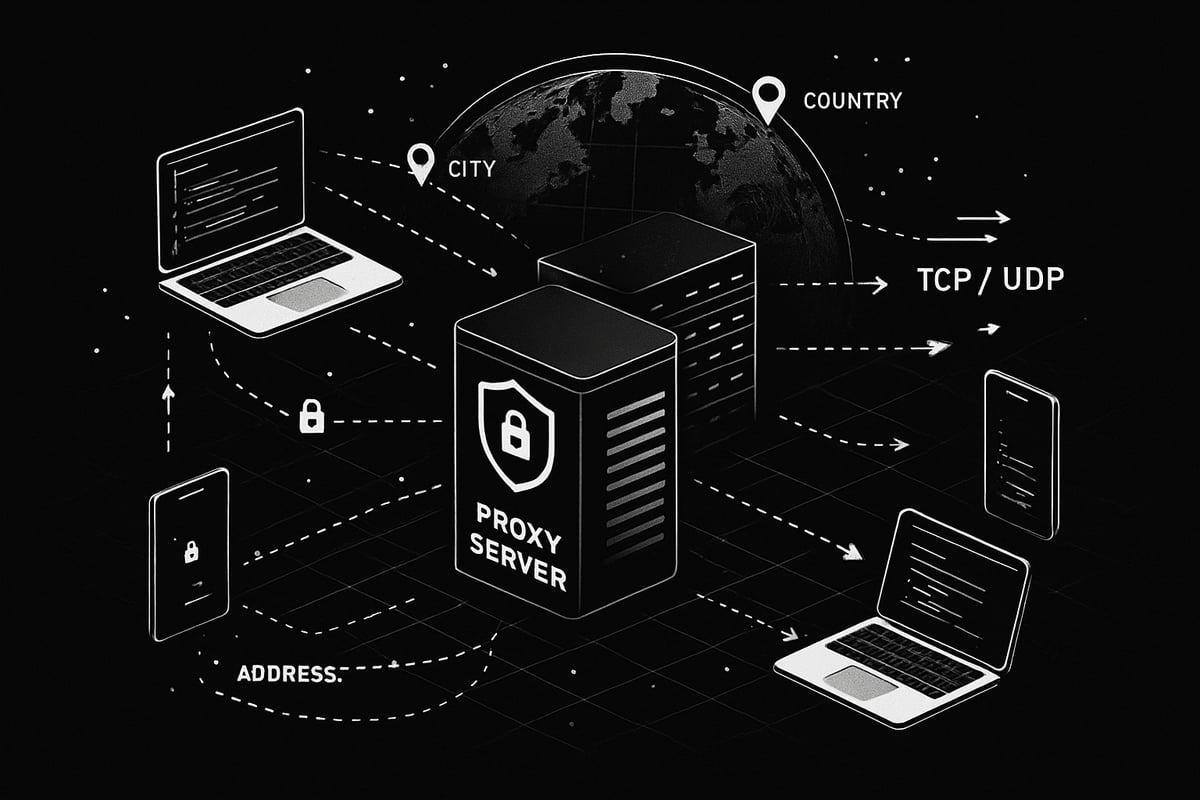
Proxy s5, also known as SOCKS5, is a dynamic internet protocol that forwards network traffic between a client and a destination server. Unlike traditional HTTP or HTTPS proxies, proxy s5 is stateless and capable of handling all traffic types, including both TCP and UDP. This flexibility makes it a top choice for streaming, gaming, scraping, and other bandwidth-intensive activities.
Proxy s5 does not interpret or modify the data it transmits, ensuring data integrity and privacy. Its popularity has soared in 2025, fueled by rising online restrictions and the need for advanced anonymity. For example, Pia S5 Proxy boasts a 350M+ residential IP pool, supporting diverse use cases and making proxy s5 indispensable for modern users. For a deeper dive into its technical underpinnings and advantages, check out the SOCKS5 Proxy Protocol Overview.
Key Benefits of Proxy S5 for Users in 2025
The benefits of proxy s5 extend far beyond simple IP masking. Here’s what sets it apart for users in 2025:
- Enhanced anonymity: Proxy s5 conceals your real IP, shielding your identity from trackers.
- Versatile protocol: Supports P2P, VoIP, and other traffic types without limitations.
- High compatibility: Works seamlessly with browsers, apps, and automation bots.
- Strong authentication: Provides secure access through username/password or whitelisted IPs.
- Bypassing geo-blocks: Unlocks content restricted by location or censorship.
- Reliable performance: Providers like Pia S5 offer 99.99% uptime and robust infrastructure.
- Business use cases: Companies rely on proxy s5 for ad verification and fraud prevention.
These features make proxy s5 a trusted solution for individuals and enterprises seeking secure, adaptable browsing.
How Proxy S5 Works: Technical Overview
Proxy s5 operates as a transparent middle layer in your internet connection. When you initiate a connection, your data packets first travel to the proxy s5 server, which then forwards them to the destination website. This process ensures your original IP remains hidden. Unlike some proxies, proxy s5 does not alter the contents of your data, preserving integrity.
Authentication is built in, enforcing only authorized access. The protocol supports connection tunneling, boosting privacy and preventing leaks. For example, Pia S5 Proxy enables precise country and city targeting, letting users select specific IP locations. Imagine a visual diagram: your device sends data to the proxy s5 server, which securely passes it onward, masking your identity. With a 99.9% IP availability rate, proxy s5 stands out for reliability.
Proxy S5 in the Modern Web Ecosystem
Proxy s5 has woven itself into the fabric of today’s online activities. Its use cases span web scraping, price monitoring, streaming, and social media management. Integration with fingerprint browsers and automation tools is seamless, supporting both individual and business needs.
Proxy s5 is vital for bypassing government or ISP restrictions, especially as data privacy regulations tighten globally. Leading providers like Pia S5 support over 200 regions, ensuring wide-reaching access. Insights from competitor reviews highlight the evolving demands for proxies, emphasizing adaptability, security, and compliance. The growing need for reliable, anonymous browsing cements proxy s5 as a cornerstone of the modern web.
Choosing the Right Proxy S5 Provider: Features, Pricing & Key Considerations
Selecting a proxy s5 provider in 2025 can feel overwhelming, given the flood of options and technical jargon. To simplify your search, focus on the features, pricing, support, and real-world feedback that matter most for safe, efficient browsing.
Essential Features to Look For
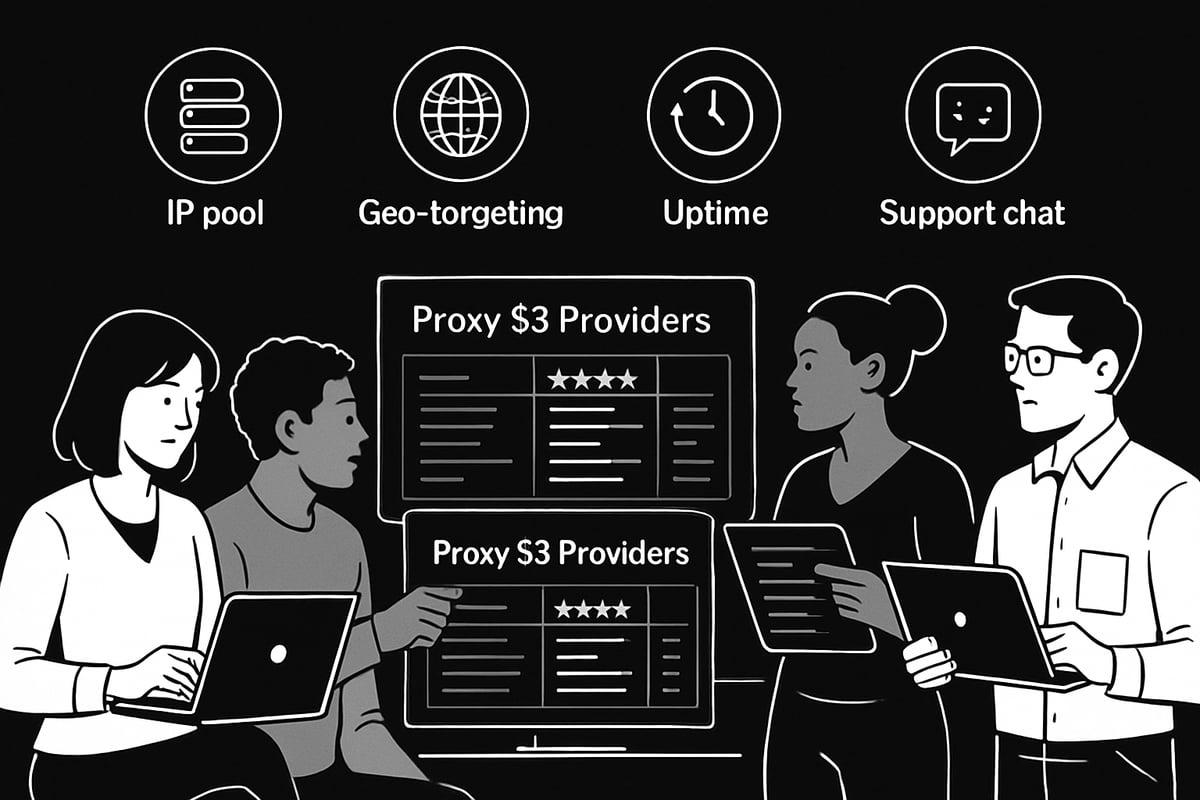
When evaluating a proxy s5 provider, prioritize the breadth and quality of their IP pool. Look for millions of residential, datacenter, and static IPs with precise geo-targeting options down to the city or even ISP level. Unlimited bandwidth and session support are crucial for heavy users. Reliable uptime, strong authentication, and integration with all major platforms ensure seamless use. For a deeper dive into what makes a residential SOCKS5 proxy stand out, check the Residential SOCKS5 Proxies Guide. For instance, providers like Pia S5 offer 350M+ IPs across 200+ regions, which means you are less likely to encounter blocks or slowdowns.
Pricing Models and Value
Pricing for proxy s5 solutions typically falls into two models: pay per IP and pay per GB. Transparent billing is essential, so avoid providers with hidden fees. Many top services offer discounts, promotions, or double IP packages. Compare costs between industry leaders like Pia S5, Luminati, and Oxylabs to find the right fit for your needs. For example, Pia S5 offers enterprise pricing as low as $0.045 per IP, making it accessible for individuals, SMBs, and large businesses alike. Always weigh the ROI based on your specific use case, whether it's ad verification, scraping, or secure browsing.
Customer Support and User Resources
Robust customer support is a must-have for any proxy s5 provider. Check for multiple support channels such as email, Telegram, and 24/7 live chat. Responsive and knowledgeable teams help resolve issues quickly. Comprehensive documentation, video tutorials, and active community forums make onboarding and troubleshooting much easier. Pia S5, for example, is praised for its dedicated onboarding resources. These assets are invaluable for both beginners and advanced users integrating proxies into complex workflows.
Security, Privacy, and Compliance
A trustworthy proxy s5 provider should maintain strict no-logs policies and comply with privacy regulations like GDPR and CCPA. Secure authentication and encrypted connections protect your identity and data. High anonymity SOCKS5 support is vital for sensitive use cases. Some businesses rely on robust proxies for compliance, while others have faced risks from poorly managed, non-compliant providers. Always verify your provider’s security credentials and privacy stance before committing.
Real-World Examples and User Reviews
The best proxy s5 providers are validated by real-world use cases and positive user feedback. Look for case studies in ad verification, price monitoring, and affiliate testing. User testimonials often highlight reliability, performance, and ease of use. Comparing legacy services like 911 S5 with modern solutions reveals improvements in uptime and support. Pia S5, trusted by over 70,000 users, maintains high ratings on platforms like Trustpilot. Learn from competitor reviews to understand what works - and what to avoid - when choosing your provider.
Step-by-Step: Setting Up and Using Proxy S5 for Secure Browsing
Getting started with proxy s5 is straightforward when you break the process into manageable steps. Whether you want more privacy, access to restricted sites, or automation, the right approach ensures a seamless experience.
Preparing for Proxy S5 Setup
Before diving into proxy s5 setup, identify your main goals. Are you focused on privacy, scraping data, streaming, or all three? Knowing your needs will help you choose the best provider and plan.
Check if your operating system and applications are compatible with proxy s5. Gather your credentials, including username, password, and proxy server details. Most providers, such as Pia S5 Proxy, offer quick downloads for Windows, Mac, Linux, Android, and iOS.
Create a security checklist:
- Use strong, unique passwords.
- Make sure your device is malware-free.
- Update your OS and apps to the latest versions.
Taking these steps ensures your proxy s5 setup is secure and ready for smooth operation.
Installing Proxy S5 on Different Platforms
Installing proxy s5 is user-friendly across most platforms. On Windows, download the client, run the installer, and enter your proxy details. For Mac, drag the application to your Applications folder, then follow on-screen prompts to integrate with system preferences.
Linux users have CLI or GUI options. Use a package manager or download the .deb/.rpm file, then input your proxy s5 credentials. On mobile devices, install the provider's app from the App Store or Google Play, and configure with your given proxy info.
If you run into installation issues, check for:
- Outdated software.
- Incorrect credentials.
- Network firewalls blocking connections.
Most providers include troubleshooting FAQs and support to help resolve common installation hiccups.
Configuring Browsers and Applications
Once proxy s5 is installed, configure your browsers and apps for secure browsing. In Chrome or Firefox, go to network settings and enter your proxy s5 server address and port. Some advanced tools, like fingerprint browsers or bots, allow direct integration with proxy s5 via built-in settings.
Set up authentication using a username and password or by whitelisting your IP. For added support, consult comprehensive online resources like the Step-by-Step Proxy Setup guide. This resource walks you through setup for different platforms and apps.
Remember to enable DNS and WebRTC leak protection for maximum privacy. Test your connection with a service like "What Is My IP" to confirm your proxy s5 is active and anonymous.
Advanced Tips: Rotating IPs, Geo-Targeting, and Automation
Unlock even more with proxy s5 by using advanced features. Set up automatic IP rotation to change addresses every session or even every millisecond. For tasks like scraping or managing multiple accounts, this is a game changer.
Geo-targeting lets you select specific countries or cities, ideal for accessing region-locked content or monitoring global prices. Use sticky sessions when you need a consistent IP for longer tasks.
Automate workflows with scripts or proxy managers. Many providers, including Pia S5 Proxy, offer unlimited concurrent sessions, making scaling easier. Proxy s5 is especially useful for web scraping, SEO, and price tracking, where speed and flexibility matter most.
Troubleshooting and Optimization
Encountering issues with proxy s5? Start by diagnosing connection speed and reliability. Common problems include slow speeds, failed authentications, or blocked IPs.
Follow these troubleshooting steps:
- Double-check your credentials.
- Change to a different proxy server or location.
- Restart your device and router.
- Monitor bandwidth usage to avoid hitting limits.
For best results, regularly update your proxy s5 software and rotate your IPs. Many providers offer zero charges for invalid IPs, so you do not lose value. If problems persist, reach out to support for personalized help.
PinguProxy: High-Speed Alternative for Secure Browsing
Looking for another powerful proxy s5 solution? PinguProxy delivers both datacenter and mobile proxies with unlimited bandwidth and blazing 10Gbps speeds. Their rapid 1ms IP rotation feature offers unmatched flexibility for demanding needs.
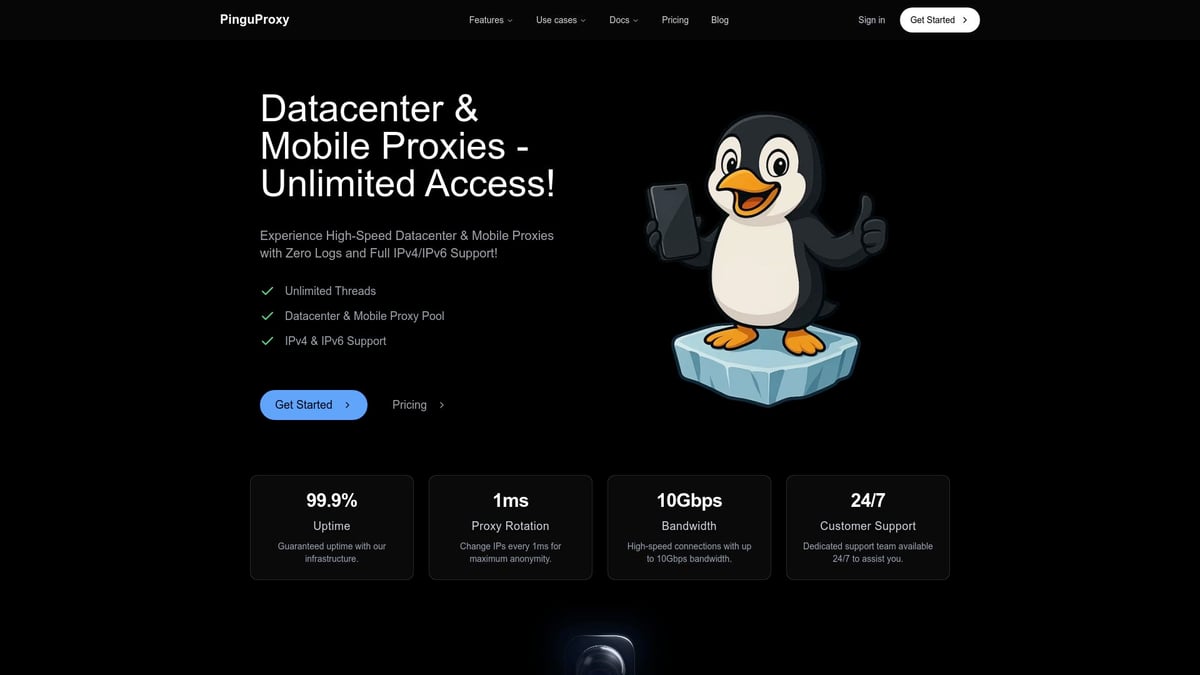
With full IPv4 and IPv6 support, a strict zero-log policy, and a user-friendly dashboard, PinguProxy is ideal for web scraping, gaming, and accessing restricted services. Their 24/7 customer support ensures help is always available.
PinguProxy complements proxy s5 providers like Pia S5 by offering ultra-fast options for users who need performance and privacy at scale.
Proxy S5 vs. Other Proxy Types: Which Is Right for You in 2025?
Choosing the right proxy solution is crucial for secure, anonymous, and efficient web access in 2025. With so many options available, understanding how proxy s5 stacks up against other proxy types will help you make an informed decision based on your privacy needs, use cases, and budget.
Proxy S5 vs. HTTP/HTTPS Proxies
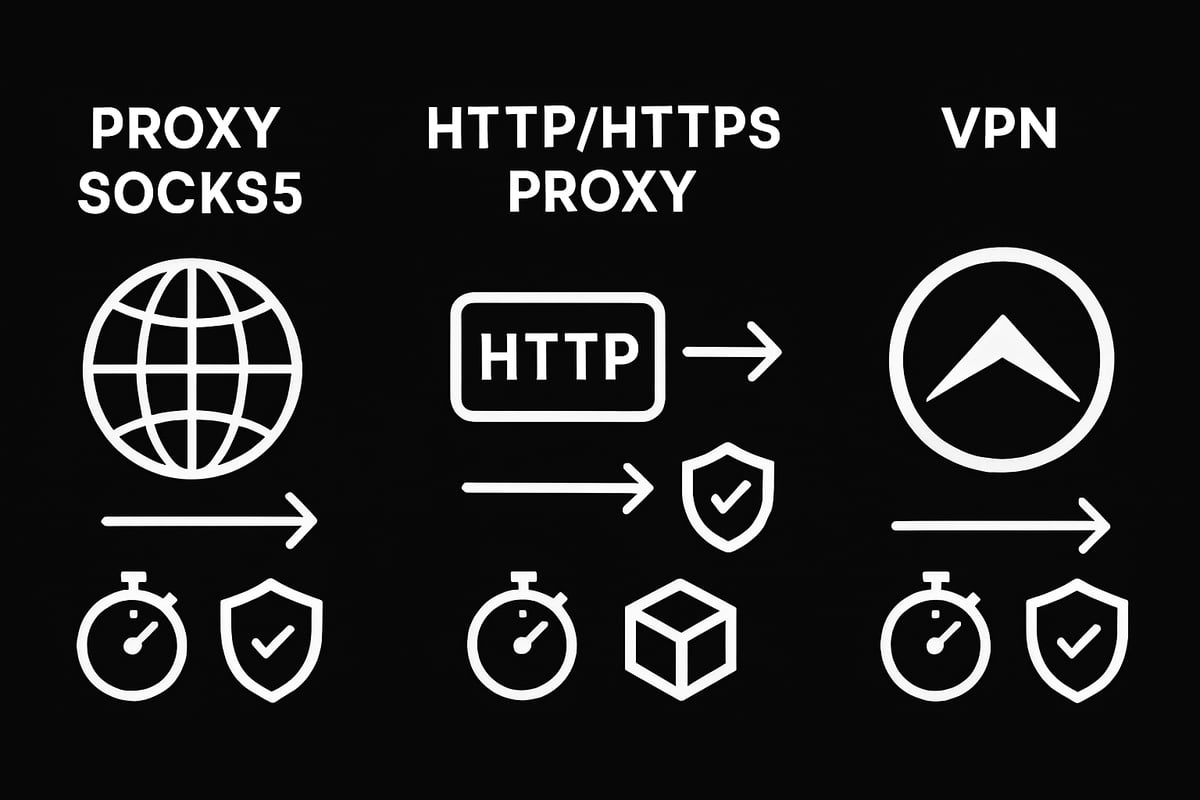
When comparing proxy s5 to HTTP or HTTPS proxies, the differences start at the protocol level. Proxy s5 supports both TCP and UDP traffic, making it far more versatile than HTTP/HTTPS proxies, which only handle web traffic. This flexibility allows proxy s5 to work seamlessly with browsers, streaming platforms, email clients, and even P2P or VoIP applications.
Here's a quick comparison:
| Feature | Proxy S5 | HTTP/HTTPS Proxy |
|---|---|---|
| Protocol | SOCKS5 (TCP/UDP) | HTTP/HTTPS (TCP) |
| Data Handling | All traffic | Web only |
| Anonymity | High | Moderate |
| Use Cases | Streaming, scraping, gaming | Browsing, basic automation |
For a deeper dive into these differences, check out Proxy Types Explained, which breaks down the technical and practical distinctions between these proxy types.
Proxy S5 vs. VPNs
Proxy s5 and VPNs both help mask your real IP address, but they operate differently. Proxy s5 routes only selected application traffic through the proxy, while a VPN encrypts and tunnels all network traffic from your device. This means VPNs provide system-wide privacy, but can sometimes reduce speed due to encryption overhead.
Proxy s5 is ideal when you want to direct specific apps or tasks - like web scraping or gaming - through a proxy without affecting the rest of your online activities. VPNs are better suited for situations where full-device privacy or access to blocked services is needed.
Speed is another factor. Proxy s5 often delivers lower latency for specific tasks, while VPNs may introduce more lag due to their encryption processes. Consider your priorities: targeted flexibility or blanket privacy.
Residential vs. Datacenter vs. Mobile Proxy S5
The type of IP behind your proxy s5 connection impacts performance and detection rates. Residential proxy s5 uses real home IPs, making them hard to block and perfect for scraping or sensitive automation. Datacenter proxy s5 offers higher speeds and reliability, but can be detected more easily by advanced systems.
Mobile proxy s5 employs IPs from actual mobile devices, which are excellent for social media management and app testing. Providers like Pia S5 and PinguProxy offer a mix of these options, letting you choose between 350M+ residential IPs or high-speed datacenter and mobile pools.
Each type has its strengths, so align your choice with your use case - speed, reliability, or stealth.
Choosing Based on Use Case and Budget
Selecting the best proxy s5 type comes down to your goals and resources. Businesses running ad verification or price monitoring at scale might opt for static or residential IPs for consistency and lower block rates. Casual users streaming content may prefer datacenter proxies for speed and affordability.
Look at pricing models, IP pool diversity, and support options. Enterprises benefit from scalable plans and dedicated support, while individual users should focus on flexibility and transparency.
User reviews consistently highlight that matching proxy s5 features to your workflow and budget yields the best results. Always assess ROI and test providers before committing to a long-term plan.
Best Practices for Secure, Efficient Browsing with Proxy S5 in 2025
Online privacy and performance are top priorities for anyone using proxy s5 in 2025. To truly master secure browsing, you need more than just a good proxy - you need the right habits, tools, and strategies. These best practices will help you get the most out of your proxy s5 solution, ensuring your data stays private and your connection remains fast and reliable.
Maximizing Anonymity and Privacy
To achieve the highest level of anonymity with proxy s5, always choose high-anonymity SOCKS5 proxies and avoid using your real IP for authentication. Enable DNS and WebRTC leak protection in your browser settings to prevent accidental exposure. Regularly rotate your IPs and use sticky sessions only when necessary. Update your proxy s5 software and credentials frequently to patch vulnerabilities. For a deeper understanding of security and versatility, refer to the Benefits of SOCKS5 Proxy, which explains why SOCKS5 is a top choice for privacy-focused users.
Avoiding Common Pitfalls and Risks
While proxy s5 is a powerful tool, using free or low-quality proxies can put your security at risk. Avoid providers that do not clearly state their no-logs policy or have a reputation for unreliable IPs. Watch out for blacklisted or reused IP addresses, as these can lead to bans or data leaks. Malware and phishing threats often target proxy users, so always verify your provider’s transparency and customer support. Learning from competitor case studies can help you sidestep common mistakes and keep your browsing safe.
Optimizing Performance and Reliability
Getting the best speed from proxy s5 means selecting servers closest to your target sites. Monitor your bandwidth and connection stats regularly to catch slowdowns early. If you notice latency or downtime, try switching server locations or using automation tools to manage your sessions. Proxy managers can help automate IP rotation and session control, boosting both reliability and efficiency. For example, many users cite unlimited sessions and high uptime as key advantages of leading proxy s5 providers.
Staying Updated with Proxy S5 Trends in 2025
The proxy s5 landscape is evolving rapidly, with new features like IPv6 support, AI-driven IP rotation, and smarter geo-targeting becoming standard. Keep an eye on regulatory changes that might impact proxy use in your region. Emerging use cases include AI-powered scraping, e-commerce monitoring, and secure online gaming. Stay informed by following industry blogs, guides, and forums for the latest updates. Top providers often announce new capabilities and promotions, so staying updated ensures you always get the best from your proxy s5 setup.Now that you’ve got a solid understanding of how Proxy S5 can level up your privacy and browsing experience in 2025, the next step is to put what you’ve learned into action. Whether you want unbeatable speeds, total anonymity, or seamless access to global content, having the right proxy partner makes all the difference. I recommend you take a look at PinguProxy’s high speed solutions - they offer zero log privacy, 10Gbps bandwidth, and support for both IPv4 and IPv6, so you’re covered no matter your use case. Ready to start browsing securely and confidently? Get Started Now