
Tinyproxy: Lightweight HTTP Proxy for Network Control
When network traffic needs efficient routing without the overhead of complex proxy solutions, tinyproxy emerges as a compelling choice for developers and system administrators. This lightweight HTTP/HTTPS proxy daemon has built a reputation for minimal resource consumption while delivering robust traffic management capabilities. Whether you're configuring a small development environment or deploying proxies across embedded systems, understanding tinyproxy's capabilities can significantly enhance your networking infrastructure. As organizations increasingly rely on proxy technology for tasks ranging from web scraping to security filtering, the need for efficient, easy-to-deploy solutions has never been greater.
Understanding Tinyproxy's Core Architecture
Tinyproxy operates as a daemon that intercepts HTTP and HTTPS requests, forwarding them to destination servers while providing various filtering and modification capabilities. The software was designed with simplicity and efficiency at its core, making it ideal for environments where system resources are limited or where administrators need quick deployment without extensive configuration overhead.
Resource Efficiency and Performance Characteristics
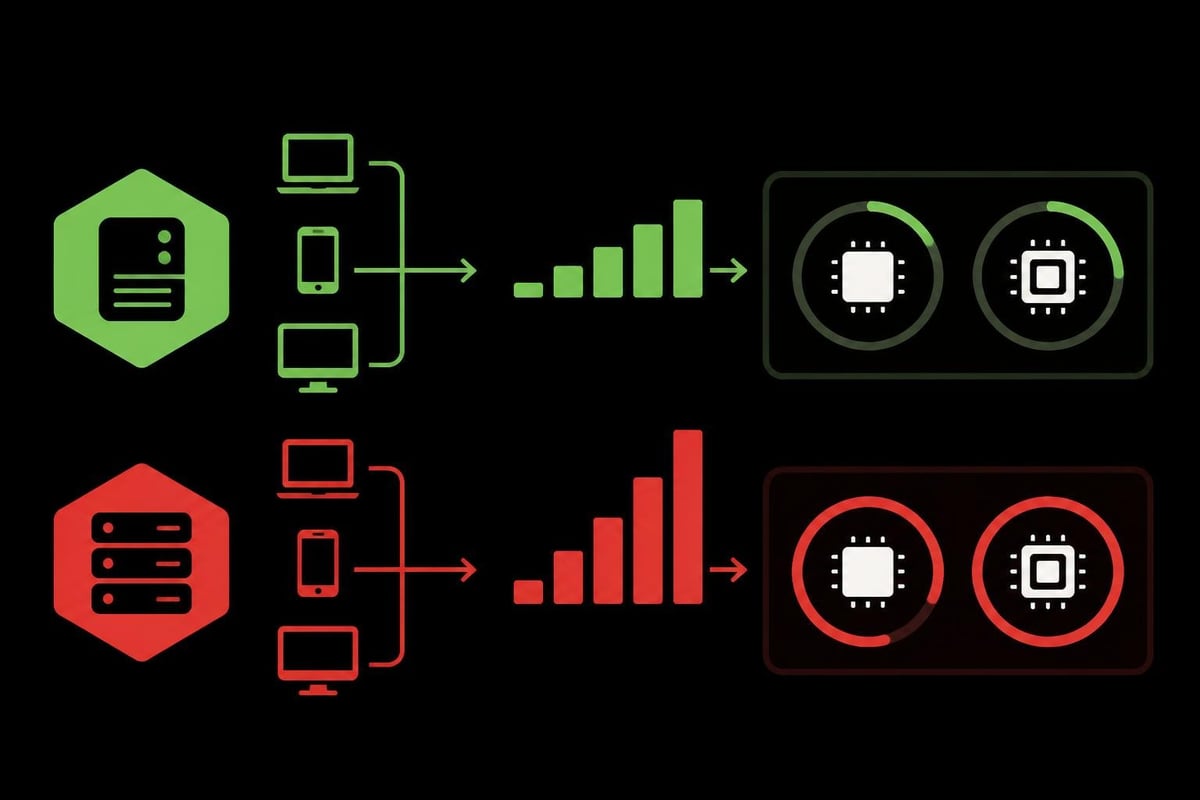
The proxy's lightweight footprint distinguishes it from heavier alternatives like Squid or Apache with mod_proxy. A typical tinyproxy instance consumes minimal RAM, often running comfortably within 2-4MB of memory under normal load conditions. This efficiency makes it particularly valuable for:
- Embedded systems running on routers and IoT devices
- Virtual private servers with limited resource allocations
- Container environments where minimizing image size matters
- Raspberry Pi projects and similar single-board computers
- Development machines needing quick proxy setup without performance impact
The official Tinyproxy website provides comprehensive documentation on system requirements and performance benchmarks, helping administrators understand resource expectations before deployment.
Configuration Framework and Flexibility
Tinyproxy uses a straightforward configuration file, typically located at /etc/tinyproxy/tinyproxy.conf on Linux systems. The configuration syntax prioritizes readability, with directive-value pairs that control every aspect of proxy behavior.
Key configuration directives include:
- Port specification - Defines which port the proxy listens on (default 8888)
- Bind address - Controls which network interface accepts connections
- Timeout values - Sets connection and idle timeout parameters
- Access controls - Restricts which clients can use the proxy
- Filtering rules - Blocks or allows specific domains and URLs
- Anonymous settings - Strips identifying headers for privacy
- Logging options - Configures verbosity and log file locations
The configuration flexibility extends to advanced features like reverse proxy mode, where tinyproxy can sit in front of web servers to provide additional security layers or load distribution.
Installation and Deployment Strategies
Getting tinyproxy running typically requires just minutes, regardless of the target platform. Most Linux distributions include tinyproxy in their standard package repositories, simplifying installation to a single command.
Package Manager Installation
For Debian and Ubuntu systems:
apt-get update
apt-get install tinyproxy
For Red Hat, CentOS, and Fedora:
yum install tinyproxy
For Alpine Linux (common in containers):
apk add tinyproxy
The GitHub repository for Tinyproxy offers source code for those needing custom builds or working with platforms lacking pre-built packages.
Container Deployment Patterns
Docker users can deploy tinyproxy with minimal configuration, creating lightweight proxy containers that integrate seamlessly into microservices architectures. A basic Dockerfile might install tinyproxy, copy custom configuration files, and expose the proxy port. This approach works exceptionally well for web scraping operations that need distributed proxy endpoints.
| Deployment Method | Setup Time | Resource Overhead | Best Use Case |
|---|---|---|---|
| Native Package | 2-5 minutes | Minimal | Production servers |
| Docker Container | 5-10 minutes | Low | Microservices |
| Source Compilation | 15-30 minutes | Minimal | Custom builds |
| Ansible Automation | 10-20 minutes | Medium | Fleet deployment |
For those managing multiple proxy deployments, the DebOps documentation provides Ansible roles that automate tinyproxy configuration across entire server fleets.
Access Control and Security Considerations
Security represents a critical concern when deploying any proxy infrastructure. Tinyproxy provides multiple mechanisms to restrict access and protect both the proxy server and end users.
Network-Based Access Controls
The Allow and ConnectPort directives form the foundation of tinyproxy's security model. Administrators can whitelist specific IP addresses or CIDR ranges, ensuring only authorized clients can utilize the proxy service.
Example access control configuration:
- Allow only localhost connections for development
- Permit specific subnet ranges for corporate networks
- Restrict outbound connections to standard HTTP/HTTPS ports
- Block access to internal network ranges to prevent SSRF attacks
Privacy and Anonymization Features
Tinyproxy can strip headers that reveal client information, providing a basic level of anonymization. The Anonymous directive controls which headers get removed from requests before forwarding. Common headers to strip include:
Viaheaders that reveal proxy chainsRefererinformation that exposes browsing patternsUser-Agentstrings that identify client software- Custom headers that might contain identifying tokens
While tinyproxy offers these anonymization features, businesses requiring enterprise-grade privacy should consider solutions like PinguProxy's rotating proxy service, which provides 1ms proxy rotation and complete zero-log policies.

Advanced Use Cases and Integration Patterns
Beyond basic HTTP proxying, tinyproxy excels in specialized scenarios where lightweight operation and simple configuration prove advantageous.
Reverse Proxy Configuration
Tinyproxy can function as a reverse proxy, sitting between clients and backend web servers. This configuration provides benefits including:
- SSL termination at the proxy layer
- Request filtering before reaching application servers
- Load distribution across multiple backend instances
- Header manipulation for backend compatibility
- Access logging for security auditing
Organizations exploring reverse proxy implementations might also investigate reverse proxy SSL configurations for enhanced security architectures.
Embedded Systems and IoT Applications
The minimal resource requirements make tinyproxy ideal for embedded devices. The OpenWrt Wiki provides detailed instructions on integrating tinyproxy into router firmware, enabling home network traffic management with negligible performance impact.
Common embedded use cases include:
- Parental controls filtering inappropriate content at the router level
- Bandwidth management through request logging and monitoring
- Privacy protection for all devices on a home network
- Content caching to reduce bandwidth consumption
- Guest network isolation with separate proxy instances
Performance Tuning and Optimization
While tinyproxy runs efficiently out of the box, specific scenarios benefit from configuration adjustments that maximize throughput and minimize latency.
Connection Management Parameters
The MaxClients directive controls how many simultaneous connections tinyproxy handles. Setting this value too high on resource-constrained systems can lead to memory exhaustion, while too-low values create artificial bottlenecks.
Tuning recommendations:
| System Type | Recommended MaxClients | Memory per Client | Total RAM Required |
|---|---|---|---|
| Raspberry Pi | 50-100 | 50-100KB | 5-10MB |
| VPS (1GB RAM) | 200-400 | 50-100KB | 20-40MB |
| Dedicated Server | 500-1000 | 50-100KB | 50-100MB |
| Container | 100-200 | 50-100KB | 10-20MB |
Timeout Optimization
Connection timeouts significantly impact user experience and resource utilization. The Timeout directive sets how long idle connections persist before termination. For high-traffic environments, shorter timeouts prevent connection pool exhaustion. For applications making long-running requests, extended timeouts prevent premature disconnections.
Businesses handling SERP monitoring or similar data collection tasks often need customized timeout values to accommodate varying response times from target servers.
Filtering and Content Control Mechanisms
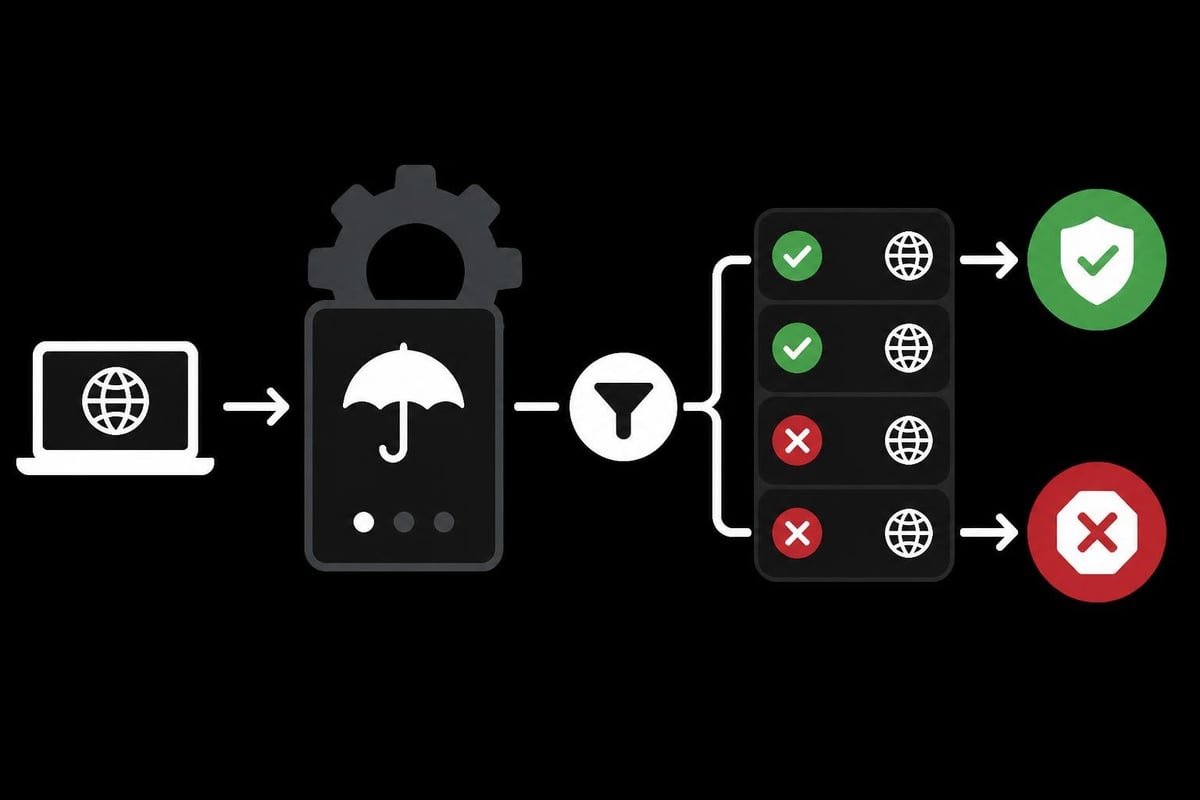
Tinyproxy's filtering capabilities enable administrators to block or allow traffic based on domain names and URL patterns. The Filter directive points to a text file containing regular expressions that define filtering rules.
Creating Effective Filter Rules
Filter files use simple text format with one pattern per line. Comments begin with # characters. The filtering engine matches against the full URL, enabling granular control over allowed destinations.
Example filtering scenarios:
- Block all social media domains in corporate environments
- Allow only whitelisted domains for IoT device communications
- Prevent access to malware distribution sites
- Restrict e-commerce scraping to ethical targets
- Filter adult content for family-friendly networks
The comprehensive manual on ManKier details filter syntax and provides examples of effective filtering strategies.
Logging and Monitoring Capabilities
Effective proxy management requires visibility into traffic patterns and usage statistics. Tinyproxy provides configurable logging that balances detail against disk space consumption.
Log Level Configuration
The LogLevel directive accepts values from Critical to Debug, with each level including all messages from higher severity levels:
- Critical - Only catastrophic failures
- Error - Connection errors and configuration problems
- Warning - Potential issues requiring attention
- Notice - Normal but significant events
- Connect - Client connection attempts
- Info - Detailed operational information
- Debug - Exhaustive debugging output
For production environments, Connect or Info levels typically provide sufficient detail without overwhelming storage systems. Development and troubleshooting scenarios benefit from Debug level output.
Syslog Integration
Tinyproxy integrates with syslog, enabling centralized log management across distributed proxy deployments. This integration proves particularly valuable when managing proxy pools or when regulatory requirements mandate comprehensive traffic auditing.
Organizations requiring detailed analytics often complement tinyproxy's logging with dedicated monitoring solutions or migrate to managed services offering built-in analytics dashboards.
Comparison with Alternative Proxy Solutions
Understanding where tinyproxy excels versus other proxy software helps administrators select appropriate tools for specific requirements.
Tinyproxy vs. Squid
Squid offers extensive caching capabilities and advanced configuration options but requires significantly more system resources. Tinyproxy prioritizes simplicity and low overhead at the expense of Squid's feature depth.
Choose tinyproxy when:
- System resources are constrained
- Configuration simplicity matters more than advanced features
- HTTP/HTTPS forwarding without caching meets requirements
- Deployment speed and minimal maintenance are priorities
Choose Squid when:
- Content caching would provide significant benefits
- Complex ACL requirements exist
- Integration with authentication systems is necessary
- High-availability clustering is required
Tinyproxy vs. Commercial Proxy Services
While tinyproxy provides excellent self-hosted proxy capabilities, commercial services like PinguProxy offer advantages including geographic diversity, automatic rotation, and enterprise support. The RapidSeedbox guide compares self-hosted and managed proxy solutions across various dimensions.
| Feature | Tinyproxy | Commercial Services |
|---|---|---|
| Cost | Free (server costs only) | Subscription-based |
| Setup Complexity | Moderate | Minimal |
| Geographic Diversity | Single location | Global network |
| IP Rotation | Manual/scripted | Automatic |
| Bandwidth | Server-dependent | High-speed dedicated |
| Support | Community | 24/7 professional |
Troubleshooting Common Issues
Even with tinyproxy's simplicity, administrators occasionally encounter configuration or operational challenges.
Connection Refused Errors
When clients cannot connect to tinyproxy, several factors might be responsible:
- Firewall rules blocking the configured port
- Bind address restricting connections to specific interfaces
- Access controls denying the client's IP address
- Service status indicating the daemon isn't running
- Port conflicts with other services using the same port
Systematic troubleshooting starts by verifying the service runs, confirming configuration file syntax, checking firewall rules, and reviewing access control directives.
Performance Degradation
Slow proxy performance typically stems from:
- Insufficient MaxClients creating connection queues
- Network congestion between proxy and destination servers
- DNS resolution delays when using hostname-based filtering
- Logging overhead from excessive verbosity
- Resource exhaustion on the host system
The Websoft9 troubleshooting guide provides detailed diagnostic procedures for performance issues.
SSL/TLS Certificate Problems
HTTPS proxying can fail when certificate validation issues occur. Tinyproxy operates as a forward proxy rather than performing SSL termination by default, meaning certificate validation happens at the client. Configuration errors sometimes cause clients to reject connections due to certificate mismatches.
Integration with Development Workflows
Developers frequently use tinyproxy during application testing and development, particularly when applications need proxy configuration without complex setup procedures.
API Development and Testing
Testing applications that interact with external APIs often requires proxying requests to inspect traffic, modify headers, or simulate network conditions. Tinyproxy provides a straightforward solution for app proxy requirements during development cycles.
Setting environment variables like HTTP_PROXY and HTTPS_PROXY to point at a local tinyproxy instance enables instant traffic routing without application code modifications. This approach facilitates:
- Traffic inspection using tools like Wireshark
- Request debugging by examining proxy logs
- Rate limiting simulation through proxy configuration
- Failover testing by selectively blocking domains
- Header manipulation to test edge cases
Continuous Integration Environments
CI/CD pipelines occasionally need proxy access for downloading dependencies or accessing external services. Tinyproxy's minimal footprint makes it ideal for container-based CI environments where every megabyte of image size matters.
Automation and Infrastructure as Code
Modern infrastructure management emphasizes automation and reproducibility. Tinyproxy integrates well with infrastructure-as-code tools and configuration management systems.
Ansible Playbooks
Ansible roles simplify deploying and configuring tinyproxy across server fleets. A typical playbook installs the package, templates configuration files with environment-specific variables, and ensures the service runs with proper restart policies.
Docker Compose Integration
Multi-container applications often include tinyproxy as a sidecar container, providing proxy capabilities to application containers without requiring each application to implement proxy functionality independently.
Kubernetes Deployments
While Kubernetes offers sophisticated ingress and service mesh options, tinyproxy serves well in scenarios requiring simple HTTP proxy functionality. Deploying as a DaemonSet provides per-node proxy instances, while Deployment resources create load-balanced proxy pools.
Organizations managing complex proxy requirements across cloud and on-premises infrastructure often find value in datacenter proxies that complement self-hosted tinyproxy instances with managed, high-performance alternatives.
Tinyproxy delivers exceptional value for administrators needing lightweight, efficient HTTP proxy capabilities without the complexity of enterprise proxy solutions. Its minimal resource consumption, straightforward configuration, and robust filtering make it ideal for development environments, embedded systems, and small to medium deployments. However, businesses requiring enterprise features like automatic IP rotation, global geographic distribution, or high-bandwidth data collection should explore managed alternatives. PinguProxy provides high-speed datacenter and mobile proxies with complete IPv4/IPv6 support, 10Gbps bandwidth, and 1ms proxy rotation, delivering the performance and reliability that demanding applications require. Whether you need tinyproxy's simplicity or PinguProxy's enterprise capabilities, choosing the right proxy infrastructure ensures your networking and data collection goals succeed.