
Unblock Proxy Google Guide: Step-by-Step Instructions 2025
Accessing Google securely and privately is more important than ever in 2025, especially as more regions face restrictions and internet censorship. Millions now encounter content blocks that disrupt daily Google use.
If you want to unblock proxy google and regain full access, you need reliable solutions that protect your privacy and work consistently. This guide is designed for both beginners and advanced users, offering clear, step-by-step instructions to help you bypass restrictions with confidence.
Here, you will learn about proxies, why Google might be blocked, how to choose the best proxy, set it up, troubleshoot issues, and use essential tips for safe, effective browsing.
Understanding Proxies and Google Restrictions
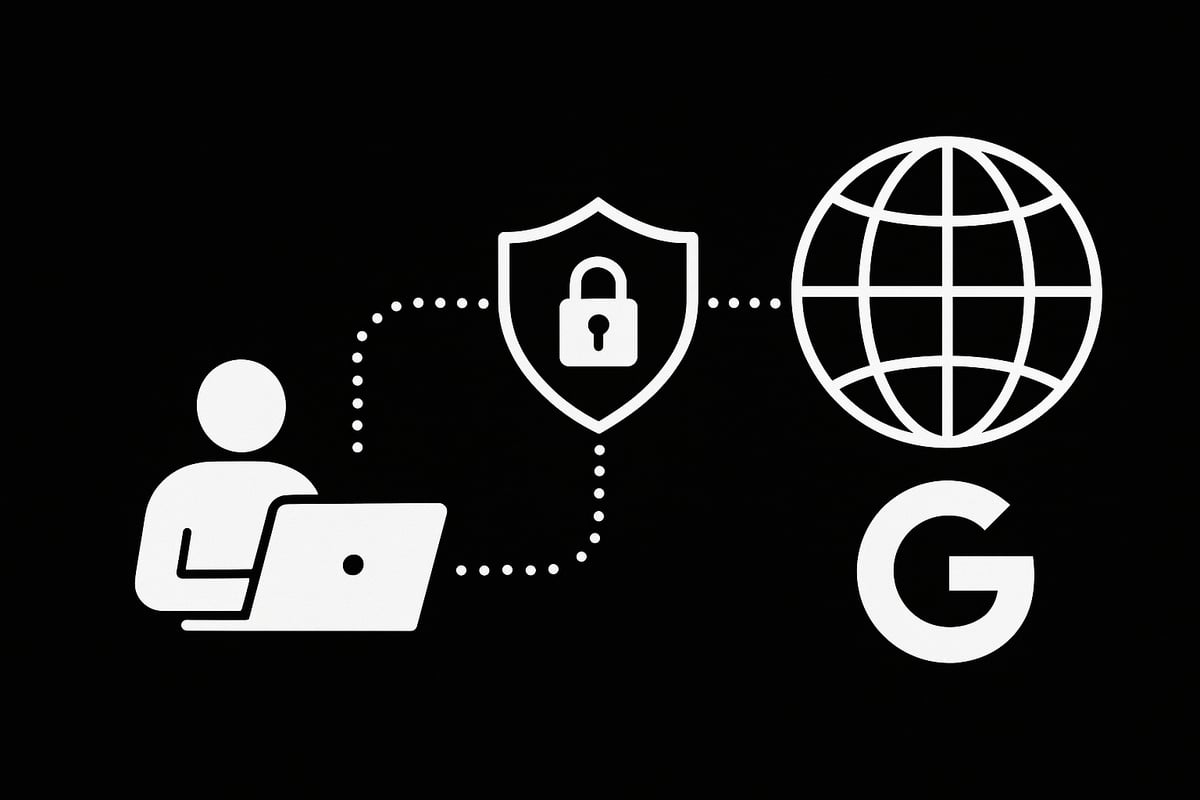
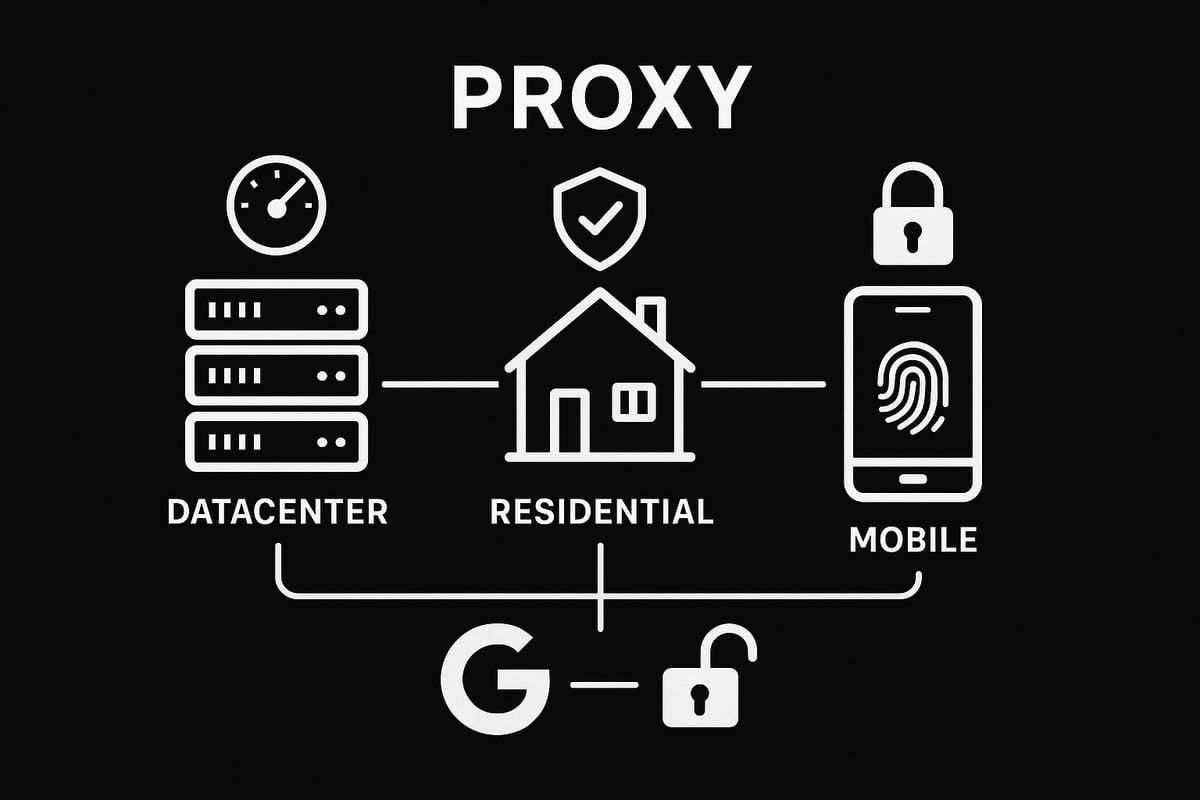
Accessing Google in restricted regions or networks is increasingly challenging, but understanding how proxies work is the first step to unblock proxy google successfully. Proxies act as intermediaries between your device and the internet, making your online requests appear as if they're coming from a different location. There are several types of proxies, including datacenter, residential, and mobile. Each type offers unique advantages, from fast speeds to authentic IP addresses that mimic real users.
For instance, if you want to access a video only available in another country, a proxy can make it look like you’re browsing from that location. The use of proxies for bypassing geo-restrictions has surged, with a 30% increase reported in 2024, highlighting their growing role in digital privacy and access. This makes proxies essential tools for anyone aiming to unblock proxy google efficiently.
What Are Proxies and How Do They Work?
Proxies serve as go-betweens for your device and the wider web. When you use a proxy, it masks your IP address, routing your traffic through another server before reaching your destination. This allows users to hide their location and identity, which is vital for those needing to unblock proxy google.
There are three main proxy types:
- Datacenter proxies: Fast and affordable, but easier for websites to detect.
- Residential proxies: Use real home IPs, better for bypassing tough restrictions.
- Mobile proxies: Route traffic via mobile networks, offering high anonymity.
A real-world scenario: accessing region-locked Google services with a residential proxy. As more users turn to proxies, their value in privacy and access grows.
Why Is Google Blocked or Restricted?
Google can be blocked for various reasons, including government censorship, workplace or school firewalls, or ISP-imposed restrictions. For example, China's Great Firewall blocks Google entirely, while many schools limit access to enhance productivity.
These restrictions affect over 1.4 billion people globally, impacting research, communication, and daily browsing. Understanding why you need to unblock proxy google helps you pick the best solution for your situation. Knowing the nature of the block is crucial for choosing the right proxy and setup.
Risks and Legal Considerations
While proxies are powerful, there are legal and ethical aspects to consider before you unblock proxy google. Proxy use is legal in many countries, but some places restrict or ban them outright. Risks include data leaks, potential malware from shady providers, and violating Google’s terms of service.
Responsible proxy usage is key. For example, using a proxy for academic research is generally acceptable, but illegal activity can have serious consequences. For a deeper dive into safe and responsible proxy use, see these ethical proxy usage guidelines. Always check your local laws and use proxies wisely.
Benefits of Using Proxies to Access Google
Choosing to unblock proxy google with proxies offers multiple advantages. You get enhanced privacy, as your real IP is shielded from prying eyes. Proxies also help bypass firewalls and geo-restrictions, restoring access to blocked Google services.
They boost security, especially for sensitive searches, and are invaluable for journalists, researchers, and travelers. Whether you need to access Google abroad or safeguard your browsing, proxies offer a flexible, reliable solution for various needs.
Choosing the Right Proxy for Google Access
Selecting the best proxy is a crucial step if you want to successfully unblock proxy google. With so many options available, making an informed choice ensures you can access Google reliably and securely. Let’s break down the main types, features, and best practices for picking the right proxy.
Types of Proxies for Unblocking Google
Understanding the differences between datacenter, residential, and mobile proxies is essential for anyone aiming to unblock proxy google. Each type offers unique benefits and drawbacks, affecting your access experience.
Here’s a quick comparison:
| Proxy Type | Pros | Cons | Best For |
|---|---|---|---|
| Datacenter | Fast, affordable, easy to obtain | Easier to detect/block | General browsing, quick tasks |
| Residential | Harder to detect, real IP addresses | More expensive, slower speeds | Bypassing CAPTCHAs, stealth use |
| Mobile | High trust, very hard to block | Most expensive, limited supply | Sensitive tasks, strict blocks |
For a deeper dive into each type, check out the Types of proxies explained guide. Choosing the right one helps you unblock proxy google without constant interruptions.
Key Features to Look For
When evaluating proxies, certain features are non-negotiable if you want to unblock proxy google efficiently.
- Speed & Bandwidth: Look for at least 10Gbps connections for smooth browsing.
- IP Compatibility: Make sure the proxy supports IPv4 and IPv6 for full Google access.
- Rotating Proxies: Regularly changing IPs increases anonymity and reduces blocks.
- Zero-Log Policy: Protects your privacy by not storing activity logs.
- Quick Rotation: For tasks like web scraping, 1ms rotation can be a game-changer.
Prioritizing these features makes your unblock proxy google experience faster and safer.
Free vs. Paid Proxies: Which Is Better?
It’s tempting to try free proxies, but they often lead to frustration when you try to unblock proxy google. Free proxies are notorious for slow speeds, lack of privacy, and sometimes even malware risks.
Paid proxies, on the other hand, deliver:
- Consistent speeds and uptime
- Stronger privacy protections
- Dedicated customer support
According to recent studies, 65% of users say paid proxies provide better performance. For anyone serious about unblock proxy google, investing in a paid option is a smart move.
Evaluating Proxy Providers
Not all proxy providers are created equal. To unblock proxy google successfully, focus on these criteria:
- Reputation: Look for providers with positive user reviews and a solid track record.
- Uptime: Aim for 99.9% uptime to avoid disruptions.
- Support: Responsive, 24/7 customer support is crucial.
- Privacy Policy: Only use providers with clear, strict privacy terms.
A sample comparison chart can help you quickly shortlist the best options. Avoid providers with vague or missing privacy policies, as they put your unblock proxy google efforts at risk.
How High-Speed Proxies Enhance Google Access
High-speed proxies make a world of difference when you try to unblock proxy google. They reduce latency, meaning pages load faster and you’re less likely to face annoying CAPTCHAs or connection drops.
Top features to look for include unlimited access, 24/7 support, and a zero-log policy for privacy. IPv4/IPv6 support ensures compatibility with all Google services. Whether you’re scraping data, accessing restricted features, or gaming, fast proxies help maintain a seamless unblock proxy google experience.
Step-by-Step Instructions: Unblocking Google with a Proxy
Ready to regain access to Google, even when restrictions stand in your way? This step-by-step guide will walk you through how to unblock proxy google in any scenario, whether you are dealing with government censorship, workplace firewalls, or school network blocks.
Each step is designed to be actionable, clear, and suitable for both beginners and advanced users. Let us get started on your path to unrestricted, private Google access.
Step 1: Assess Your Google Restriction Scenario
Begin by identifying why you need to unblock proxy google. Is Google blocked by your government, ISP, workplace, or school? Each scenario calls for a slightly different approach.
Look for signs like browser error messages, blocked page notifications, or time-out errors. Use tools such as network logs or diagnostic commands like tracert or ping to pinpoint where the block occurs.
For example, if you are at school and Google Search will not load, but other sites work, the restriction is likely network-level. If the issue is regional, you may see a "This site can’t be reached" message.
Understanding the type of block helps you choose the right solution. For more on the process, visit this helpful guide on How to bypass proxy restrictions.
Step 2: Select and Purchase a Suitable Proxy
Once you understand your restriction scenario, it is time to select the right proxy to unblock proxy google. Consider the type of proxy that fits your needs:
- Residential proxies are best for school or workplace networks, as they appear as regular user traffic.
- Datacenter proxies offer speed but may be easier to detect and block.
- Mobile proxies provide high anonymity but can be more expensive.
Check provider reviews, uptime guarantees, and privacy policies. Look for features like unlimited bandwidth, 24/7 support, and a zero-log policy.
After choosing, create an account and purchase a plan. Many providers offer flexible packages, from single IPs to rotating proxy pools. For instance, a residential proxy is ideal if you need to bypass tough school firewalls.
Step 3: Configure Proxy Settings on Your Device
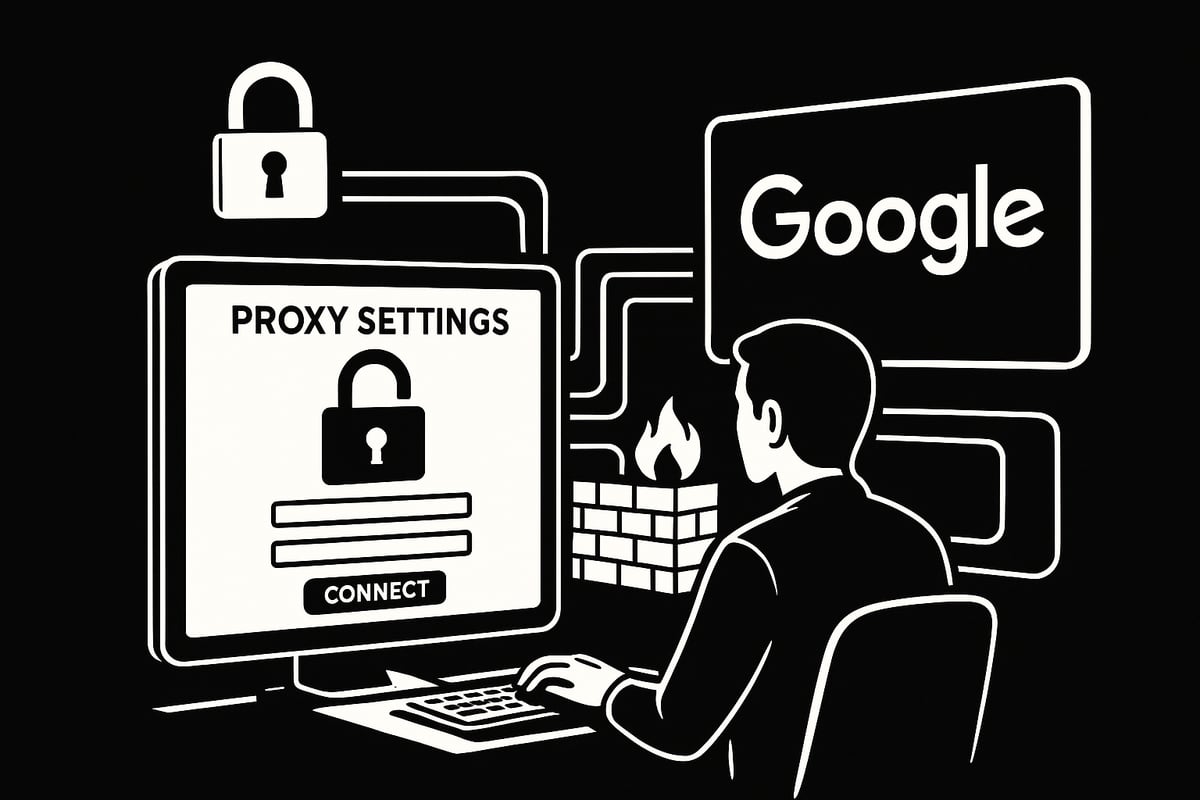
Now, let us configure your device to use the proxy and unblock proxy google. The steps vary depending on your operating system and browser.
On Windows:
- Go to Settings > Network & Internet > Proxy.
- Enter your proxy address and port.
On macOS:
- Open System Preferences > Network.
- Select your network, click Advanced, then Proxies.
- Enter the proxy details.
On Android/iOS:
- For Wi-Fi, edit your network settings and add the proxy server and port.
Browser-specific (e.g., Chrome):
- Go to Settings > System > Open proxy settings.
- Enter the proxy information.
| Device | Configuration Path |
|---|---|
| Windows | Settings > Network & Internet > Proxy |
| macOS | System Preferences > Network > Advanced > Proxies |
| Chrome | Settings > System > Proxy Settings |
Remember, device-level setup routes all traffic through the proxy, while browser-level setup limits it to your chosen browser. This distinction can help you manage privacy and performance.
Step 4: Test Proxy Connection and Google Access
After your proxy is set up, verify that you can unblock proxy google successfully. Start by checking your new IP address using a service like WhatIsMyIP.com.
Next, try accessing Google. If the page loads without errors, you are connected. If you encounter CAPTCHAs, slow speeds, or repeated connection requests, your proxy may be detected or overloaded.
Resolve CAPTCHAs by switching to a residential proxy or refreshing your IP. If you still cannot access Google, revisit your configuration or try a different proxy.
Successful access means you are ready to browse, search, and use Google services privately.
Step 5: Maintain Security and Privacy While Browsing
Unblocking Google is just the start. To keep your connection secure, always use HTTPS when browsing. This encrypts your data, protecting it from interception.
Avoid logging into your Google account using public or free proxies, as these can expose your credentials. Instead, use only trusted paid proxies with strong privacy policies.
Regularly update your proxy credentials and consider pairing your proxy with a VPN for an extra layer of security. This approach ensures your unblock proxy google efforts remain safe and private.
Step 6: Troubleshooting Common Proxy Issues
Even with the right setup, you might face issues as you unblock proxy google. Common problems include connection drops, slow speeds, or Google blocking your IP.
Try these solutions:
- Rotate your proxy IP to bypass bans.
- Clear your browser cache and cookies.
- Change proxy ports or switch proxy types.
- Use residential proxies to reduce CAPTCHAs.
Encountering Google’s “unusual traffic” warning? This usually means your IP is flagged. Switch to a new proxy or slow your requests.
According to TechRadar, 20% of proxy users deal with CAPTCHA issues. Being proactive with troubleshooting steps ensures your access remains uninterrupted and secure.
Step 7: Advanced Tips for Power Users
For those looking to maximize their unblock proxy google experience, advanced strategies can help. Use proxy automation tools to handle large-scale Google access, like web scraping or managing multiple sessions.
Integrate proxies with scraping software such as Scrapy or Selenium. Use rotating proxies to distribute requests and avoid detection.
Managing multiple proxy sessions lets you scale research or data collection efficiently. Automation, combined with best practices, allows power users to unlock Google’s full potential while staying under the radar.
Ensuring Safe and Effective Proxy Use for Google
Staying safe while you unblock proxy google is just as important as gaining access itself. With rising online threats and stronger restrictions, smart habits and the right tools make all the difference. Let’s break down the essentials for privacy, compliance, and smooth browsing.
Protecting Your Privacy and Data
When you unblock proxy google, protecting your personal information must come first. Always choose proxy providers with strict zero-log policies and encrypted connections. This means your browsing activity is not stored and your data is shielded from prying eyes.
Be cautious with unknown or free proxies, as these can expose you to data leaks or interception. Use HTTPS for all Google sessions to add another layer of security. For example, logging into Google through an unsecured proxy could let attackers see your credentials. Stick to reputable providers and check their privacy practices before trusting them with your data.
Avoiding Detection and Blocks by Google
If you unblock proxy google without the right strategy, Google might quickly detect and block your access. Rotating proxies are a powerful solution here. By switching IP addresses regularly, you reduce the chance of being flagged by Google's automated systems.
Normal browsing behavior also helps you stay under the radar. Avoid rapid, repeated searches or actions that look automated. If you want to learn more about rotating proxies and how they help bypass CAPTCHAs, check out the Best rotating proxies for Google. This resource highlights tools and tips to keep your access smooth.
Staying Compliant with Google’s Terms of Service
To unblock proxy google safely, always respect Google's terms of service. Using proxies for personal research, privacy, or accessing blocked content is generally acceptable, but automating searches or scraping data may violate their rules.
Consequences of non-compliance can include account suspensions or IP bans. Use proxies responsibly, especially if you’re logged into your Google account. Ethical use ensures you maintain access and avoid unnecessary risks.
Monitoring Proxy Performance and Reliability
Consistent access when you unblock proxy google depends on using reliable proxies. Regularly test your connection speed and stability. Tools like uptime monitors or browser extensions can help you track performance.
Here’s a quick comparison of what to check:
| Metric | Why It Matters | Tool Example |
|---|---|---|
| Uptime | Avoids downtime | UptimeRobot |
| Speed | Ensures fast load | Speedtest, Fast.com |
| IP Reputation | Reduces blocks | IPQualityScore |
If you notice frequent issues, consider switching providers or upgrading your proxy plan to maintain a seamless experience.
Updating Proxy Configurations for 2025
As internet censorship evolves, keeping your unblock proxy google setup updated is key. Google changes its anti-proxy technology regularly, so stay informed about new trends like IPv6 support or AI-driven detection methods.
Follow industry news and best practices to adapt your configurations. With over 4.8 billion people affected by internet censorship in 2024, staying proactive ensures you remain one step ahead. Test new proxy features and transition to updated protocols as soon as they are available for uninterrupted Google access.
Frequently Asked Questions About Unblocking Google with Proxies
Wondering how to safely and effectively unblock proxy google? This FAQ tackles the most common concerns, from legal issues to performance and security. Each answer is tailored to help you confidently access Google, no matter where you are.
Is It Legal to Use a Proxy to Access Google?
The legality of using a proxy to unblock proxy google depends on your country’s laws and regulations. In many places, proxies are legal for personal use, such as in the US or most of Europe. However, some countries impose strict controls or outright bans on proxy use for accessing restricted content.
For example, China and Myanmar have significant restrictions, as detailed in the 2024 Internet Censorship Report on Myanmar. Using proxies in these regions could lead to penalties.
Always research your local laws before you attempt to unblock proxy google. Using proxies for legitimate purposes, like research or privacy, is often permitted, but bypassing government blocks may carry risks.
What Should I Do If Google Still Blocks Me After Using a Proxy?
If you try to unblock proxy google but still face issues, several factors could be at play. Google may have blacklisted the proxy IP, or the proxy provider might not be reliable. Here’s what you can do:
- Switch to a different proxy or server location
- Clear browser cookies and cache
- Rotate your IP address if supported
- Use residential proxies for better success
Persistent CAPTCHA challenges are common when you unblock proxy google, especially with datacenter proxies. If you continue having trouble, review recent reports on global internet restrictions, like the Global internet freedom declined for 14th consecutive year, to understand the evolving landscape.
Can I Use Free Proxies to Unblock Google?
Technically, you can use free proxies to unblock proxy google, but it comes with significant risks. Free proxies often have slow speeds, unreliable uptime, and may inject ads or even malware.
A recent study found that 80 percent of free proxies are unreliable, making them a poor choice if you want stable access. Paid proxies offer better security, privacy, and customer support when you need to unblock proxy google for important tasks.
If privacy and consistent access matter, avoid free proxies and opt for a reputable, paid provider.
How Do I Know If My Proxy Is Working?
After you set up a proxy to unblock proxy google, verify its effectiveness by checking your new IP address. Use tools like WhatIsMyIP or browser extensions to confirm your IP has changed.
Steps to check if your proxy is working:
- Access Google and see if it loads without errors
- Test browsing speed to ensure it’s normal
- Monitor for CAPTCHAs or unusual traffic warnings
If you cannot unblock proxy google or experience frequent disconnects, revisit your proxy settings or consult your provider’s support resources.
Are Proxies Safe for Logging Into Google Accounts?
Security is crucial when you unblock proxy google and log into sensitive accounts. Using reputable, encrypted proxies from trusted providers minimizes risks like session hijacking or data theft.
Follow these best practices:
- Never use public or free proxies for logging in
- Choose providers with strong privacy policies and zero-log claims
- Always connect with HTTPS enabled for all Google services
By following these tips, you can unblock proxy google and keep your accounts secure.Now that you know how reliable proxies can open up access to Google wherever you are and keep your browsing private, why not put this knowledge into action? With PinguProxy’s high speed datacenter and mobile proxies, you get unlimited access, top notch privacy, and total peace of mind thanks to their zero log policy and 24 7 support. Whether you’re a beginner or an advanced user, it’s easy to get started and experience safe, unrestricted Google access for yourself. Ready to take control of your online freedom?
Get Started Now