
Proxy Server Address Guide: Easy Setup and Usage 2025
Want to browse safely, access restricted content, or boost your online privacy? It all starts with the right proxy server address. In today’s digital world, protecting your personal data and unlocking more of the internet is easier than you might think.
This guide will demystify what a proxy server address is and show you exactly how to set up and use one for secure, seamless internet access in 2025. Whether you’re interested in privacy, bypassing geo-restrictions, or simply want more control over your connection, you’re in the right place.
You’ll discover what makes proxy server addresses so important, the different types available, and step-by-step setup instructions for any device or browser. We’ll also walk you through troubleshooting and share best practices for a safer, more efficient online experience.
Ready to boost your privacy and freedom online? Let’s dive in and find out how simple it can be to get started.
Understanding Proxy Server Addresses: What, Why, and How They Work
Ever wondered how a proxy server address actually works or why it matters? This section breaks it down in simple terms, showing you what makes proxy addresses so important for privacy, access, and security.
What is a Proxy Server Address?
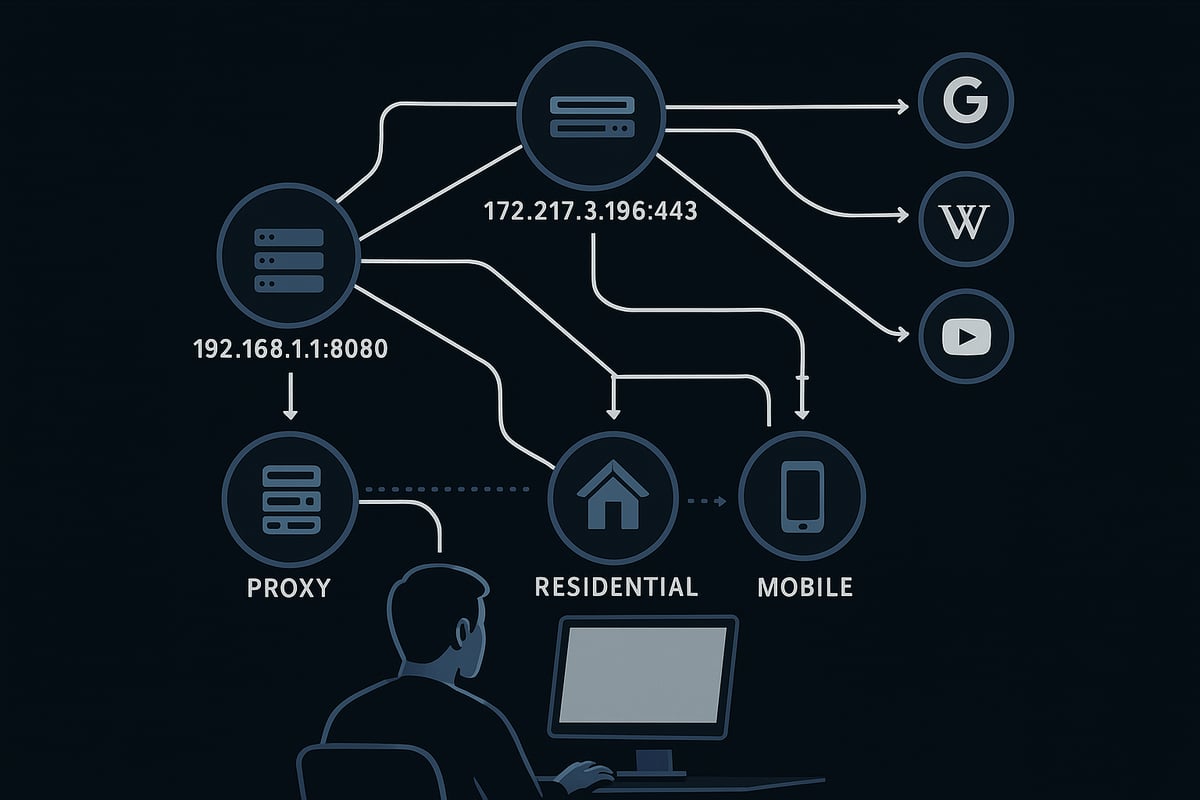
A proxy server address is the unique combination of an IP address and port number that directs your internet traffic through a specific server. Think of it as the digital address that tells your device where to send requests before reaching the wider web. For example, 192.168.1.100:8080 is a typical proxy server address format.
Unlike your regular IP address, which reveals your device's true location, a proxy server address masks your identity online. When you use a proxy, websites see the proxy's IP, not your own. This helps hide your real location and can even make it look like you're browsing from another country.
Did you know over 26% of internet users worldwide now use proxies or VPNs? This shows just how common and valuable a proxy server address has become for privacy and access.
Why Use a Proxy Server Address?
There are several key reasons to use a proxy server address. First, it enhances your privacy by concealing your real IP, making it much harder for advertisers, trackers, or hackers to follow you online. Second, proxies let you access geo-blocked or restricted content, such as streaming services or websites unavailable in your region.
Organizations also rely on proxy server addresses to control and monitor internet use, keeping sensitive data secure and enforcing company policies. For example, using a proxy can help bypass streaming restrictions at work or get around firewalls that block certain sites.
A proxy server address also protects you from tracking, data harvesting, and unwanted surveillance, making your online experience both safer and more open.
How Proxy Servers Work: The Basics
When you connect using a proxy server address, your device sends requests to the proxy first. The proxy then forwards those requests to the target website, fetches the response, and sends it back to you. This simple flow - user to proxy to website - keeps your real IP hidden.
There are different types of proxies, such as forward proxies (used by individuals) and reverse proxies (used by servers). Using a proxy server address can impact your browsing speed and latency, depending on the server's location and quality.
For example, web scraping tools often use proxies to rotate IP addresses and avoid bans. Proxies can also add a layer of security, using encryption to protect your data and boost anonymity.
Types of Proxy Servers Explained
Proxy servers come in many forms, each suited for specific needs. The main types include datacenter, residential, mobile, public, shared, SSL, rotating, transparent, distorting, and high anonymity proxies. Each proxy server address type offers different pros and cons in terms of speed, privacy, and reliability.
- Datacenter proxies are fast and affordable but more likely to be blacklisted.
- Residential proxies use real household IPs, making them harder to detect.
- Mobile proxies are ideal for app testing and accessing mobile-only content.
Businesses often use rotating proxies for massive data collection, while individuals might choose residential proxies for ad verification. For a deeper dive on each category, see this Types of proxy servers explained guide.
Data center proxies face higher blacklisting risks compared to residential ones. In the real world, companies rely on rotating proxy server addresses to gather data at scale without interruption.
Step-by-Step Guide: Finding and Setting Up Your Proxy Server Address in 2025
Setting up the right proxy server address can feel daunting, but with a clear roadmap, anyone can do it. Whether you want privacy, better access, or control over your connection, these step-by-step instructions make the process easy.
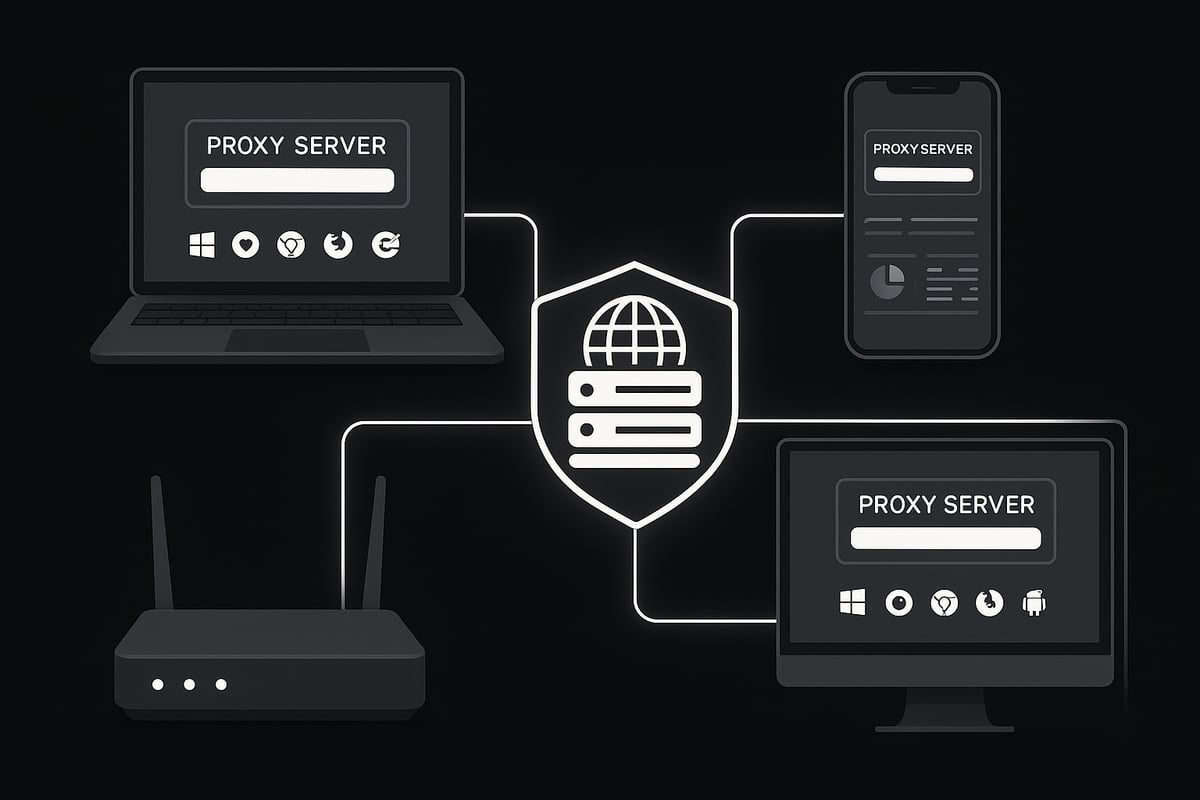
Ready to get started? Here’s how to set up your proxy server address across every major platform.
Method 1: Windows (11/10) Proxy Setup
On Windows, configuring a proxy server address is straightforward. Open Settings, then head to Network & Internet and find the Proxy section. Here, you can choose between automatic and manual setup.
For manual setup, toggle "Use a proxy server" and enter the proxy server address and port provided by your service. Automatic setup often uses a script address (PAC file) common in office networks.
If you run into trouble, double-check the proxy server address for typos or outdated info. For a deeper dive, check out How to get started with proxies for more detailed setup tips and best practices.
Method 2: macOS Proxy Configuration
On macOS, start by opening System Settings and selecting Network. Choose your active network connection, click Advanced, and then select the Proxies tab.
Here, you can enable different types like HTTP, HTTPS, or SOCKS. Enter your proxy server address and port in the relevant fields. You can also specify which networks use a proxy and easily switch between them.
If you move between home and work, remember to update or disable your proxy server address when needed. This prevents accidental connection issues and keeps your browsing seamless.
Method 3: Browser-Based Proxy Setup (Chrome, Firefox, Edge)
Browsers let you apply a proxy server address just for web browsing. In Chrome, go to Settings, Advanced, System, and click Open Proxy Settings. This takes you to your system’s proxy controls.
Firefox offers more flexibility. Go to Settings, scroll to Network Settings, and choose Manual or Automatic proxy configuration. Enter your proxy server address and port as needed.
Edge relies on Windows’ system proxy settings. Configuring your browser-only proxy server address is useful for tasks like research or accessing region-specific content without affecting the whole device.
Method 4: Mobile Devices (iOS & Android)
Setting up a proxy server address on mobile devices is simple but powerful. On iOS, open Settings, tap Wi-Fi, select your network, and tap Configure Proxy. Choose Manual, then enter your proxy server address and port.
On Android, go to Wi-Fi, tap your network, and select Advanced, then Proxy. Enter the proxy server address and port as provided.
Use auto-configuration scripts if your organization supplies one. This is especially helpful for accessing region-locked apps or securing your mobile browsing on public Wi-Fi.
Method 5: Router-Level Proxy Setup
Configuring a proxy server address at the router level covers every connected device. Log in to your router’s admin panel, usually via a web browser and your router’s IP address.
Look for proxy settings under advanced network options. Not all consumer routers support this, so check your model’s documentation. Enter your proxy server address and port to enable network-wide coverage.
This setup is ideal for parental controls, content filtering, or anonymous browsing across your entire home or office. Remember to update your proxy server address if you switch providers or need new features.
Troubleshooting Common Proxy Address Issues
Even with careful setup, proxy server address problems can occur. Common issues include connection timeouts, authentication errors, or slow speeds.
First, verify that the proxy server address and port are correctly entered. Outdated or blacklisted proxies can cause failures, so ensure your provider is reputable.
Conflicts with VPNs, firewalls, or other security tools may also block access. Restart your device or switch to a different proxy server address if you experience lags. For more advanced solutions, consult your provider’s troubleshooting guide or support team.
PinguProxy: High-Speed, Secure Proxy Solutions for 2025
PinguProxy offers a robust proxy server address solution for every need in 2025. Their service features high-speed datacenter and mobile proxies, with support for both IPv4 and IPv6.
Enjoy unlimited bandwidth, instant 1ms proxy rotation, and a strict zero-log policy for top privacy. The easy-to-use dashboard lets you manage your proxy server address, monitor usage, and switch locations globally.
With 10Gbps bandwidth and a vast global proxy pool, PinguProxy excels for web scraping, gaming, and accessing restricted services. Marketers, researchers, and gamers trust PinguProxy for reliable, secure, and seamless proxy server address management.
Best Practices for Secure and Efficient Proxy Usage
Staying safe and efficient online with a proxy server address requires a smart approach. Let’s break down the key practices that will keep your browsing private, fast, and reliable in 2025.
Ensuring Privacy and Security
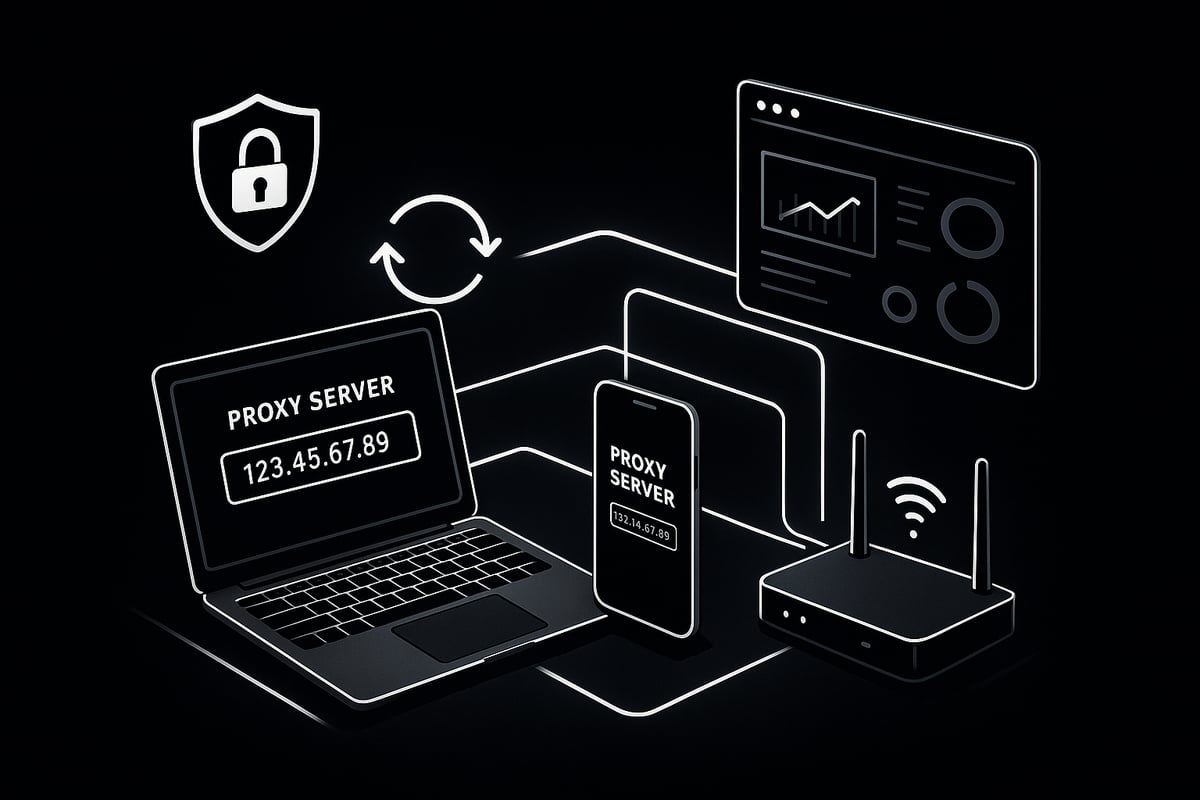
Always use encrypted proxies, like HTTPS or SOCKS5, to protect your data when entering a proxy server address. Encryption shields your information from prying eyes, making your online activity much harder to track.
Regular updates are essential. Keep your proxy software and firmware current to patch vulnerabilities quickly. Avoid free or public proxies for sensitive activities, as these can jeopardize your privacy. For more details on the risks and safer alternatives, check out this Free proxy server list and tips resource.
For secure file transfers, try SOCKS5 proxies. Remember, SSL proxies offer stronger privacy than standard HTTP proxies, so prioritize them for financial or personal browsing.
Rotating and Managing Proxies Effectively
Frequent proxy rotation helps you avoid detection and bans, especially if you use a proxy server address for tasks like web scraping or social media management.
Use proxy management dashboards to monitor usage and switch addresses easily. Businesses often rotate proxies for price monitoring or competitive research, minimizing the risk of blacklisting.
Don’t share your proxy server address with others unless necessary. Sharing increases the risk of being tracked or compromised. Always monitor performance metrics so you can swap out slow or unreliable proxies quickly.
Choosing the Right Proxy Type for Your Needs
Selecting the right proxy server address type is crucial. Datacenter proxies are fast and affordable, great for high-volume tasks, while residential proxies offer better anonymity for ad verification or localized testing.
Mobile proxies are ideal for app testing and gaming, reducing lag and unlocking region-specific servers. Decide between dedicated (private) and shared proxies based on your speed and privacy requirements.
A simple cost-benefit analysis can clarify which proxy server address matches your goals. For instance, gamers often choose mobile proxies to cut latency and access exclusive content.
Legal and Ethical Considerations
Using a proxy server address comes with responsibilities. Always respect website terms of service and local laws to avoid legal issues. Misuse, such as scraping restricted sites or bypassing security, can lead to blacklisting or worse.
Organizations often create compliance policies for proxy use. Did you know that 68 percent of businesses rely on proxies for content filtering and compliance?
Never use a proxy server address for illegal or unethical actions. Understanding these boundaries protects you from legal trouble and ensures long-term, safe proxy usage.
Maintaining Performance and Reliability
Test your proxy server address regularly for speed and latency before important tasks. Monitor for connection drops or downtime, and keep a list of backup proxies ready for a smooth switch.
If you experience slow speeds, changing your proxy server address can solve the problem. For activities like streaming or scraping, using multiple addresses ensures uninterrupted performance.
Review and update your proxy lists frequently to keep your setup reliable. This proactive approach helps you maintain efficient and secure browsing across all devices.
Advanced Proxy Server Address Tips and Use Cases for 2025
Looking to get the most out of your proxy server address in 2025? Beyond the basics, advanced users are unlocking powerful capabilities, from automation to layered privacy. Let’s explore practical, cutting-edge ways to maximize your proxy server address for privacy, productivity, and access.
Leveraging Proxies for Web Scraping and Automation
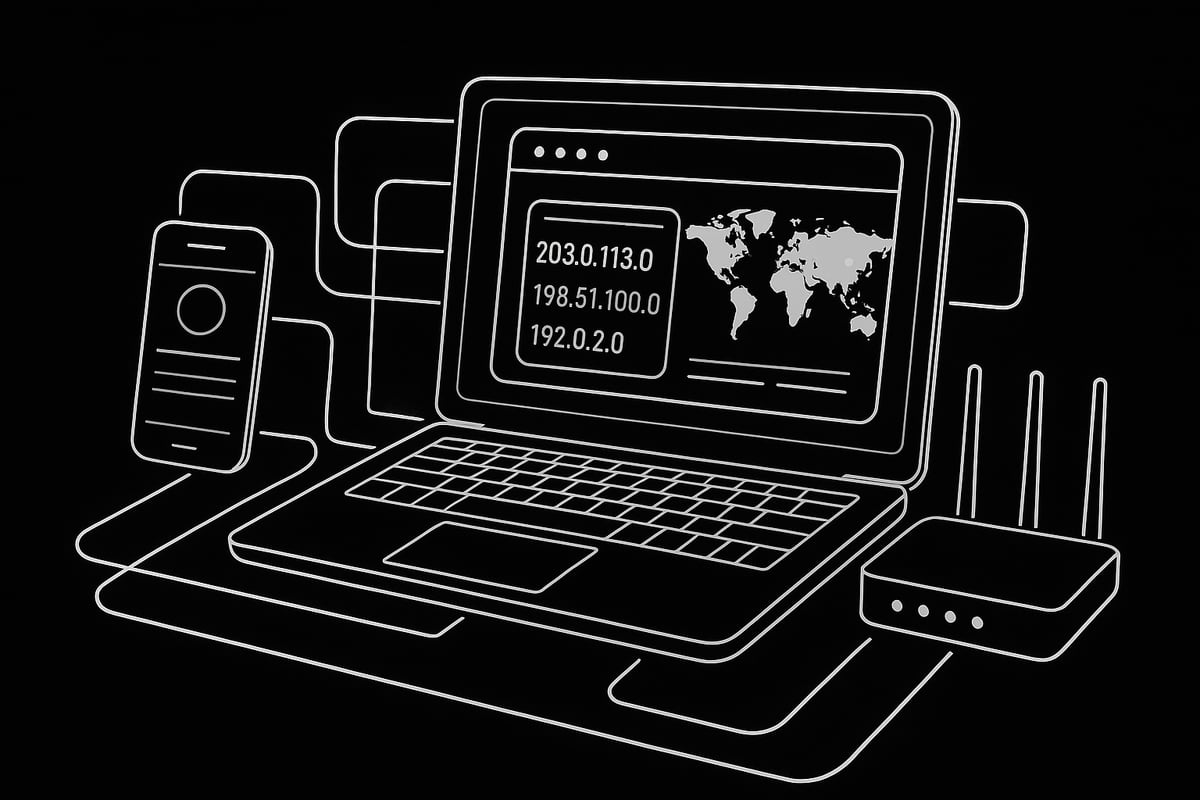
Automating tasks like web scraping often requires rotating a proxy server address to avoid IP bans and maintain efficiency. By integrating proxy rotation into your scripts, you can collect large datasets from e-commerce or travel sites without interruptions.
For example, a market research firm might use a pool of proxies to gather competitor pricing data. Automating the switch between each proxy server address ensures smooth data collection and reduces the risk of being blocked. According to Proxy Server Market Trends 2025, businesses are increasingly relying on proxies for large-scale automation tasks, making robust proxy management essential.
Many scraping tools support proxy lists, allowing you to specify multiple addresses:
proxies = ['192.168.1.10:8000', '192.168.1.11:8001']
This approach keeps your operations efficient and under the radar.
Gaming, Streaming, and Bypassing Geo-Restrictions
A proxy server address can open doors to new gaming servers, early releases, and streaming content otherwise blocked in your region. Gamers often choose mobile proxies for lower latency, while streamers use residential proxies to access international libraries.
Suppose you want to watch a show available only in another country. By setting up your device with a proxy server address from that location, you can bypass geo-restrictions and enjoy more content. The same principle applies to gaming - using region-specific proxies helps reduce lag and connect to exclusive servers.
Always consider speed and reliability when selecting your proxy, especially for bandwidth-intensive tasks.
Corporate and Educational Proxy Applications
Organizations use a proxy server address to enforce content policies, monitor network activity, and safeguard sensitive data. In schools and universities, proxies help filter inappropriate content and manage student access.
For example, a university may assign a unique proxy server address for remote students, ensuring secure access to educational resources. In businesses, IT teams deploy proxies to protect against cyber threats and maintain compliance. This centralized approach streamlines management and strengthens security across all connected devices.
Policy-based proxy configuration enables organizations to tailor access and monitoring to specific departments or user groups.
Privacy, Anonymity, and Personal Security
For privacy advocates, journalists, and individuals in restrictive regions, a proxy server address is a vital tool for protecting identity and accessing information safely. High-anonymity proxies mask your real IP, making it difficult for websites or adversaries to track your online activity.
Whistleblowers and activists often rely on proxy server addresses to communicate securely and avoid surveillance. Pairing proxies with encrypted connections (like HTTPS or SOCKS5) adds another layer of protection, keeping sensitive data private.
Remember, while proxies increase anonymity, they are most effective when used alongside other privacy tools.
Integrating Proxies with Other Privacy Tools
Combining a proxy server address with VPNs or TOR can create a multi-layered security setup. Developers and testers often chain proxies for app testing, ensuring their services work globally and securely.
For example, you might run your traffic through a VPN first, then route it via a proxy server address for added anonymity. This layered approach can bypass more advanced restrictions and protect against IP leaks.
However, chaining proxies may introduce latency. Test your setup regularly to ensure performance stays high while maintaining robust privacy.
Frequently Asked Questions About Proxy Server Addresses
Curious about the ins and outs of a proxy server address? Below, you will find clear answers to the most common questions users have. Let’s break down the essentials so you can confidently use a proxy server address in any situation.
What is the difference between a proxy and a VPN?
A proxy server address acts as an intermediary for your internet traffic, hiding your IP and letting you access content through another location. In contrast, a VPN (Virtual Private Network) encrypts your entire connection, not just browser traffic, routing everything through a secure server.
| Feature | Proxy Server Address | VPN |
|---|---|---|
| Traffic Covered | App or browser only | Entire device |
| Encryption | Sometimes (depends on type) | Always |
| Speed | Generally faster | Slightly slower |
| Use Case | Streaming, basic privacy | Secure banking, full privacy |
Choose a proxy server address for quick, targeted access, or a VPN for full-device protection. Did you know 31% of internet users have used a VPN or proxy in the past year? Pick the solution that fits your needs best.
Can proxy settings be different for each network or device?
Absolutely. You can set a unique proxy server address for each Wi-Fi network or device you use. For example, your laptop might use a proxy at work but connect directly at home.
- Desktop computers: System-wide or per-app proxy settings.
- Mobile devices: Separate proxy server address for each Wi-Fi network.
- Browsers: Chrome and Firefox allow browser-specific proxies.
Managing multiple proxy profiles helps you switch easily between environments. This way, your proxy server address adapts to your current location and needs.
What are common issues when setting up a proxy server address?
Users may encounter authentication errors, DNS leaks, or timeouts when configuring a proxy server address. Sometimes, the server does not respond or your proxy gets blacklisted.
- Double-check the proxy server address and port.
- Ensure your firewall or security software is not blocking access.
- Update your proxy list regularly to avoid outdated servers.
If you run into persistent problems, consult resources like Troubleshooting proxy connection issues for step-by-step help. Addressing these issues quickly ensures your proxy server address works smoothly.
Is it safe to use free or public proxy servers?
While a free proxy server address might seem appealing, it often comes with risks like data interception, malware, or unstable connections. Over 60% of public proxies are vulnerable to security threats.
Use free proxies only for non-sensitive tasks. For privacy-focused activities, opt for reputable providers with strong security.
Safer alternatives include paid proxies with encryption and a zero-log policy. Always evaluate the trustworthiness of any proxy server address before entering personal information.Now that you know how easy it can be to set up and use proxy server addresses for privacy, security, and unrestricted access, why not take the next step? With PinguProxy’s high speed proxies, you get reliable IPv4 and IPv6 support, unlimited bandwidth, and complete anonymity thanks to their zero log policy and rapid proxy rotation. Whether you want hassle free browsing, better gaming, or seamless web scraping, the right tools make all the difference. If you’re ready to experience a faster and safer internet, Get Started Now and enjoy the benefits today.